
Circle To Search vs Supa Screenshot

Both tools are evenly matched across our comparison criteria.
Rating
Neither tool has been rated yet.
Popularity
Supa Screenshot is more popular with 21 views.
Pricing
Circle To Search is completely free.
Community Reviews
Both tools have a similar number of reviews.
| Criteria | Circle To Search | Supa Screenshot |
|---|---|---|
| Description | Circle To Search is an innovative AI-powered Chrome extension designed to transform how users interact with web content. By simply circling any element on their screen—be it text, an image, or a video frame—users can initiate an instant search. This tool eliminates the cumbersome steps of manually copying, pasting, or typing search queries, providing a seamless and highly efficient way to retrieve information directly within the browsing context. It integrates with major search engines, delivering quick, relevant results and significantly enhancing productivity and content discovery for a wide range of web users. | Supa Screenshot is a comprehensive web-based platform designed to streamline visual communication through high-quality screenshot capture, intuitive annotation, and interactive product demo creation. It empowers users to transform static images into engaging, step-by-step guides and tutorials, enhancing clarity for product showcases, onboarding processes, bug reporting, and feedback loops. The tool simplifies the creation and sharing of rich visual content, fostering better collaboration and understanding across teams and with clients. |
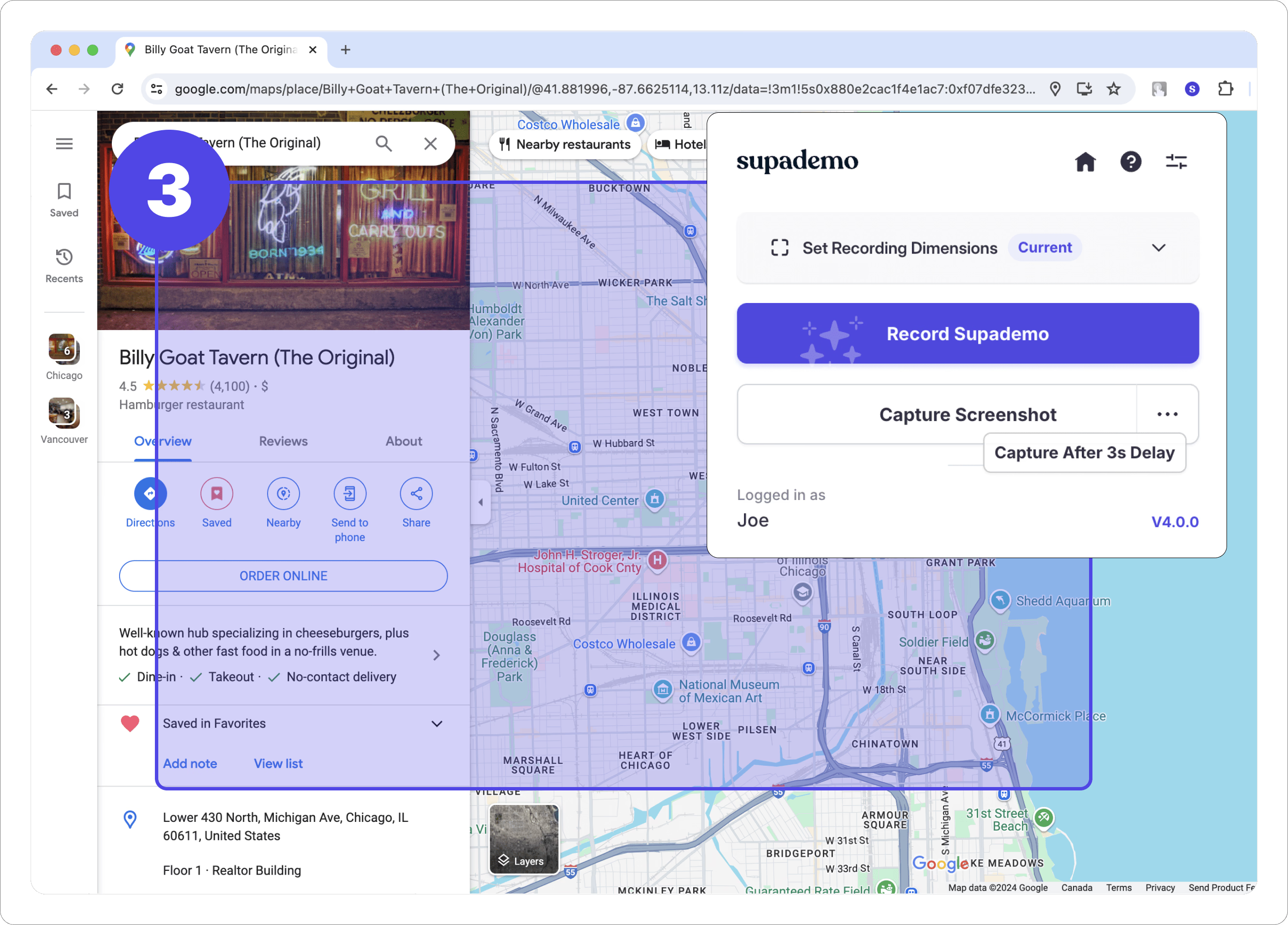
| What It Does | The tool enables users to perform instant web searches by activating the extension and drawing a circle around any desired on-screen content. Its AI backend processes the selected visual or textual information, converting it into a search query. This query is then automatically submitted to popular search engines like Google and Amazon, presenting results directly to the user without requiring them to navigate away from their current page or open new applications. | This tool captures precise screenshots of web pages, offering options for full-page, visible area, or element-specific capture via a browser extension. Users can then enhance these images with a variety of annotation tools, including arrows, text, shapes, and blur effects. Its core functionality extends to creating interactive product demos by linking annotated screenshots with hotspots and tooltips, guiding viewers through a simulated user experience. |
| Pricing Type | free | freemium |
| Pricing Model | free | freemium |
| Pricing Plans | Free Plan: Free | Free: Free, Pro: 9, Team: 29 |
| Rating | N/A | N/A |
| Reviews | N/A | N/A |
| Views | 8 | 21 |
| Verified | No | No |
| Key Features | Instant On-Screen Search, AI-Powered Visual Recognition, Major Search Engine Integration, No App Switching Required, Chrome Extension Convenience | Interactive Product Demos, High-Quality Screenshot Capture, Intuitive Annotation Tools, Browser Extension (Chrome/Edge), Cloud Storage & Organization |
| Value Propositions | Frictionless Information Retrieval, Enhanced Browsing Efficiency, Versatile Content Discovery | Enhanced Visual Clarity, Streamlined Content Creation, Improved Collaboration & Feedback |
| Use Cases | Academic Research & Learning, Online Shopping & Product Discovery, Content Fact-Checking, Visual Information Identification, Recipe & Ingredient Lookup | Product Onboarding & User Guides, Bug Reporting & QA Testing, Software Tutorials & Documentation, Sales & Marketing Product Demos, Design Feedback & Iteration |
| Target Audience | This tool is ideal for general web users, students, researchers, online shoppers, and professionals who frequently need to look up information while browsing. Anyone seeking to enhance their browsing efficiency and streamline their information discovery process will find significant value. | This tool is ideal for product managers, UX/UI designers, marketing professionals, customer support teams, educators, and technical writers. It caters to anyone needing to visually explain complex processes, showcase product features, or provide clear, actionable feedback and tutorials. |
| Categories | Business & Productivity, Automation, Research | Image & Design, Image Editing, Business & Productivity, Content Marketing |
| Tags | chrome extension, visual search, on-screen search, ai search, productivity, web browsing, information retrieval, instant search, contextual search, efficiency | screenshot tool, interactive demo, product walkthrough, visual communication, annotation tool, tutorial creator, onboarding tool, feedback tool, web capture, productivity |
| GitHub Stars | N/A | N/A |
| Last Updated | N/A | N/A |
| Website | www.circlesearch.ai | supascreenshot.com |
| GitHub | N/A | N/A |
Who is Circle To Search best for?
This tool is ideal for general web users, students, researchers, online shoppers, and professionals who frequently need to look up information while browsing. Anyone seeking to enhance their browsing efficiency and streamline their information discovery process will find significant value.
Who is Supa Screenshot best for?
This tool is ideal for product managers, UX/UI designers, marketing professionals, customer support teams, educators, and technical writers. It caters to anyone needing to visually explain complex processes, showcase product features, or provide clear, actionable feedback and tutorials.





