
Free Subtitles AI vs Synthanswer AI
Both tools are evenly matched across our comparison criteria.
Rating
Neither tool has been rated yet.
Popularity
Both tools have similar popularity.
Pricing
Both tools have freemium pricing.
Community Reviews
Both tools have a similar number of reviews.
| Criteria | Free Subtitles AI | Synthanswer AI |
|---|---|---|
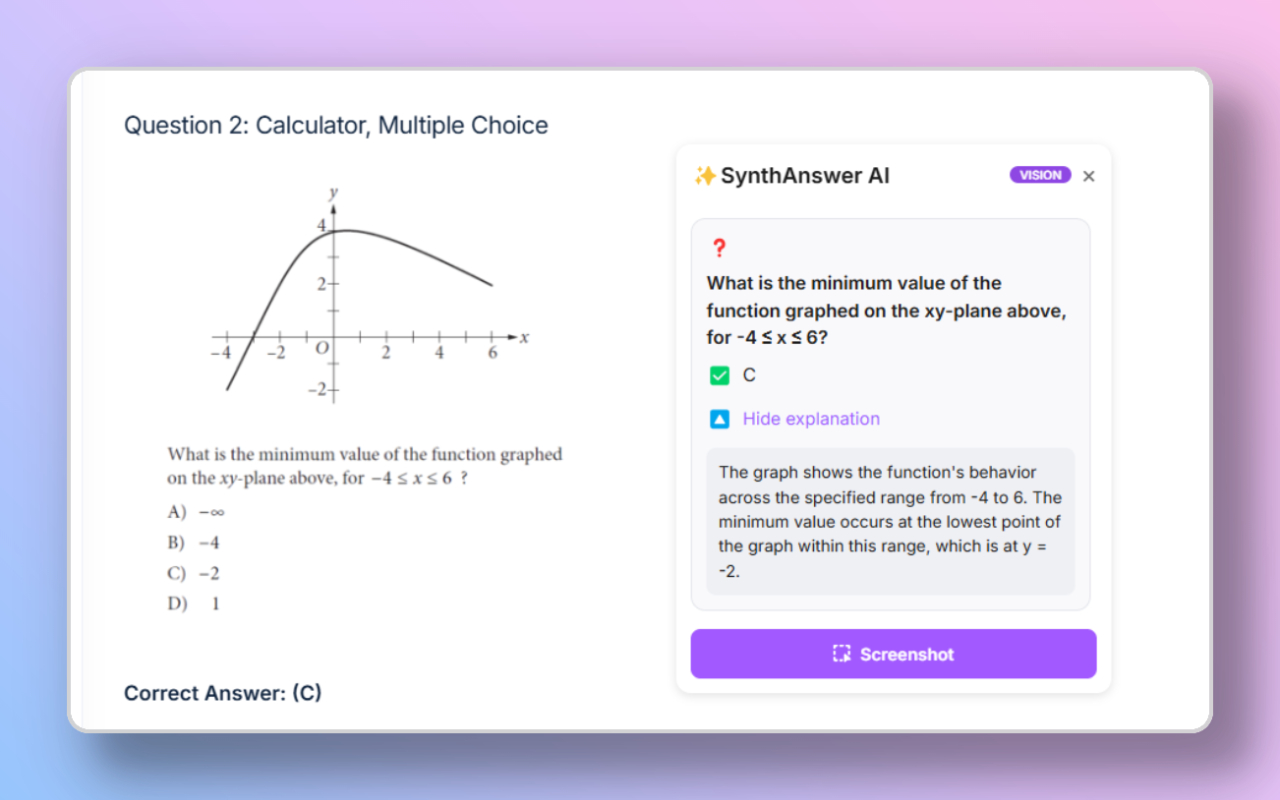
| Description | Free Subtitles AI is an intuitive online AI tool designed for the automatic transcription of audio and video files into text, significantly enhancing content accessibility and reach. It supports over 90 languages for both transcription and translation, allowing users to effortlessly generate subtitles and captions for various media. This platform is ideal for content creators, educators, and businesses looking to make their audio and video content more inclusive and globally consumable without requiring any upfront cost or account creation for shorter files. | Synthanswer AI is a dynamic Chrome extension designed to significantly enhance information retrieval and productivity by integrating advanced AI capabilities directly into the user's screen interaction workflow. It allows users to capture any portion of their screen and instantly query that content, enabling functionalities such as asking questions, extracting text via OCR, summarizing articles, and translating foreign languages into over 100 different languages. This tool serves as an intelligent overlay, transforming static visual information into actionable data for quick comprehension and processing, making it invaluable for professionals, students, and researchers alike. |
| What It Does | The tool processes uploaded audio or video files (e.g., MP3, MP4, WAV, MOV) using advanced AI algorithms to accurately transcribe spoken words into text. Once transcribed, users can translate the generated text into numerous other languages. The final output can be downloaded in popular subtitle formats like SRT, VTT, or as a plain text file, streamlining the subtitle creation workflow. | Synthanswer AI operates by enabling users to select and capture any region of their digital screen. Once a screen portion is captured, the embedded AI processes the visual data, allowing users to interact with it through a chat interface. This interaction facilitates various tasks, including generating answers to specific questions about the captured content, accurately extracting editable text, producing concise summaries of documents, and performing multi-directional translations across a vast array of languages. It effectively bridges the gap between visual information and immediate AI-driven analysis. |
| Pricing Type | freemium | freemium |
| Pricing Model | freemium | freemium |
| Pricing Plans | Free Plan: Free, Premium Plan: Contact for Details | Free Plan: Free, Pro Plan: 5, Pro Plan (Yearly): 50 |
| Rating | N/A | N/A |
| Reviews | N/A | N/A |
| Views | 18 | 18 |
| Verified | No | No |
| Key Features | Automatic Transcription, Multilingual Translation, Multiple Output Formats, No Account Required, Broad File Format Support | N/A |
| Value Propositions | Instant Accessibility, Global Content Reach, Time and Cost Efficiency | N/A |
| Use Cases | YouTube Video Subtitles, Educational Content Accessibility, Podcast Transcription, Meeting & Interview Notes, Social Media Video Captions | N/A |
| Target Audience | This tool is primarily beneficial for content creators such as YouTubers, podcasters, and online course instructors who need to generate subtitles quickly. It also serves businesses and educators aiming to enhance the accessibility of their video conferences, webinars, and lectures. Individuals looking to transcribe personal audio notes or interviews will also find it highly useful. | This tool is ideally suited for knowledge workers across various domains, including students, academic researchers, software developers, and business professionals. It particularly benefits individuals who frequently interact with digital documents, articles, and data, and require quick, contextual insights, summarization, or translation. Translators and international teams also find significant value in its multi-language capabilities. |
| Categories | Text Translation, Business & Productivity, Video & Audio, Transcription | Text Generation, Text Summarization, Text Translation, Business & Productivity, Learning, Research |
| Tags | subtitles, transcription, translation, audio-to-text, video-to-text, accessibility, content-creation, srt, vtt, multilingual | N/A |
| GitHub Stars | N/A | N/A |
| Last Updated | N/A | N/A |
| Website | freesubtitles.ai | www.synthanswerai.com |
| GitHub | N/A | N/A |
Who is Free Subtitles AI best for?
This tool is primarily beneficial for content creators such as YouTubers, podcasters, and online course instructors who need to generate subtitles quickly. It also serves businesses and educators aiming to enhance the accessibility of their video conferences, webinars, and lectures. Individuals looking to transcribe personal audio notes or interviews will also find it highly useful.
Who is Synthanswer AI best for?
This tool is ideally suited for knowledge workers across various domains, including students, academic researchers, software developers, and business professionals. It particularly benefits individuals who frequently interact with digital documents, articles, and data, and require quick, contextual insights, summarization, or translation. Translators and international teams also find significant value in its multi-language capabilities.




