
Underlayx
Last updated:
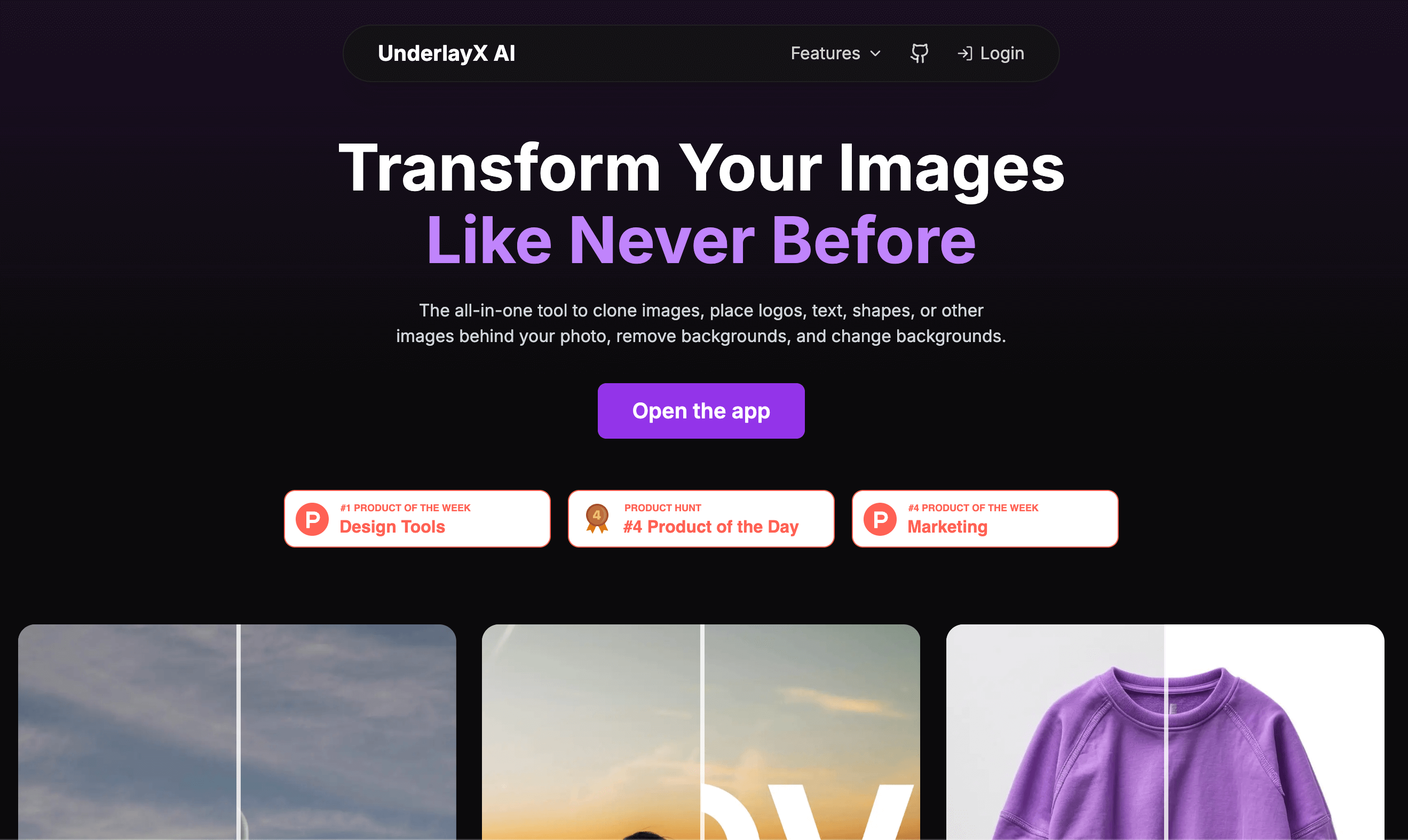
Underlayx is a free, AI-powered online image editor designed to make professional-grade photo manipulation accessible to everyone. It simplifies complex tasks like background removal, object manipulation, and image enhancement using artificial intelligence, all within an intuitive web interface. This tool caters to a broad audience, from casual users needing quick edits to content creators and marketers seeking efficient ways to refine their visuals for various platforms. Its combination of powerful AI capabilities and a user-friendly design allows for rapid transformation of images without requiring extensive technical skills or expensive software subscriptions.
What It Does
Underlayx provides a comprehensive suite of AI-driven tools to edit, enhance, and generate images directly in a web browser. It leverages artificial intelligence to perform sophisticated tasks such as isolating and removing backgrounds with precision, intelligently erasing unwanted objects, and upscaling images for superior resolution. Additionally, users can generate entirely new images from textual prompts and apply traditional editing functions like cropping, resizing, and filters, streamlining the entire image manipulation workflow from a single platform.
Pricing
Pricing Plans
Access to all AI-powered image editing and generation features without any cost or subscription requirements.
- AI Background Remover
- AI Object Remover
- AI Image Upscaler
- AI Image Generator
- AI Image Enhancer
- +1 more
Core Value Propositions
Free Professional AI Editing
Access advanced, high-quality AI image editing and generation tools without any cost, eliminating expensive software subscriptions.
Simplified Complex Tasks
Effortlessly remove backgrounds, erase unwanted objects, and upscale images with powerful AI, making intricate edits simple for anyone.
Boost Content Creation
Quickly generate unique images from text prompts and enhance existing visuals, accelerating the production of engaging content for various platforms.
Time and Cost Efficiency
Save valuable time and money compared to manual editing processes or investing in costly professional image editing software.
Use Cases
E-commerce Product Photos
Remove backgrounds from product images for consistent, professional online store listings and marketing materials.
Social Media Content Creation
Quickly edit photos, remove distractions, or generate custom visuals for engaging posts across various social media platforms.
Blog & Website Graphics
Create unique header images from text prompts or enhance low-resolution graphics for articles and web pages.
Marketing Material Design
Prepare high-quality images for advertisements, brochures, or digital campaigns by upscaling or enhancing existing visuals.
Personal Photo Enhancement
Improve clarity, remove unwanted elements, or add creative effects to personal memories before sharing with friends and family.
Presentation Visuals
Enhance screenshots, diagrams, or existing images for professional presentations, ensuring high visual quality and impact.
Technical Features & Integration
AI Background Remover
Automatically detects and removes image backgrounds with high precision, ideal for product photos, profile pictures, or isolating subjects.
AI Object Remover
Intelligently identifies and erases unwanted objects, people, or text from images, maintaining natural-looking results and context.
AI Image Upscaler
Enlarges images up to 4x resolution using advanced AI algorithms, preserving details and clarity for high-quality prints or displays.
AI Image Generator
Creates unique and diverse images from descriptive text prompts, offering a creative solution for generating original visual content from scratch.
AI Image Enhancer
Improves overall image quality by intelligently adjusting brightness, contrast, color balance, and sharpness, making photos more vibrant and appealing.
Traditional Editing Tools
Includes essential functions like cropping, resizing, rotating, adding text, applying filters, and inserting stickers for comprehensive image customization.
Target Audience
Underlayx is ideal for small business owners, social media managers, content creators, marketers, and individuals who frequently need to edit photos but lack access to professional software or advanced editing skills. It particularly benefits those requiring quick, high-quality image manipulations for e-commerce listings, digital marketing campaigns, or personal creative projects.
Frequently Asked Questions
Yes, Underlayx is completely free to use. Available plans include: Free.
Underlayx provides a comprehensive suite of AI-driven tools to edit, enhance, and generate images directly in a web browser. It leverages artificial intelligence to perform sophisticated tasks such as isolating and removing backgrounds with precision, intelligently erasing unwanted objects, and upscaling images for superior resolution. Additionally, users can generate entirely new images from textual prompts and apply traditional editing functions like cropping, resizing, and filters, streamlining the entire image manipulation workflow from a single platform.
Key features of Underlayx include: AI Background Remover: Automatically detects and removes image backgrounds with high precision, ideal for product photos, profile pictures, or isolating subjects.. AI Object Remover: Intelligently identifies and erases unwanted objects, people, or text from images, maintaining natural-looking results and context.. AI Image Upscaler: Enlarges images up to 4x resolution using advanced AI algorithms, preserving details and clarity for high-quality prints or displays.. AI Image Generator: Creates unique and diverse images from descriptive text prompts, offering a creative solution for generating original visual content from scratch.. AI Image Enhancer: Improves overall image quality by intelligently adjusting brightness, contrast, color balance, and sharpness, making photos more vibrant and appealing.. Traditional Editing Tools: Includes essential functions like cropping, resizing, rotating, adding text, applying filters, and inserting stickers for comprehensive image customization..
Underlayx is best suited for Underlayx is ideal for small business owners, social media managers, content creators, marketers, and individuals who frequently need to edit photos but lack access to professional software or advanced editing skills. It particularly benefits those requiring quick, high-quality image manipulations for e-commerce listings, digital marketing campaigns, or personal creative projects..
Access advanced, high-quality AI image editing and generation tools without any cost, eliminating expensive software subscriptions.
Effortlessly remove backgrounds, erase unwanted objects, and upscale images with powerful AI, making intricate edits simple for anyone.
Quickly generate unique images from text prompts and enhance existing visuals, accelerating the production of engaging content for various platforms.
Save valuable time and money compared to manual editing processes or investing in costly professional image editing software.
Remove backgrounds from product images for consistent, professional online store listings and marketing materials.
Quickly edit photos, remove distractions, or generate custom visuals for engaging posts across various social media platforms.
Create unique header images from text prompts or enhance low-resolution graphics for articles and web pages.
Prepare high-quality images for advertisements, brochures, or digital campaigns by upscaling or enhancing existing visuals.
Improve clarity, remove unwanted elements, or add creative effects to personal memories before sharing with friends and family.
Enhance screenshots, diagrams, or existing images for professional presentations, ensuring high visual quality and impact.



Get new AI tools weekly
Join readers discovering the best AI tools every week.