
AI Ease
Last updated:
AI Ease is a free, web-based AI photo editor designed for quick and accessible image manipulation. It offers a suite of specialized tools, including an AI headshot generator, background remover, image upscaler, and object remover, alongside a general photo enhancer. This platform caters to individuals and small businesses seeking efficient, AI-powered solutions for common image editing tasks without requiring software downloads or subscriptions, emphasizing ease of use and instant results.
What It Does
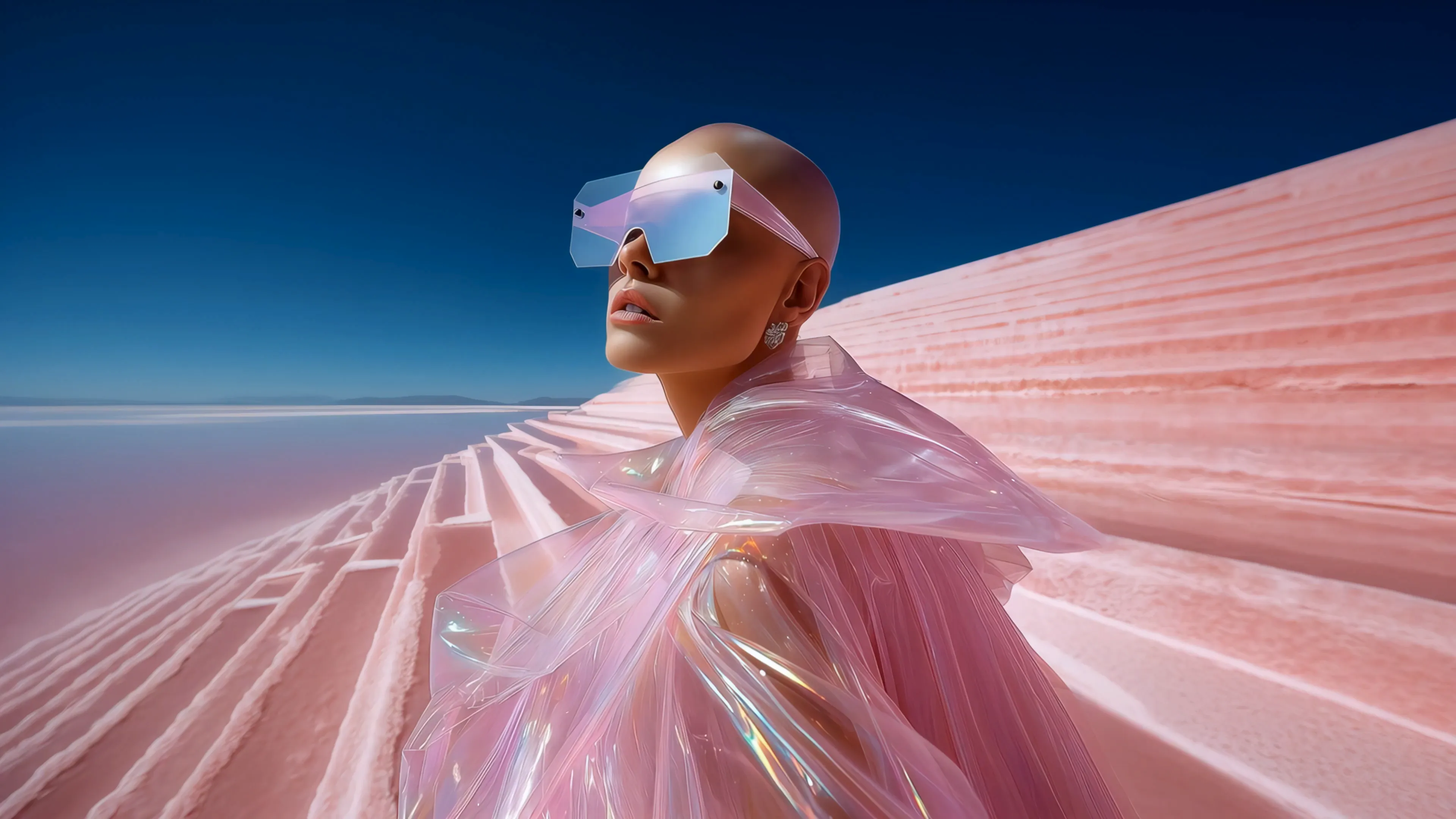
AI Ease provides a comprehensive set of AI-driven tools to edit and enhance images directly in a web browser. Users can upload photos to remove backgrounds, generate professional headshots, upscale image resolution, or erase unwanted objects with just a few clicks. Additionally, it features an AI image generator, allowing users to create new visuals from text prompts, making advanced image creation and modification accessible to everyone.
Pricing
Pricing Plans
Access to all AI photo editing and generation tools without any cost or subscription.
- AI Headshot Generator
- Background Remover
- Image Upscaler
- Object Remover
- Photo Enhancer
- +2 more
Core Value Propositions
Free Professional Image Editing
Access advanced AI editing tools without any cost, making professional-quality image manipulation accessible to everyone.
Instant Online Access
Utilize powerful AI features directly from your web browser, eliminating software downloads and installation hassles.
Specialized AI Tools
Benefit from dedicated AI functions like headshot generation and object removal, tailored for specific and common image tasks.
Simplified Workflow
Achieve complex editing results with intuitive, user-friendly interfaces, reducing the learning curve for beginners.
Use Cases
Professional Profile Updates
Generate high-quality headshots for LinkedIn, personal websites, or resumes using the AI headshot tool.
E-commerce Product Photography
Remove backgrounds from product images for clean, consistent online store listings or enhance photo quality for marketing materials.
Social Media Content Creation
Quickly create engaging visuals by removing distractions, enhancing photos, or generating unique images for posts and stories.
Blog & Article Illustrations
Produce custom images from text prompts or enhance existing photos to visually complement blog posts and articles.
Presentation Visuals
Improve the clarity and impact of images used in presentations by upscaling resolution or removing unwanted elements.
Personal Photo Enhancement
Clean up personal photos by removing photobombers or improving overall quality before sharing with friends and family.
Technical Features & Integration
AI Headshot Generator
Transforms casual photos into professional-looking headshots, perfect for LinkedIn profiles, resumes, or business websites.
Background Remover
Automatically detects and removes image backgrounds with high precision, allowing users to isolate subjects for new contexts.
Image Upscaler
Increases the resolution and clarity of low-quality images, making them suitable for larger prints or higher-definition displays.
Object Remover
Intelligently erases unwanted elements or distractions from photos, cleaning up compositions and focusing on the main subject.
AI Image Generator
Creates unique images from descriptive text prompts, offering a powerful tool for content creation and visual brainstorming.
Photo Enhancer
Applies AI algorithms to improve overall image quality, including color correction, sharpness, and lighting.
Target Audience
This tool is ideal for content creators, marketers, small business owners, and individuals who frequently need to edit or generate images quickly and efficiently. It's particularly useful for those without advanced graphic design skills or access to expensive software, providing professional results for social media, presentations, and personal use.
Frequently Asked Questions
Yes, AI Ease is completely free to use. Available plans include: Free.
AI Ease provides a comprehensive set of AI-driven tools to edit and enhance images directly in a web browser. Users can upload photos to remove backgrounds, generate professional headshots, upscale image resolution, or erase unwanted objects with just a few clicks. Additionally, it features an AI image generator, allowing users to create new visuals from text prompts, making advanced image creation and modification accessible to everyone.
Key features of AI Ease include: AI Headshot Generator: Transforms casual photos into professional-looking headshots, perfect for LinkedIn profiles, resumes, or business websites.. Background Remover: Automatically detects and removes image backgrounds with high precision, allowing users to isolate subjects for new contexts.. Image Upscaler: Increases the resolution and clarity of low-quality images, making them suitable for larger prints or higher-definition displays.. Object Remover: Intelligently erases unwanted elements or distractions from photos, cleaning up compositions and focusing on the main subject.. AI Image Generator: Creates unique images from descriptive text prompts, offering a powerful tool for content creation and visual brainstorming.. Photo Enhancer: Applies AI algorithms to improve overall image quality, including color correction, sharpness, and lighting..
AI Ease is best suited for This tool is ideal for content creators, marketers, small business owners, and individuals who frequently need to edit or generate images quickly and efficiently. It's particularly useful for those without advanced graphic design skills or access to expensive software, providing professional results for social media, presentations, and personal use..
Access advanced AI editing tools without any cost, making professional-quality image manipulation accessible to everyone.
Utilize powerful AI features directly from your web browser, eliminating software downloads and installation hassles.
Benefit from dedicated AI functions like headshot generation and object removal, tailored for specific and common image tasks.
Achieve complex editing results with intuitive, user-friendly interfaces, reducing the learning curve for beginners.
Generate high-quality headshots for LinkedIn, personal websites, or resumes using the AI headshot tool.
Remove backgrounds from product images for clean, consistent online store listings or enhance photo quality for marketing materials.
Quickly create engaging visuals by removing distractions, enhancing photos, or generating unique images for posts and stories.
Produce custom images from text prompts or enhance existing photos to visually complement blog posts and articles.
Improve the clarity and impact of images used in presentations by upscaling resolution or removing unwanted elements.
Clean up personal photos by removing photobombers or improving overall quality before sharing with friends and family.






Get new AI tools weekly
Join readers discovering the best AI tools every week.