
Skylight vs Swytchai
Skylight wins in 1 out of 4 categories.
Rating
Neither tool has been rated yet.
Popularity
Skylight is more popular with 12 views.
Pricing
Both tools have paid pricing.
Community Reviews
Both tools have a similar number of reviews.
| Criteria | Skylight | Swytchai |
|---|---|---|
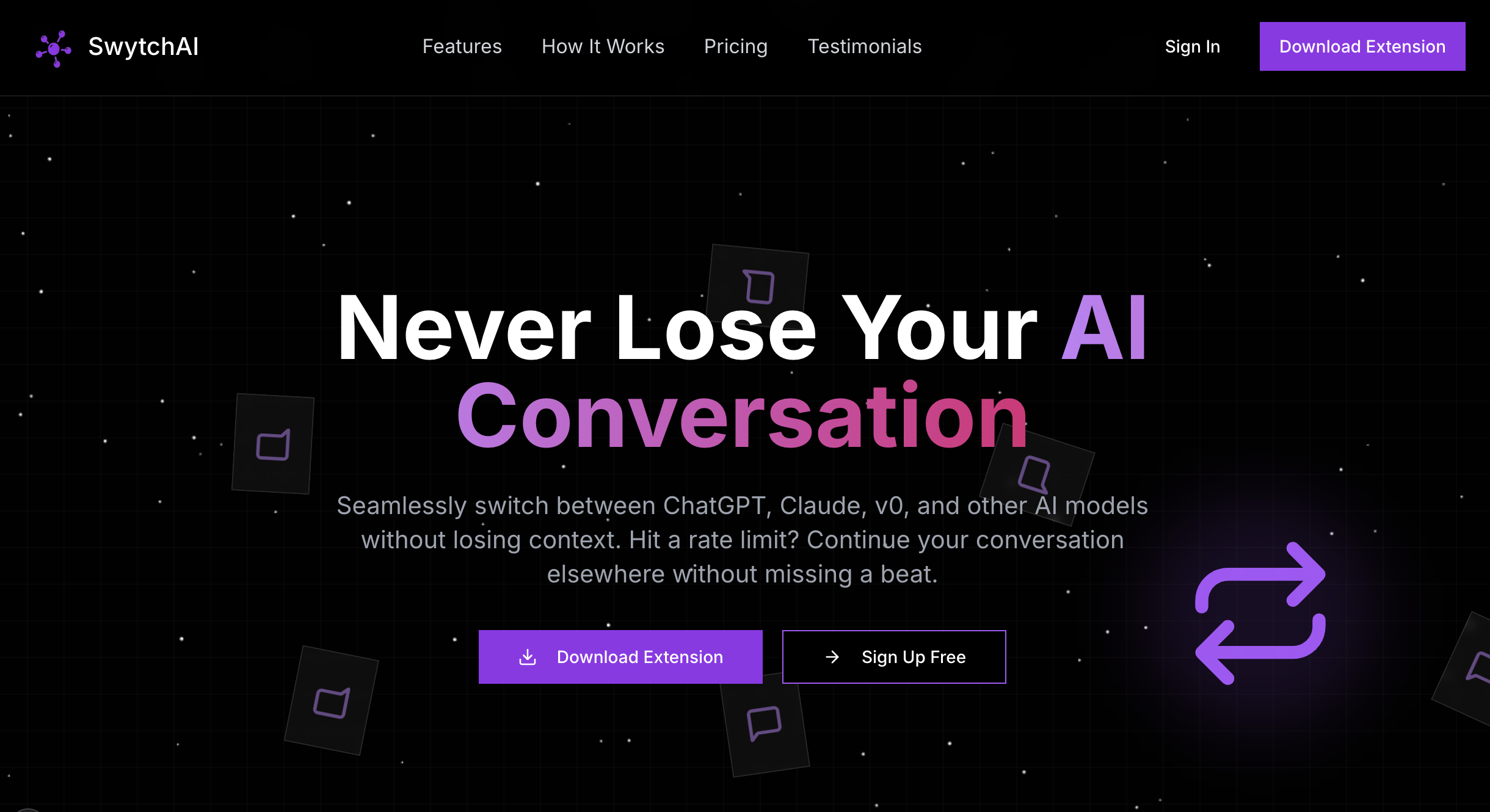
| Description | Skylight offers an innovative AI-powered platform designed to automate complex Windows workflows and enhance QA testing across desktop applications, browsers, and servers. Leveraging advanced Large Vision Models (LVMs) and Large Language Models (LLMs), it creates autonomous AI agents that observe, learn, and execute tasks like a human user, eliminating the need for code. This tool is ideal for organizations seeking to boost productivity, reduce manual errors, and accelerate their software delivery cycles through robust, self-correcting automation. | Swytchai is an innovative AI tool designed to streamline interaction with multiple large language models (LLMs) like ChatGPT, Claude, and Gemini. It provides a unified, intuitive workspace that allows users to switch between these AI models seamlessly, critically preserving the entire conversation context. This eliminates the tedious process of copy-pasting prompts or re-explaining past interactions, significantly enhancing productivity and efficiency for professionals and users who leverage diverse AI capabilities. |
| What It Does | Skylight empowers users to automate any repetitive task on Windows by deploying AI agents that visually interact with applications, browsers, and remote desktops. These agents are built on LVMs and LLMs, enabling them to understand context, adapt to dynamic UIs, and autonomously execute workflows without requiring explicit coding. It effectively simulates human interaction to perform tasks ranging from data entry to comprehensive end-to-end QA testing. | Swytchai acts as an intermediary layer, connecting various AI models within a single interface. Users initiate a conversation with their chosen AI, and if they decide to consult another model, Swytchai automatically transfers the ongoing context. This ensures that the new AI model understands the full history of the interaction without manual input, facilitating a continuous and coherent workflow across different AI personalities and strengths. |
| Pricing Type | paid | paid |
| Pricing Model | paid | paid |
| Pricing Plans | Custom Enterprise Pricing: Contact for Quote | Free: 0, Pro: 10, Pro Yearly: 96 |
| Rating | N/A | N/A |
| Reviews | N/A | N/A |
| Views | 12 | 9 |
| Verified | No | No |
| Key Features | Autonomous AI Agents, Universal Compatibility, No-Code Workflow Creation, Robust QA Testing, LLM & LVM Powered | Unified AI Interface, Seamless Context Preservation, Model Agnostic Support, Enhanced Productivity, Secure & Private |
| Value Propositions | Eliminate Manual Repetitive Tasks, Improve Software Quality Assurance, Accelerate Digital Transformation | Maximized AI Utility, Significant Time Savings, Streamlined AI Workflow |
| Use Cases | Automated Data Entry & Migration, End-to-End QA Testing, IT Operations & Support, Financial Report Generation, Customer Onboarding Workflows | Content Creation & Editing, Research & Analysis, Software Development, Strategic Planning & Brainstorming, Learning & Education |
| Target Audience | This tool is primarily for QA teams, IT operations, and business users in enterprises that rely heavily on Windows-based applications and have repetitive, manual workflows. It's particularly beneficial for organizations looking to improve software quality, accelerate release cycles, and enhance operational efficiency through advanced automation. | Swytchai is ideal for professionals, researchers, content creators, developers, and anyone who frequently interacts with multiple AI assistants. It caters to users seeking to optimize their workflow, compare AI outputs, or leverage the distinct capabilities of different LLMs for diverse tasks without the overhead of context management. |
| Categories | Code & Development, Business & Productivity, Automation | Text & Writing, Text Generation, Business & Productivity, Automation |
| Tags | ai automation, windows automation, qa testing, robotic process automation, rpa, no-code automation, desktop automation, ai agents, workflow automation, llm powered | ai management, ai workspace, multi-model ai, context preservation, productivity tool, ai assistant, chatgpt, claude, gemini, unified interface |
| GitHub Stars | N/A | N/A |
| Last Updated | N/A | N/A |
| Website | www.launchskylight.com | www.tryswytch.com |
| GitHub | github.com | N/A |
Who is Skylight best for?
This tool is primarily for QA teams, IT operations, and business users in enterprises that rely heavily on Windows-based applications and have repetitive, manual workflows. It's particularly beneficial for organizations looking to improve software quality, accelerate release cycles, and enhance operational efficiency through advanced automation.
Who is Swytchai best for?
Swytchai is ideal for professionals, researchers, content creators, developers, and anyone who frequently interacts with multiple AI assistants. It caters to users seeking to optimize their workflow, compare AI outputs, or leverage the distinct capabilities of different LLMs for diverse tasks without the overhead of context management.






