
Photoeditor AI vs Text2color For Canva
Text2color For Canva has been discontinued. This comparison is kept for historical reference.
Photoeditor AI wins in 1 out of 4 categories.
Rating
Neither tool has been rated yet.
Popularity
Photoeditor AI is more popular with 30 views.
Pricing
Both tools have free pricing.
Community Reviews
Both tools have a similar number of reviews.
| Criteria | Photoeditor AI | Text2color For Canva |
|---|---|---|
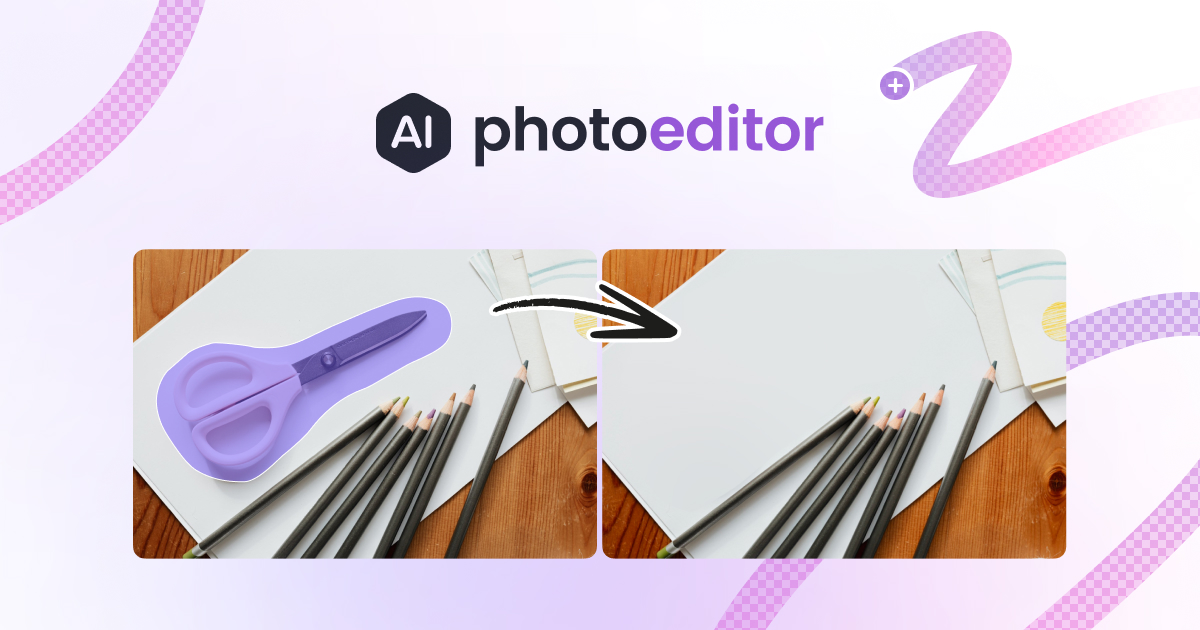
| Description | Photoeditor AI is a robust, free online AI-powered photo editor that simplifies advanced image manipulation for everyone. It integrates a suite of intuitive tools, from removing unwanted objects and backgrounds to enhancing and upscaling image quality, making professional-grade editing capabilities readily accessible without the need for complex software or a financial investment. The platform also ventures into creative AI with text-to-image and image-to-image generation, positioning it as a versatile tool for both corrective editing and content creation. | An AI-powered Chrome extension for Canva that allows users to effortlessly generate custom color palettes directly from simple text descriptions. It integrates seamlessly into the Canva design workflow, transforming creative ideas into visual aesthetics. |
| What It Does | This tool leverages artificial intelligence to automate and streamline common photo editing tasks, allowing users to achieve complex results with minimal effort. By simply uploading an image, users can utilize AI algorithms to intelligently identify and remove elements, improve visual fidelity, or even generate new imagery based on textual prompts, all within a browser-based interface. It democratizes sophisticated image processing, making it fast and efficient. | Generates unique color palettes based on user-provided text prompts directly within Canva. Users describe a mood or scene, and the AI creates a matching, ready-to-use color scheme for their designs. |
| Pricing Type | free | free |
| Pricing Model | free | free |
| Pricing Plans | Free Plan: Free | Free: Free |
| Rating | N/A | N/A |
| Reviews | N/A | N/A |
| Views | 30 | 9 |
| Verified | No | No |
| Key Features | AI Object Removal, Automatic Background Removal, Image Enhancer, AI Image Upscaler, Text to Image Generation | N/A |
| Value Propositions | Professional Editing Accessibility, Cost-Free Solution, Browser-Based Convenience | N/A |
| Use Cases | E-commerce Product Photography, Social Media Content Creation, Personal Photo Touch-ups, Blog and Article Imagery, Basic Graphic Design Tasks | N/A |
| Target Audience | This tool is ideal for casual users, social media managers, small business owners, e-commerce vendors, and content creators who need quick, professional-looking image edits without investing in expensive software or extensive training. It also serves students and hobbyists looking to enhance their personal photos or create new digital art effortlessly. | Graphic designers, content creators, marketers, social media managers, and anyone using Canva who requires efficient, AI-assisted color palette generation. |
| Categories | Image & Design, Image Generation, Image Editing, Image Upscaling | Image & Design, Design |
| Tags | image editing, photo editor, ai tools, object removal, background remover, image upscaler, image enhancer, text to image, free, online editor | N/A |
| GitHub Stars | N/A | N/A |
| Last Updated | N/A | N/A |
| Website | photoeditor.ai | text2color.com |
| GitHub | N/A | N/A |
Who is Photoeditor AI best for?
This tool is ideal for casual users, social media managers, small business owners, e-commerce vendors, and content creators who need quick, professional-looking image edits without investing in expensive software or extensive training. It also serves students and hobbyists looking to enhance their personal photos or create new digital art effortlessly.
Who is Text2color For Canva best for?
Graphic designers, content creators, marketers, social media managers, and anyone using Canva who requires efficient, AI-assisted color palette generation.



