
Focus AI vs Supa Screenshot
Supa Screenshot wins in 1 out of 4 categories.
Rating
Neither tool has been rated yet.
Popularity
Supa Screenshot is more popular with 56 views.
Pricing
Both tools have freemium pricing.
Community Reviews
Both tools have a similar number of reviews.
| Criteria | Focus AI | Supa Screenshot |
|---|---|---|
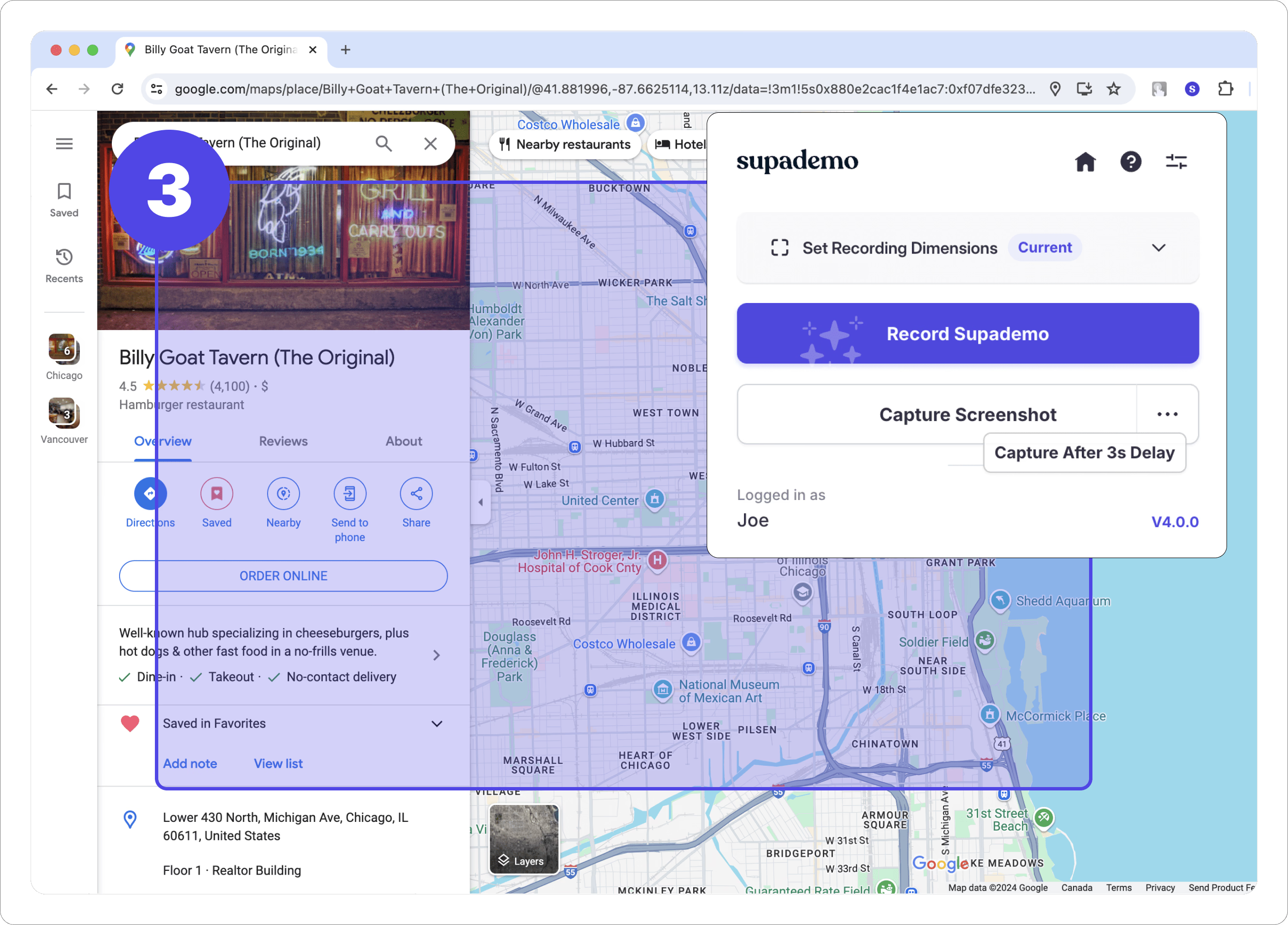
| Description | Focus AI is an intelligent AI productivity coach designed to help individuals overcome digital distractions and achieve their goals. It combines an advanced website and application blocker with personalized AI-driven motivation and habit analysis. By offering intelligent insights and a structured approach, Focus AI empowers users to cultivate better focus, track their progress, and sustain high levels of productivity. This tool is ideal for students, professionals, and anyone striving for enhanced concentration and efficient task completion. | Supa Screenshot is a comprehensive web-based platform designed to streamline visual communication through high-quality screenshot capture, intuitive annotation, and interactive product demo creation. It empowers users to transform static images into engaging, step-by-step guides and tutorials, enhancing clarity for product showcases, onboarding processes, bug reporting, and feedback loops. The tool simplifies the creation and sharing of rich visual content, fostering better collaboration and understanding across teams and with clients. |
| What It Does | Focus AI functions by allowing users to define their goals and then actively blocks distracting websites and applications during designated focus periods. Its AI engine continuously analyzes user productivity patterns and habits, delivering tailored motivational prompts and recommendations for optimal work times. It also provides visual dashboards and daily summaries to track progress and celebrate achievements, fostering a disciplined and productive work environment. | This tool captures precise screenshots of web pages, offering options for full-page, visible area, or element-specific capture via a browser extension. Users can then enhance these images with a variety of annotation tools, including arrows, text, shapes, and blur effects. Its core functionality extends to creating interactive product demos by linking annotated screenshots with hotspots and tooltips, guiding viewers through a simulated user experience. |
| Pricing Type | freemium | freemium |
| Pricing Model | freemium | freemium |
| Pricing Plans | Free Plan: Free, Pro Plan (Monthly): 9, Pro Plan (Yearly): 60 | Free: Free, Pro: 9, Team: 29 |
| Rating | N/A | N/A |
| Reviews | N/A | N/A |
| Views | 41 | 56 |
| Verified | No | No |
| Key Features | N/A | Interactive Product Demos, High-Quality Screenshot Capture, Intuitive Annotation Tools, Browser Extension (Chrome/Edge), Cloud Storage & Organization |
| Value Propositions | N/A | Enhanced Visual Clarity, Streamlined Content Creation, Improved Collaboration & Feedback |
| Use Cases | N/A | Product Onboarding & User Guides, Bug Reporting & QA Testing, Software Tutorials & Documentation, Sales & Marketing Product Demos, Design Feedback & Iteration |
| Target Audience | Focus AI is primarily designed for individuals struggling with digital distractions, including students aiming to improve study habits, remote workers needing to maintain concentration, and entrepreneurs striving for maximum output. Professionals across various industries seeking to enhance their time management, cultivate deeper focus, and build sustainable productivity routines will also find significant value in its features. | This tool is ideal for product managers, UX/UI designers, marketing professionals, customer support teams, educators, and technical writers. It caters to anyone needing to visually explain complex processes, showcase product features, or provide clear, actionable feedback and tutorials. |
| Categories | Business & Productivity, Automation | Image & Design, Image Editing, Business & Productivity, Content Marketing |
| Tags | N/A | screenshot tool, interactive demo, product walkthrough, visual communication, annotation tool, tutorial creator, onboarding tool, feedback tool, web capture, productivity |
| GitHub Stars | N/A | N/A |
| Last Updated | N/A | N/A |
| Website | getfocusai.com | supascreenshot.com |
| GitHub | N/A | N/A |
Who is Focus AI best for?
Focus AI is primarily designed for individuals struggling with digital distractions, including students aiming to improve study habits, remote workers needing to maintain concentration, and entrepreneurs striving for maximum output. Professionals across various industries seeking to enhance their time management, cultivate deeper focus, and build sustainable productivity routines will also find significant value in its features.
Who is Supa Screenshot best for?
This tool is ideal for product managers, UX/UI designers, marketing professionals, customer support teams, educators, and technical writers. It caters to anyone needing to visually explain complex processes, showcase product features, or provide clear, actionable feedback and tutorials.




