
Captr Video Forms vs Chatclient

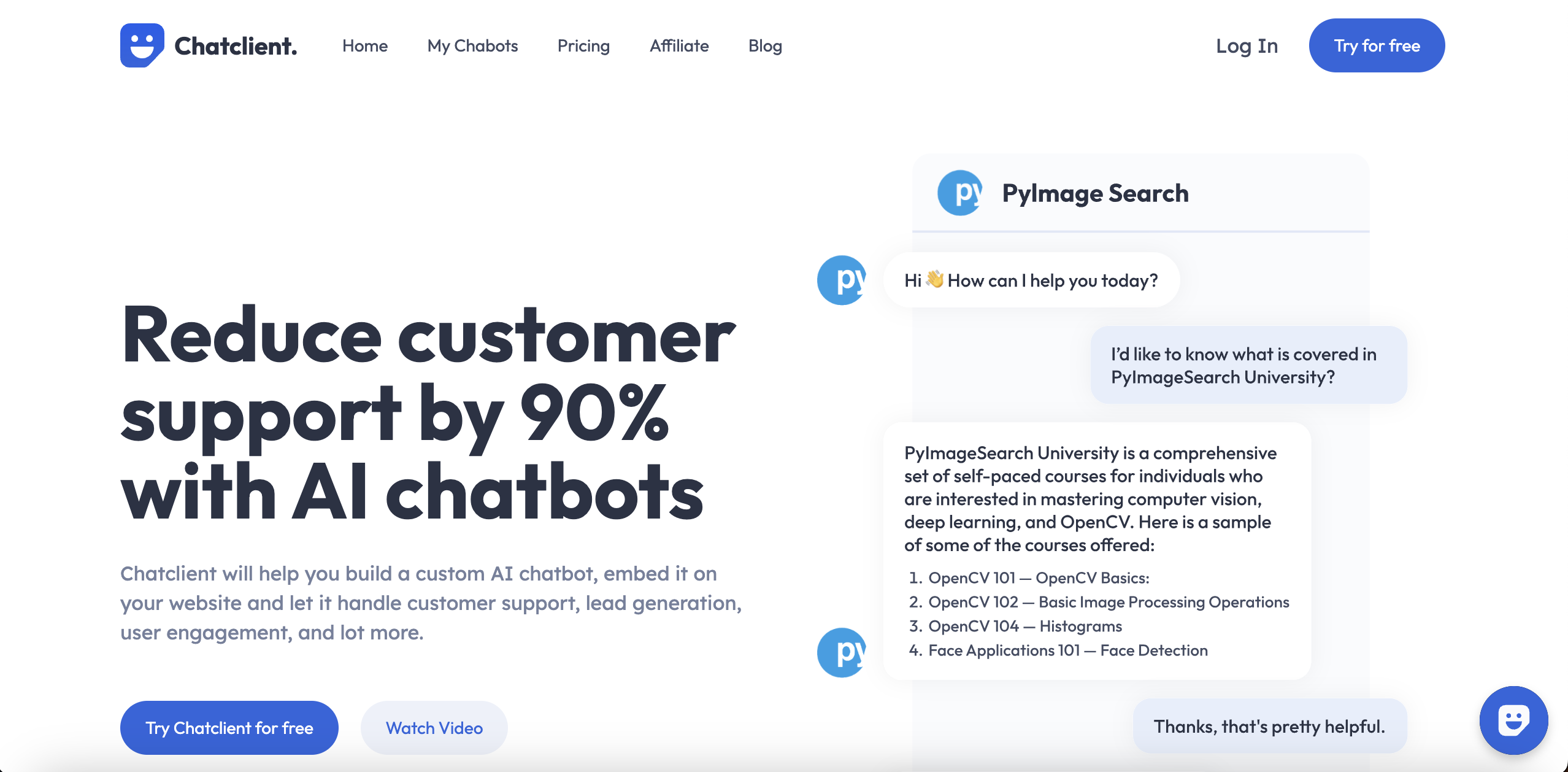
Chatclient wins in 1 out of 4 categories.
Rating
Neither tool has been rated yet.
Popularity
Chatclient is more popular with 14 views.
Pricing
Both tools have freemium pricing.
Community Reviews
Both tools have a similar number of reviews.
| Criteria | Captr Video Forms | Chatclient |
|---|---|---|
| Description | Captr Video Forms is an innovative no-code platform designed to transform traditional data collection methods by leveraging interactive video. It empowers users to create engaging video-based forms, surveys, and feedback tools that significantly boost response rates and gather richer, more authentic insights. By integrating AI for question generation, transcription, and sentiment analysis, Captr streamlines the entire data collection and analysis workflow for businesses and individuals seeking to enhance engagement and productivity. | Chatclient is an intuitive no-code platform designed to empower businesses to build, train, and deploy custom AI agents. It allows users to train ChatGPT-powered agents on their specific data, such as website content, documents, and FAQs, to provide personalized and accurate interactions. These AI agents can be seamlessly embedded on websites, utilized via API, or shared directly, serving to automate customer support, enhance lead generation, and significantly boost user engagement through intelligent, context-aware conversations. |
| What It Does | Captr enables users to build interactive video forms where questions are posed via video and respondents can reply with video, text, or other input types. The platform provides a user-friendly no-code builder, allowing for quick creation and customization of forms. It then utilizes AI to assist in generating questions, transcribing video responses into text, and analyzing sentiment to provide actionable insights from the collected data. | The tool enables the creation of bespoke AI chatbots by ingesting a business's proprietary data, allowing the AI to learn and respond based on that specific information. Users can customize the agent's appearance, tone, and behavior before deploying it across various digital touchpoints. It primarily functions as a conversational AI solution for automating interactions and providing instant, relevant information to users. |
| Pricing Type | freemium | freemium |
| Pricing Model | freemium | freemium |
| Pricing Plans | Free: Free, Pro: 29, Business: 79 | Free Trial: Free, Starter: 19, Pro: 49 |
| Rating | N/A | N/A |
| Reviews | N/A | N/A |
| Views | 12 | 14 |
| Verified | No | No |
| Key Features | AI Question Generation, Video Response Transcription, AI Sentiment Analysis, No-Code Builder, Custom Branding & Logic | Custom AI Agent Builder, Diverse Data Sources, No-Code Deployment, Brand Customization, Lead Capture & Qualification |
| Value Propositions | Boost Engagement & Response Rates, Gain Deeper Qualitative Insights, Streamline Data Collection Workflows | Automate Customer Support, Generate Qualified Leads, Enhance User Engagement |
| Use Cases | Customer Testimonials & Feedback, Candidate Screening & Interviews, Market Research & Surveys, Employee Feedback & Engagement, Lead Generation & Qualification | Automated Customer Service, E-commerce Product Assistant, Lead Generation & Qualification, Internal Knowledge Base Chatbot, Interactive Marketing Campaigns |
| Target Audience | Captr is ideal for marketers, sales teams, HR professionals, product managers, recruiters, educators, and researchers looking to enhance engagement and gather richer data. It serves businesses and individuals who want to move beyond static forms to collect authentic feedback, generate leads, conduct surveys, or streamline internal processes. | This tool is ideal for small to medium-sized businesses, e-commerce stores, marketing agencies, and customer support departments looking to automate and scale their customer interactions. It particularly benefits those without extensive technical teams who need a user-friendly way to leverage AI for improved engagement and operational efficiency. |
| Categories | Business & Productivity, Video & Audio, Automation, Data & Analytics | Text Generation, Business & Productivity, Automation, Marketing & SEO |
| Tags | video forms, interactive forms, no-code, ai data collection, video surveys, feedback tool, customer engagement, lead generation, hr tech, marketing automation | ai chatbot, customer support, lead generation, website widget, custom ai, no-code ai, chatgpt integration, business automation, knowledge base, sales assistant |
| GitHub Stars | N/A | N/A |
| Last Updated | N/A | N/A |
| Website | captr.com | chatclient.ai |
| GitHub | N/A | N/A |
Who is Captr Video Forms best for?
Captr is ideal for marketers, sales teams, HR professionals, product managers, recruiters, educators, and researchers looking to enhance engagement and gather richer data. It serves businesses and individuals who want to move beyond static forms to collect authentic feedback, generate leads, conduct surveys, or streamline internal processes.
Who is Chatclient best for?
This tool is ideal for small to medium-sized businesses, e-commerce stores, marketing agencies, and customer support departments looking to automate and scale their customer interactions. It particularly benefits those without extensive technical teams who need a user-friendly way to leverage AI for improved engagement and operational efficiency.






