
AI Prompt Finder vs Swytchai

AI Prompt Finder wins in 2 out of 4 categories.
Rating
Neither tool has been rated yet.
Popularity
AI Prompt Finder is more popular with 14 views.
Pricing
AI Prompt Finder is completely free.
Community Reviews
Both tools have a similar number of reviews.
| Criteria | AI Prompt Finder | Swytchai |
|---|---|---|
| Description | AI Prompt Finder is a vibrant community-driven platform designed to centralize, share, and manage high-quality prompts for leading AI models such as ChatGPT, Midjourney, Bard, and more. It serves as an invaluable resource for anyone looking to optimize their AI interactions, significantly improving output quality and efficiency across diverse applications from text generation to image creation. By fostering a collaborative environment, the platform empowers users to discover, rate, and contribute effective prompts, making AI more accessible and productive for everyone. This tool stands out by offering a curated, searchable, and constantly evolving database of proven prompt engineering solutions. | Swytchai is an innovative AI tool designed to streamline interaction with multiple large language models (LLMs) like ChatGPT, Claude, and Gemini. It provides a unified, intuitive workspace that allows users to switch between these AI models seamlessly, critically preserving the entire conversation context. This eliminates the tedious process of copy-pasting prompts or re-explaining past interactions, significantly enhancing productivity and efficiency for professionals and users who leverage diverse AI capabilities. |
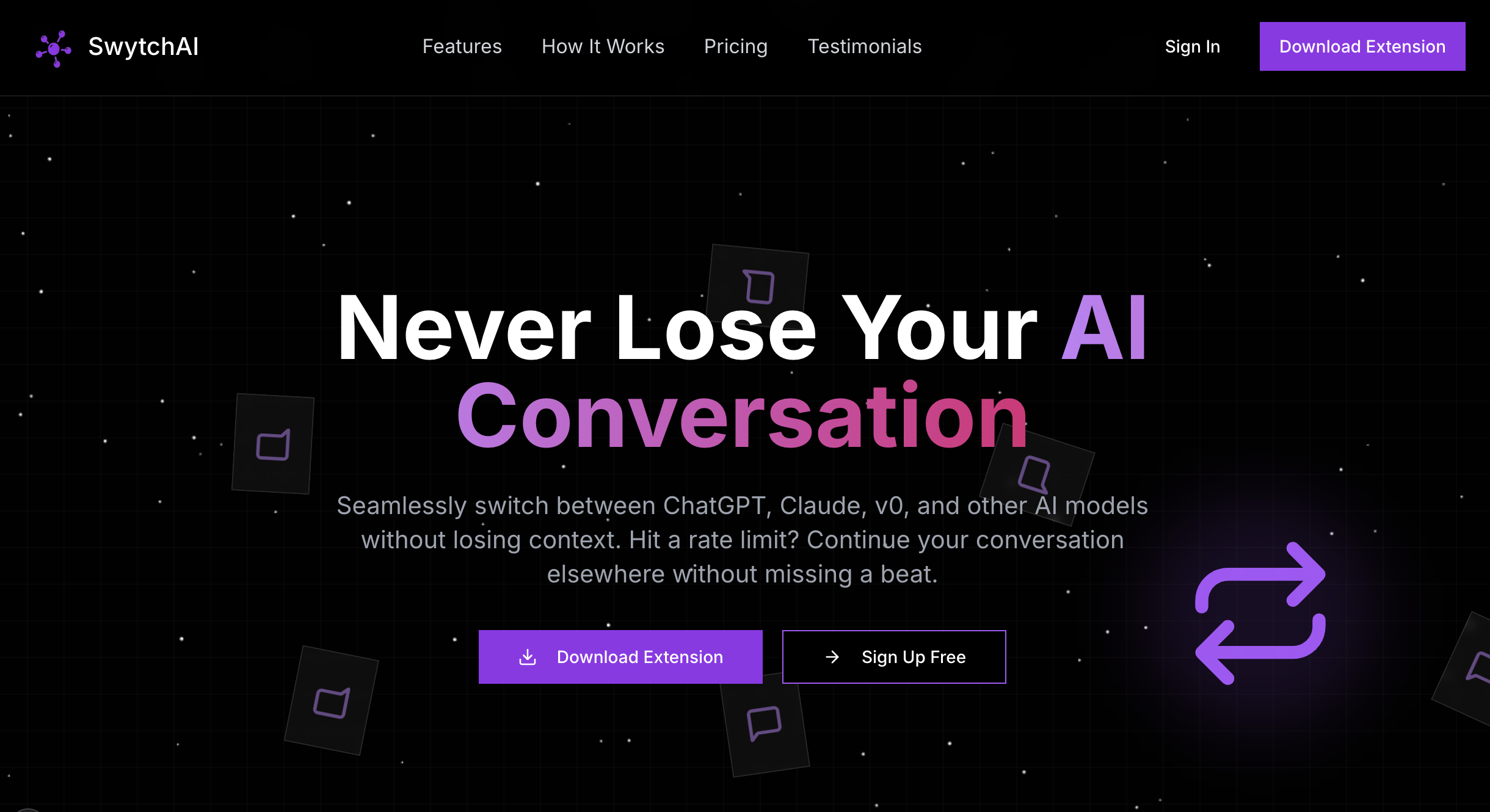
| What It Does | The platform functions as a searchable database where users can explore a vast collection of prompts submitted and curated by the community. Users can filter prompts by AI tool (e.g., ChatGPT, Midjourney), category (e.g., Marketing, Writing, Art), or popularity. Each prompt typically includes a description, usage instructions, and a one-click copy function, enabling seamless integration into their AI workflows. | Swytchai acts as an intermediary layer, connecting various AI models within a single interface. Users initiate a conversation with their chosen AI, and if they decide to consult another model, Swytchai automatically transfers the ongoing context. This ensures that the new AI model understands the full history of the interaction without manual input, facilitating a continuous and coherent workflow across different AI personalities and strengths. |
| Pricing Type | free | paid |
| Pricing Model | free | paid |
| Pricing Plans | Free: Free | Free: 0, Pro: 10, Pro Yearly: 96 |
| Rating | N/A | N/A |
| Reviews | N/A | N/A |
| Views | 14 | 9 |
| Verified | No | No |
| Key Features | N/A | Unified AI Interface, Seamless Context Preservation, Model Agnostic Support, Enhanced Productivity, Secure & Private |
| Value Propositions | N/A | Maximized AI Utility, Significant Time Savings, Streamlined AI Workflow |
| Use Cases | N/A | Content Creation & Editing, Research & Analysis, Software Development, Strategic Planning & Brainstorming, Learning & Education |
| Target Audience | This tool is ideal for AI enthusiasts, content creators, marketers, developers, students, and anyone regularly interacting with AI models like ChatGPT or Midjourney. It particularly benefits individuals seeking to enhance their AI outputs, overcome creative blocks, or learn best practices for prompt engineering, regardless of their technical proficiency. | Swytchai is ideal for professionals, researchers, content creators, developers, and anyone who frequently interacts with multiple AI assistants. It caters to users seeking to optimize their workflow, compare AI outputs, or leverage the distinct capabilities of different LLMs for diverse tasks without the overhead of context management. |
| Categories | Text & Writing, Image & Design, Code & Development, Business & Productivity, Video & Audio, Education & Research, Marketing & SEO, Data & Analytics | Text & Writing, Text Generation, Business & Productivity, Automation |
| Tags | N/A | ai management, ai workspace, multi-model ai, context preservation, productivity tool, ai assistant, chatgpt, claude, gemini, unified interface |
| GitHub Stars | N/A | N/A |
| Last Updated | N/A | N/A |
| Website | findgptprompt.com | www.tryswytch.com |
| GitHub | N/A | N/A |
Who is AI Prompt Finder best for?
This tool is ideal for AI enthusiasts, content creators, marketers, developers, students, and anyone regularly interacting with AI models like ChatGPT or Midjourney. It particularly benefits individuals seeking to enhance their AI outputs, overcome creative blocks, or learn best practices for prompt engineering, regardless of their technical proficiency.
Who is Swytchai best for?
Swytchai is ideal for professionals, researchers, content creators, developers, and anyone who frequently interacts with multiple AI assistants. It caters to users seeking to optimize their workflow, compare AI outputs, or leverage the distinct capabilities of different LLMs for diverse tasks without the overhead of context management.





