

Vidix
Last updated:
Vidix is a sophisticated macOS productivity tool designed to seamlessly integrate AI capabilities into everyday workflows. It empowers users to automate tasks by leveraging custom AI prompts triggered by personalized shortcodes, accessible across any application on their Mac. This innovative approach streamlines operations, enhances efficiency, and provides instant access to advanced AI models like ChatGPT, Claude, and Gemini directly within the user's current context.
What It Does
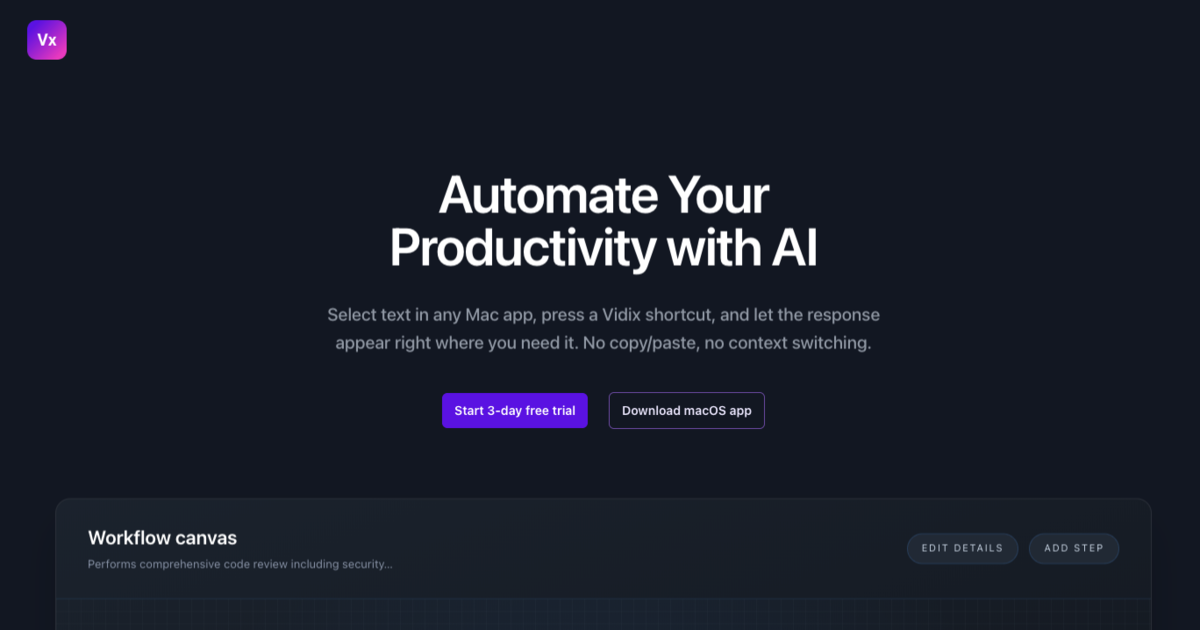
Vidix functions by allowing users to create custom shortcodes, such as `;;summarize` or `;;draftemail`, which are linked to specific AI prompts. When a user types a shortcode and optional contextual text (e.g., selected text or clipboard content), Vidix sends this information to a configured AI model. The AI processes the request, and its generated response automatically replaces the shortcode, providing instant AI-powered assistance directly within the active application.
Pricing
Pricing Plans
A one-time purchase grants full access to all Vidix features and future updates, offering a perpetual license for enhanced macOS productivity.
- Unlimited custom shortcodes
- Unlimited custom AI prompts
- Support for multiple AI models (ChatGPT, Claude, Gemini, custom APIs)
- Contextual AI processing (selected text, clipboard)
- Cross-application compatibility on macOS
- +1 more
Core Value Propositions
Instant AI Access Anywhere
Seamlessly integrate AI capabilities directly into your macOS workflow, allowing you to generate, summarize, or edit text without leaving your current application.
Custom Workflow Automation
Tailor AI prompts and shortcodes to your specific needs, automating repetitive tasks and ensuring consistent, high-quality output across all your projects.
Cost-Effective Productivity
Benefit from powerful AI automation with a one-time purchase, avoiding the recurring expenses of subscription-based AI tools while maximizing your efficiency.
Enhanced Data Privacy
Utilize your own AI API keys and local processing, ensuring your data remains private and secure without being stored on third-party servers.
Use Cases
Drafting Professional Emails
Quickly generate professional email responses or drafts by selecting key points and using a custom shortcode like `;;draftemail` to invoke an AI prompt for formal writing.
Summarizing Articles & Documents
Select a long article or document text and use a shortcode like `;;summarize` to get a concise summary generated by AI, saving time on reading and comprehension.
Generating Code Snippets
For developers, use a shortcode like `;;codegen` to generate specific code snippets or explain existing code based on a prompt and selected context within their IDE.
Brainstorming Content Ideas
Input a topic or initial idea and use a shortcode like `;;brainstorm` to have AI generate a list of creative content ideas, headlines, or social media posts.
Rephrasing & Improving Text
Select a sentence or paragraph and use a shortcode like `;;rephrase` to get AI suggestions for improving clarity, tone, or grammar directly within any text editor.
Translating Selected Text
Select text in one language and use a shortcode like `;;translate-es` to instantly translate it into another language using an AI model configured for translation.
Technical Features & Integration
Custom Shortcodes & Prompts
Create an unlimited number of personalized shortcodes (e.g., `;;summarize`) linked to specific AI prompts, enabling highly customized automation. This allows users to trigger complex AI actions with minimal effort.
Multiple AI Model Support
Connect to popular AI models like ChatGPT, GPT-4, Claude, and Gemini, or custom API endpoints. This flexibility allows users to choose the best AI for their specific tasks and preferences.
Contextual AI Processing
AI can process selected text or content from the clipboard, providing highly relevant and integrated responses. This eliminates the need to copy-paste content into separate AI interfaces.
Cross-Application Integration
Utilize Vidix's AI automation capabilities across virtually any macOS application, including text editors, browsers, email clients, and development environments. This ensures seamless workflow enhancement.
Privacy-Focused Design
Vidix prioritizes user privacy by processing requests locally and using your own API keys for AI models, ensuring data remains secure. No user data is stored or processed on Vidix servers.
One-Time Purchase Model
Access all features with a single upfront payment, avoiding recurring subscription fees. This offers a cost-effective solution for long-term productivity enhancement.
Target Audience
Vidix is ideal for macOS users seeking to boost their productivity, including developers, writers, marketers, content creators, and general professionals. Anyone who frequently interacts with text, generates ideas, or performs repetitive tasks across different applications will benefit from its AI-powered automation.
Frequently Asked Questions
Vidix is a paid tool. Available plans include: Lifetime License.
Vidix functions by allowing users to create custom shortcodes, such as `;;summarize` or `;;draftemail`, which are linked to specific AI prompts. When a user types a shortcode and optional contextual text (e.g., selected text or clipboard content), Vidix sends this information to a configured AI model. The AI processes the request, and its generated response automatically replaces the shortcode, providing instant AI-powered assistance directly within the active application.
Key features of Vidix include: Custom Shortcodes & Prompts: Create an unlimited number of personalized shortcodes (e.g., `;;summarize`) linked to specific AI prompts, enabling highly customized automation. This allows users to trigger complex AI actions with minimal effort.. Multiple AI Model Support: Connect to popular AI models like ChatGPT, GPT-4, Claude, and Gemini, or custom API endpoints. This flexibility allows users to choose the best AI for their specific tasks and preferences.. Contextual AI Processing: AI can process selected text or content from the clipboard, providing highly relevant and integrated responses. This eliminates the need to copy-paste content into separate AI interfaces.. Cross-Application Integration: Utilize Vidix's AI automation capabilities across virtually any macOS application, including text editors, browsers, email clients, and development environments. This ensures seamless workflow enhancement.. Privacy-Focused Design: Vidix prioritizes user privacy by processing requests locally and using your own API keys for AI models, ensuring data remains secure. No user data is stored or processed on Vidix servers.. One-Time Purchase Model: Access all features with a single upfront payment, avoiding recurring subscription fees. This offers a cost-effective solution for long-term productivity enhancement..
Vidix is best suited for Vidix is ideal for macOS users seeking to boost their productivity, including developers, writers, marketers, content creators, and general professionals. Anyone who frequently interacts with text, generates ideas, or performs repetitive tasks across different applications will benefit from its AI-powered automation..
Seamlessly integrate AI capabilities directly into your macOS workflow, allowing you to generate, summarize, or edit text without leaving your current application.
Tailor AI prompts and shortcodes to your specific needs, automating repetitive tasks and ensuring consistent, high-quality output across all your projects.
Benefit from powerful AI automation with a one-time purchase, avoiding the recurring expenses of subscription-based AI tools while maximizing your efficiency.
Utilize your own AI API keys and local processing, ensuring your data remains private and secure without being stored on third-party servers.
Quickly generate professional email responses or drafts by selecting key points and using a custom shortcode like `;;draftemail` to invoke an AI prompt for formal writing.
Select a long article or document text and use a shortcode like `;;summarize` to get a concise summary generated by AI, saving time on reading and comprehension.
For developers, use a shortcode like `;;codegen` to generate specific code snippets or explain existing code based on a prompt and selected context within their IDE.
Input a topic or initial idea and use a shortcode like `;;brainstorm` to have AI generate a list of creative content ideas, headlines, or social media posts.
Select a sentence or paragraph and use a shortcode like `;;rephrase` to get AI suggestions for improving clarity, tone, or grammar directly within any text editor.
Select text in one language and use a shortcode like `;;translate-es` to instantly translate it into another language using an AI model configured for translation.


Get new AI tools weekly
Join readers discovering the best AI tools every week.