

Upscale Media
Last updated:
Upscale Media, powered by PixelBin.io, is an intuitive AI-driven online tool designed to significantly enhance and upscale digital images. It leverages advanced Super Resolution algorithms to improve resolution, clarity, and fine details in various image formats, transforming low-resolution photos into high-quality assets suitable for professional display and print. Positioned as a free, accessible solution within the broader PixelBin ecosystem, it makes sophisticated image enhancement available to a wide audience.
What It Does
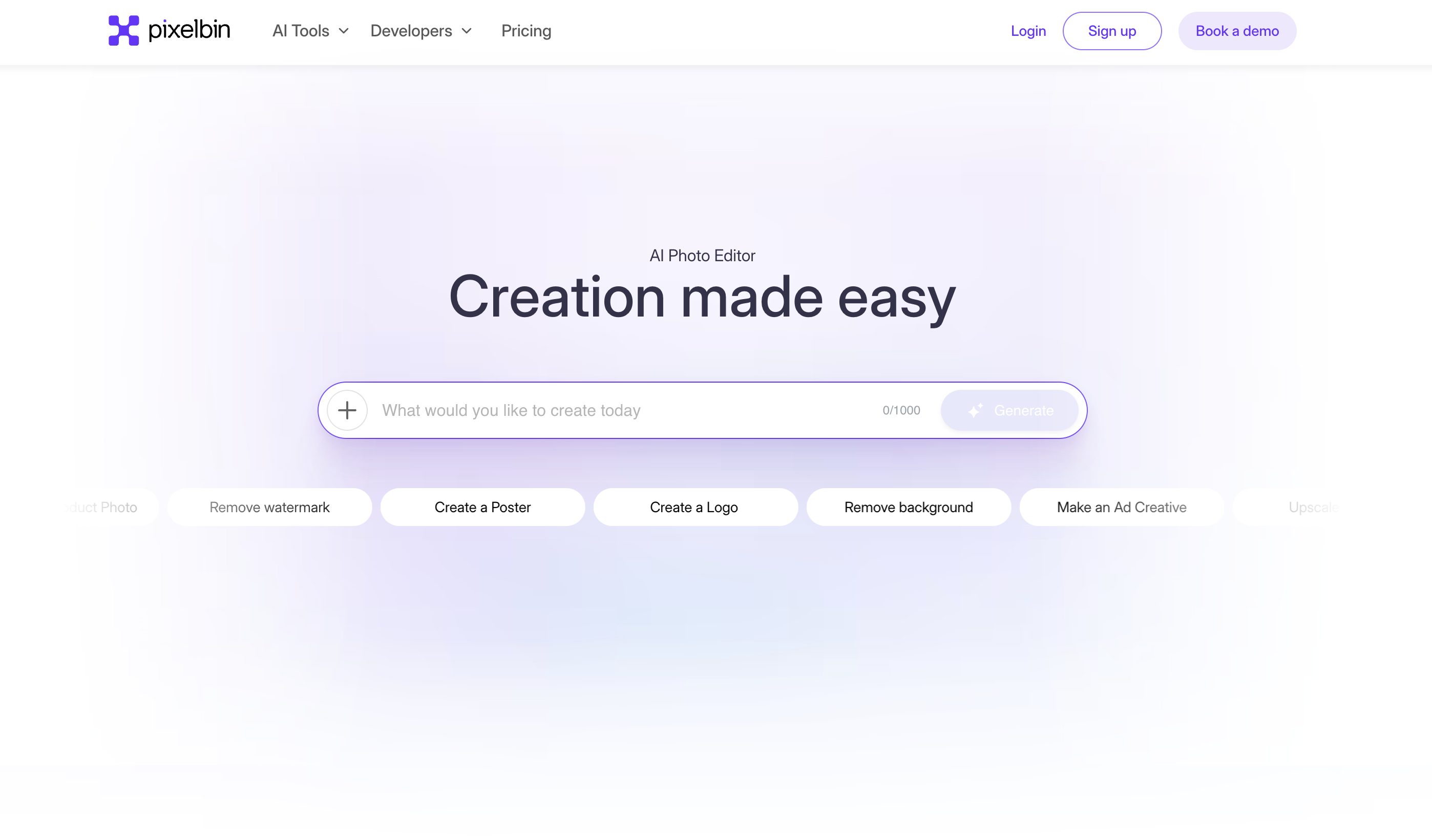
The tool functions by allowing users to upload low-resolution images, which are then processed by AI Super Resolution algorithms. These algorithms intelligently add pixels and reconstruct details, effectively increasing the image's resolution by up to 4x while simultaneously applying enhancements like denoising, sharpening, and blur removal. The result is a sharper, clearer, and more detailed image ready for download.
Pricing
Pricing Plans
Free online AI image upscaling and enhancement tool for individual and casual use, with no account required.
- Upscale images up to 4x
- AI-powered enhancement (denoising, sharpening, blur removal)
- Supports JPG, PNG, WEBP formats
- Max 5MB file size
- Max 4000x4000px resolution
Core Value Propositions
Superior Image Quality
Leverages AI to deliver sharp, detailed, and clear upscaled images, surpassing traditional enlargement methods.
Cost-Effective Solution
Offers powerful image upscaling and enhancement capabilities completely free, making it accessible to everyone.
Streamlined Workflow
Provides a quick, browser-based tool that simplifies the process of enhancing images, saving time and effort.
Enhanced Visual Assets
Transforms low-resolution images into print and display-ready assets, significantly improving their aesthetic and utility.
Use Cases
E-commerce Product Listings
Improve the clarity and detail of product photos, making them more appealing to online shoppers and boosting sales.
Social Media Content
Enhance low-resolution images for social media platforms, ensuring high-quality visuals that capture audience attention.
Print Material Preparation
Upscale images for brochures, flyers, posters, and other print media, guaranteeing sharp and professional outputs.
Website & Blog Graphics
Optimize and enlarge images for web use, preventing pixelation and improving the overall aesthetic of digital content.
Restoring Old Photos
Bring new life to vintage or low-resolution photographs by enhancing their clarity, detail, and overall quality.
Marketing Collateral
Ensure all marketing visuals, from ads to presentations, are high-resolution and professional-looking.
Technical Features & Integration
AI Super Resolution
Utilizes advanced AI algorithms to intelligently increase image resolution, reconstructing details for superior quality.
Up to 4x Upscaling
Allows users to significantly enlarge images, boosting resolution by up to four times their original size without quality loss.
Automatic Image Enhancement
Applies intelligent denoising, sharpening, and blur reduction to improve overall image clarity and detail.
Multiple Format Support
Compatible with common image formats including JPG, PNG, and WEBP, catering to diverse user needs.
Free Online Access
Provides a completely free, browser-based tool for quick and convenient image transformations without software installation.
User-Friendly Interface
Offers a simple upload-process-download workflow, making it accessible for users of all technical skill levels.
Target Audience
This tool is ideal for photographers, graphic designers, e-commerce businesses, and content creators who need to improve the quality of their visual assets. It also benefits marketers and small businesses requiring high-resolution images for websites, social media, and print materials, as well as developers looking for a quick image processing solution.
Frequently Asked Questions
Yes, Upscale Media is completely free to use. Available plans include: Free.
The tool functions by allowing users to upload low-resolution images, which are then processed by AI Super Resolution algorithms. These algorithms intelligently add pixels and reconstruct details, effectively increasing the image's resolution by up to 4x while simultaneously applying enhancements like denoising, sharpening, and blur removal. The result is a sharper, clearer, and more detailed image ready for download.
Key features of Upscale Media include: AI Super Resolution: Utilizes advanced AI algorithms to intelligently increase image resolution, reconstructing details for superior quality.. Up to 4x Upscaling: Allows users to significantly enlarge images, boosting resolution by up to four times their original size without quality loss.. Automatic Image Enhancement: Applies intelligent denoising, sharpening, and blur reduction to improve overall image clarity and detail.. Multiple Format Support: Compatible with common image formats including JPG, PNG, and WEBP, catering to diverse user needs.. Free Online Access: Provides a completely free, browser-based tool for quick and convenient image transformations without software installation.. User-Friendly Interface: Offers a simple upload-process-download workflow, making it accessible for users of all technical skill levels..
Upscale Media is best suited for This tool is ideal for photographers, graphic designers, e-commerce businesses, and content creators who need to improve the quality of their visual assets. It also benefits marketers and small businesses requiring high-resolution images for websites, social media, and print materials, as well as developers looking for a quick image processing solution..
Leverages AI to deliver sharp, detailed, and clear upscaled images, surpassing traditional enlargement methods.
Offers powerful image upscaling and enhancement capabilities completely free, making it accessible to everyone.
Provides a quick, browser-based tool that simplifies the process of enhancing images, saving time and effort.
Transforms low-resolution images into print and display-ready assets, significantly improving their aesthetic and utility.
Improve the clarity and detail of product photos, making them more appealing to online shoppers and boosting sales.
Enhance low-resolution images for social media platforms, ensuring high-quality visuals that capture audience attention.
Upscale images for brochures, flyers, posters, and other print media, guaranteeing sharp and professional outputs.
Optimize and enlarge images for web use, preventing pixelation and improving the overall aesthetic of digital content.
Bring new life to vintage or low-resolution photographs by enhancing their clarity, detail, and overall quality.
Ensure all marketing visuals, from ads to presentations, are high-resolution and professional-looking.




Get new AI tools weekly
Join readers discovering the best AI tools every week.