

Spell
Last updated:
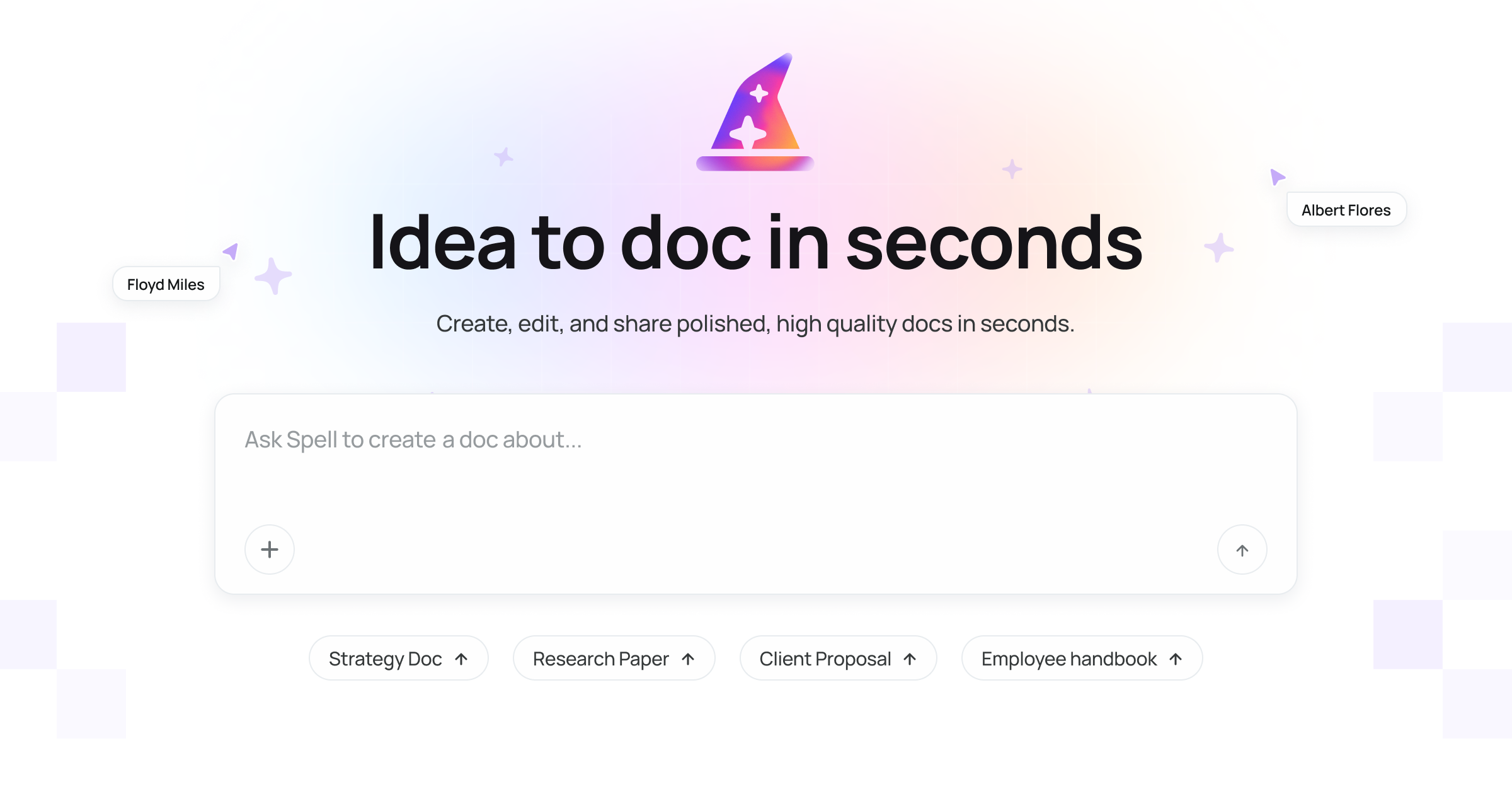
Spell is an innovative AI-powered document editor designed to be a modern, intelligent alternative to conventional word processors like Google Docs. It seamlessly integrates artificial intelligence to enhance and streamline the entire writing and content creation workflow, from initial brainstorming and drafting to comprehensive editing and organization. This tool empowers individuals and teams to produce high-quality content more efficiently by leveraging AI for various writing tasks.
What It Does
Spell functions as a complete online document editor, augmented with powerful AI capabilities. Users can create, edit, and organize documents while leveraging AI to generate text, rewrite paragraphs, summarize content, brainstorm ideas, and refine language. It effectively merges traditional document editing features with advanced generative AI, providing an all-in-one environment for content production.
Pricing
Pricing Plans
Start exploring Spell's AI capabilities and document editing for free with limited usage.
- Limited AI credits
- Basic editor features
- Up to 3 documents
Unlock full AI power and unlimited document creation for individual users and professionals.
- Unlimited AI credits
- Unlimited documents
- Advanced AI features
- Priority support
- Version history
Designed for teams, offering collaborative features, shared workspaces, and administrative controls per user.
- Everything in Pro
- Team management
- Shared workspaces
- Centralized billing
Core Value Propositions
Accelerated Content Creation
Generate drafts, brainstorm ideas, and expand on topics rapidly with AI assistance, significantly reducing the time spent on initial writing.
Enhanced Writing Quality
Leverage AI for grammar, spelling, style, and tone suggestions, ensuring professional, error-free, and impactful written communication.
Streamlined Workflows
Combine writing, editing, organization, and collaboration in one intelligent platform, minimizing context switching and maximizing productivity.
Intelligent Document Management
Organize, search, and track document versions efficiently, providing a clearer overview and control over all your written projects.
Use Cases
Drafting Marketing Copy
Quickly generate headlines, ad copy, or social media posts with specific tones and lengths, speeding up campaign creation.
Writing Blog Posts
Brainstorm article ideas, outline structures, and draft full blog posts using AI, then refine them with smart editing tools.
Creating Business Reports
Organize complex information with 'Blocks,' draft sections efficiently, and ensure professional language and formatting for reports and proposals.
Academic Writing & Research
Summarize research findings, expand on arguments, and proofread papers for grammar and style, improving academic output.
Collaborative Document Editing
Teams can co-edit documents in real-time, leave comments, and track changes, ensuring smooth collaboration on projects.
Email & Communication
Draft professional emails, refine messaging, and ensure clear communication with AI-powered writing assistance.
Technical Features & Integration
AI Writing Assistant
Generate new text, rewrite existing content, expand on ideas, or summarize documents using AI. This accelerates content creation and helps overcome writer's block.
Smart Editing Tools
Receive AI-powered suggestions for grammar, spelling, punctuation, and style improvements. This ensures high-quality, error-free, and consistent writing.
Content Blocks & Flows
Structure your documents with 'Blocks' for organized content and automate repetitive writing tasks with 'Flows.' This enhances efficiency and consistency in document creation.
Real-time Collaboration
Work simultaneously with team members on documents, track changes, and leave comments. This fosters seamless teamwork and streamlines revision processes.
Omnibox Command Palette
Quickly access AI commands and editing functions through a unified command palette. This allows for rapid execution of tasks without leaving the editor.
Document Organization
Manage all your documents efficiently with folders, search, and version history. This helps keep projects organized and allows for easy retrieval and tracking of changes.
Customizable Tones & Styles
Tailor the AI's output to specific tones, styles, and formats. This ensures generated content aligns perfectly with your brand voice and audience.
Target Audience
Spell is ideal for content creators, marketers, writers, students, and business professionals who regularly produce documents and seek to enhance their efficiency and writing quality. Teams requiring collaborative writing and intelligent assistance will also find significant value, streamlining their content production workflows.
Frequently Asked Questions
Spell offers a free plan with limited features. Paid plans are available for additional features and capabilities. Available plans include: Free, Pro, Team.
Spell functions as a complete online document editor, augmented with powerful AI capabilities. Users can create, edit, and organize documents while leveraging AI to generate text, rewrite paragraphs, summarize content, brainstorm ideas, and refine language. It effectively merges traditional document editing features with advanced generative AI, providing an all-in-one environment for content production.
Key features of Spell include: AI Writing Assistant: Generate new text, rewrite existing content, expand on ideas, or summarize documents using AI. This accelerates content creation and helps overcome writer's block.. Smart Editing Tools: Receive AI-powered suggestions for grammar, spelling, punctuation, and style improvements. This ensures high-quality, error-free, and consistent writing.. Content Blocks & Flows: Structure your documents with 'Blocks' for organized content and automate repetitive writing tasks with 'Flows.' This enhances efficiency and consistency in document creation.. Real-time Collaboration: Work simultaneously with team members on documents, track changes, and leave comments. This fosters seamless teamwork and streamlines revision processes.. Omnibox Command Palette: Quickly access AI commands and editing functions through a unified command palette. This allows for rapid execution of tasks without leaving the editor.. Document Organization: Manage all your documents efficiently with folders, search, and version history. This helps keep projects organized and allows for easy retrieval and tracking of changes.. Customizable Tones & Styles: Tailor the AI's output to specific tones, styles, and formats. This ensures generated content aligns perfectly with your brand voice and audience..
Spell is best suited for Spell is ideal for content creators, marketers, writers, students, and business professionals who regularly produce documents and seek to enhance their efficiency and writing quality. Teams requiring collaborative writing and intelligent assistance will also find significant value, streamlining their content production workflows..
Generate drafts, brainstorm ideas, and expand on topics rapidly with AI assistance, significantly reducing the time spent on initial writing.
Leverage AI for grammar, spelling, style, and tone suggestions, ensuring professional, error-free, and impactful written communication.
Combine writing, editing, organization, and collaboration in one intelligent platform, minimizing context switching and maximizing productivity.
Organize, search, and track document versions efficiently, providing a clearer overview and control over all your written projects.
Quickly generate headlines, ad copy, or social media posts with specific tones and lengths, speeding up campaign creation.
Brainstorm article ideas, outline structures, and draft full blog posts using AI, then refine them with smart editing tools.
Organize complex information with 'Blocks,' draft sections efficiently, and ensure professional language and formatting for reports and proposals.
Summarize research findings, expand on arguments, and proofread papers for grammar and style, improving academic output.
Teams can co-edit documents in real-time, leave comments, and track changes, ensuring smooth collaboration on projects.
Draft professional emails, refine messaging, and ensure clear communication with AI-powered writing assistance.




Get new AI tools weekly
Join readers discovering the best AI tools every week.