
Raycast
Last updated:
Raycast is an advanced, extendable macOS launcher and command palette designed to significantly boost productivity by unifying applications, files, and scripts into a single, intuitive interface. It empowers users with lightning-fast access to system functions, custom commands, and a powerful AI assistant, streamlining complex workflows and reducing context switching. Primarily aimed at power users, developers, and knowledge workers, Raycast transforms how users interact with their Mac, making daily tasks more efficient and intelligent.
What It Does
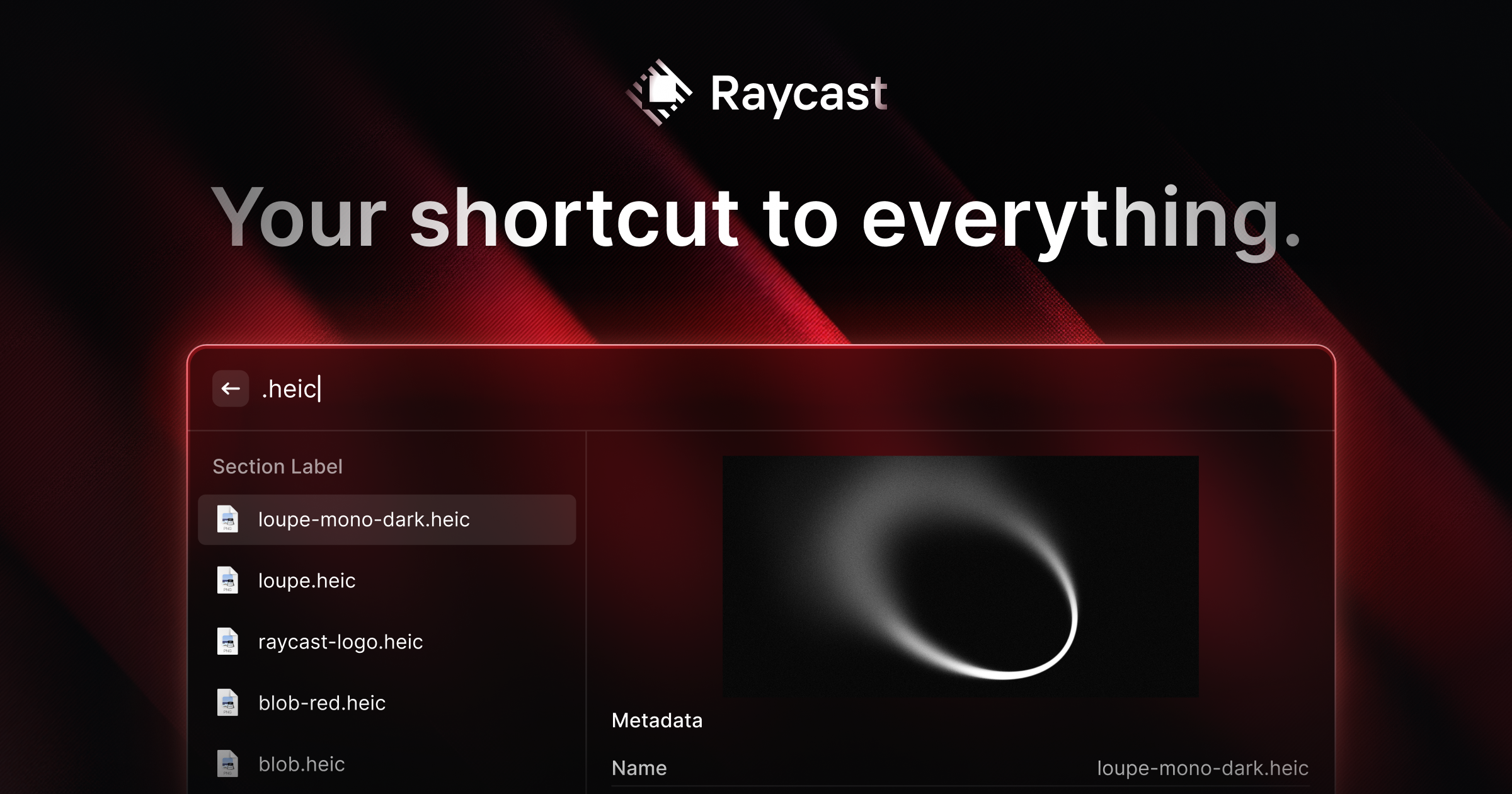
Raycast functions as a central command center for macOS, allowing users to quickly launch apps, search files, manage windows, expand text snippets, and execute custom scripts via a universal search bar. Its core functionality is extended by a vast library of integrations and a robust AI assistant that can generate text, summarize content, translate languages, and even assist with code, all accessible directly from the command palette.
Pricing
Pricing Plans
Basic features for everyday use, with local data storage and limited access to AI capabilities.
- Launcher
- Snippets (local)
- Clipboard History (local)
- Window Management
- Extensions
- +1 more
Full access to all features, including unlimited AI, cloud synchronization, and advanced customization for power users and teams. Billed annually at $96/year or monthly at $10/month.
- Unlimited AI Commands & Chat
- Cloud Sync for Snippets & History
- Custom Themes
- Shared Snippets
- Unlimited API Access for Extensions
- +1 more
Core Value Propositions
Accelerated Workflow Efficiency
Execute tasks, launch apps, and access information at lightning speed, drastically cutting down on wasted time and improving overall productivity.
Unified Digital Workspace
Consolidate interactions across multiple applications and services into one interface, reducing context switching and mental overhead.
Intelligent AI Assistance On-Demand
Leverage generative AI for text, code, and translation directly within your workflow, enhancing creativity and problem-solving without leaving Raycast.
Deep Customization & Automation
Tailor Raycast to your exact needs with custom commands, scripts, and a vast extension library, automating repetitive tasks and personalizing your macOS experience.
Use Cases
Developer Workflow Acceleration
Generate code snippets with AI, open specific projects in IDEs, or search GitHub repositories directly from Raycast, streamlining development tasks.
Content Creation & Editing
Use AI to brainstorm ideas, summarize articles, translate text, or quickly expand lengthy text snippets for emails and documents, enhancing writing efficiency.
Project Management & Collaboration
Update tasks in Jira, create new entries in Notion, or search Linear issues without opening the web browser, keeping project workflows fluid.
Efficient File & App Management
Launch any application or find any file instantly, manage multiple windows, and access clipboard history, reducing navigation time and improving focus.
Quick System Controls & Automation
Toggle system settings like Dark Mode, connect to Wi-Fi, or run custom scripts to automate complex sequences of actions with simple commands.
Research & Information Retrieval
Perform web searches, access dictionary definitions, or get quick answers from AI, making information gathering faster and more integrated into your workflow.
Technical Features & Integration
Universal Launcher & Search
Quickly find and open applications, files, and perform web searches from a single, unified command bar. This drastically reduces the time spent navigating the macOS interface.
AI Chat & Commands
Interact with an integrated AI assistant for text generation, summarization, translation, and code assistance directly within Raycast. It streamlines research and content creation tasks.
Extensions & Integrations
Connect with hundreds of third-party apps and services like Notion, Jira, GitHub, and Google Workspace through a rich extension store. This unifies workflows across diverse platforms.
Snippets & Clipboard History
Store and quickly insert frequently used text snippets and access a comprehensive history of copied items. This saves time on repetitive typing and information retrieval.
Window Management
Efficiently arrange and resize application windows using keyboard shortcuts. This helps maintain an organized workspace and improves multitasking.
Custom Scripts & Aliases
Execute custom shell scripts, AppleScripts, or define aliases for common actions. This allows for deep personalization and automation of specific workflows.
System Commands
Control core macOS functions like sleep, shutdown, dark mode toggle, and Wi-Fi settings directly from the command palette. It provides quick access to essential system controls.
Floating Notes
Quickly jot down thoughts or reminders in a persistent, floating note window. This helps capture ideas without interrupting the current workflow.
Target Audience
Raycast is ideal for macOS power users, developers, designers, writers, and knowledge workers who seek to optimize their digital workflows and minimize distractions. Individuals who frequently interact with multiple applications, manage extensive digital files, or require quick access to information and AI assistance will find significant value in its capabilities.
Frequently Asked Questions
Raycast offers a free plan with limited features. Paid plans are available for additional features and capabilities. Available plans include: Free, Pro.
Raycast functions as a central command center for macOS, allowing users to quickly launch apps, search files, manage windows, expand text snippets, and execute custom scripts via a universal search bar. Its core functionality is extended by a vast library of integrations and a robust AI assistant that can generate text, summarize content, translate languages, and even assist with code, all accessible directly from the command palette.
Key features of Raycast include: Universal Launcher & Search: Quickly find and open applications, files, and perform web searches from a single, unified command bar. This drastically reduces the time spent navigating the macOS interface.. AI Chat & Commands: Interact with an integrated AI assistant for text generation, summarization, translation, and code assistance directly within Raycast. It streamlines research and content creation tasks.. Extensions & Integrations: Connect with hundreds of third-party apps and services like Notion, Jira, GitHub, and Google Workspace through a rich extension store. This unifies workflows across diverse platforms.. Snippets & Clipboard History: Store and quickly insert frequently used text snippets and access a comprehensive history of copied items. This saves time on repetitive typing and information retrieval.. Window Management: Efficiently arrange and resize application windows using keyboard shortcuts. This helps maintain an organized workspace and improves multitasking.. Custom Scripts & Aliases: Execute custom shell scripts, AppleScripts, or define aliases for common actions. This allows for deep personalization and automation of specific workflows.. System Commands: Control core macOS functions like sleep, shutdown, dark mode toggle, and Wi-Fi settings directly from the command palette. It provides quick access to essential system controls.. Floating Notes: Quickly jot down thoughts or reminders in a persistent, floating note window. This helps capture ideas without interrupting the current workflow..
Raycast is best suited for Raycast is ideal for macOS power users, developers, designers, writers, and knowledge workers who seek to optimize their digital workflows and minimize distractions. Individuals who frequently interact with multiple applications, manage extensive digital files, or require quick access to information and AI assistance will find significant value in its capabilities..
Execute tasks, launch apps, and access information at lightning speed, drastically cutting down on wasted time and improving overall productivity.
Consolidate interactions across multiple applications and services into one interface, reducing context switching and mental overhead.
Leverage generative AI for text, code, and translation directly within your workflow, enhancing creativity and problem-solving without leaving Raycast.
Tailor Raycast to your exact needs with custom commands, scripts, and a vast extension library, automating repetitive tasks and personalizing your macOS experience.
Generate code snippets with AI, open specific projects in IDEs, or search GitHub repositories directly from Raycast, streamlining development tasks.
Use AI to brainstorm ideas, summarize articles, translate text, or quickly expand lengthy text snippets for emails and documents, enhancing writing efficiency.
Update tasks in Jira, create new entries in Notion, or search Linear issues without opening the web browser, keeping project workflows fluid.
Launch any application or find any file instantly, manage multiple windows, and access clipboard history, reducing navigation time and improving focus.
Toggle system settings like Dark Mode, connect to Wi-Fi, or run custom scripts to automate complex sequences of actions with simple commands.
Perform web searches, access dictionary definitions, or get quick answers from AI, making information gathering faster and more integrated into your workflow.



Get new AI tools weekly
Join readers discovering the best AI tools every week.