
Pig
Last updated:
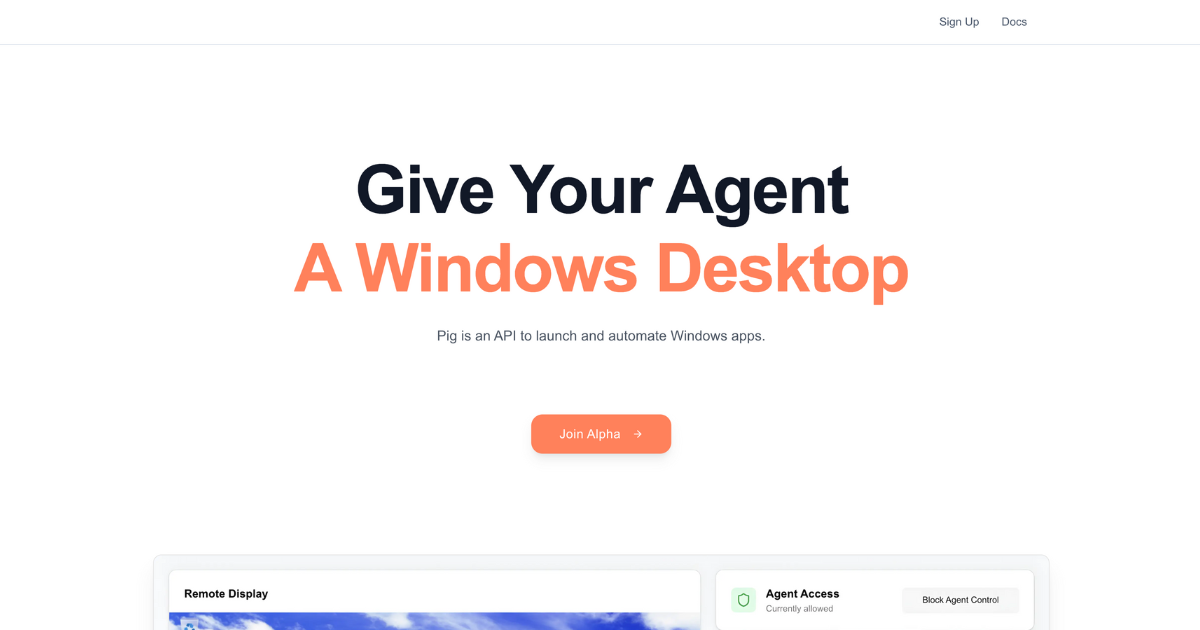
Pig is an AI-powered API designed to intelligently automate interactions with any Windows application by observing the screen, comprehending on-screen elements, and executing actions. It serves as a modern, robust, and developer-friendly alternative to traditional Robotic Process Automation (RPA) tools, providing unparalleled resilience to UI changes. This tool empowers engineers and businesses to build sophisticated automation workflows that are less prone to breaking and easier to integrate into existing software ecosystems, leveraging artificial intelligence for visual understanding rather than fragile, static selectors.
What It Does
Pig functions by using advanced AI to visually understand the Windows desktop environment, identifying UI elements and their context much like a human would. Developers interact with Pig via an API, sending commands that Pig translates into actions like clicks, typing, or data extraction. This intelligent observation and action execution allows it to automate complex tasks across various applications without relying on fragile pixel coordinates or rigid element properties, ensuring greater reliability and adaptability.
Pricing
Key Features
Pig offers AI-driven visual understanding for robust UI interaction, an API-first approach for seamless integration into modern software stacks, and cross-application automation capabilities. It provides significant resilience against minor UI changes, unlike traditional RPA, and supports both developer-centric API control and a visual editor (Piggybank) for broader accessibility. Its core strength lies in its ability to dynamically adapt and comprehend the screen, making automation more intelligent and stable.
Target Audience
Pig is primarily for software engineers, automation developers, and DevOps teams seeking a more robust and scalable solution for Windows application automation. It also caters to businesses and IT departments looking to modernize their RPA initiatives, integrate legacy systems, or automate complex desktop processes with greater reliability and less maintenance overhead.
Value Proposition
Pig delivers unique value by offering AI-driven visual comprehension, which fundamentally changes how Windows automation is approached, making it significantly more robust and less prone to breaking than traditional RPA. It solves the problem of fragile automation and high maintenance costs associated with screen scraping or fixed element selectors, enabling reliable integration of desktop applications into modern, intelligent workflows.
Use Cases
Pig excels in automating repetitive data entry across disparate Windows applications, streamlining software testing by intelligently interacting with desktop UIs, and integrating legacy systems that lack modern APIs. It can also be used for automated report generation from multiple sources, unattended process execution, and building intelligent desktop assistants that respond dynamically to on-screen events and conditions.
Frequently Asked Questions
Pig is a paid tool.
Pig functions by using advanced AI to visually understand the Windows desktop environment, identifying UI elements and their context much like a human would. Developers interact with Pig via an API, sending commands that Pig translates into actions like clicks, typing, or data extraction. This intelligent observation and action execution allows it to automate complex tasks across various applications without relying on fragile pixel coordinates or rigid element properties, ensuring greater reliability and adaptability.
Pig is best suited for Pig is primarily for software engineers, automation developers, and DevOps teams seeking a more robust and scalable solution for Windows application automation. It also caters to businesses and IT departments looking to modernize their RPA initiatives, integrate legacy systems, or automate complex desktop processes with greater reliability and less maintenance overhead..




Get new AI tools weekly
Join readers discovering the best AI tools every week.