

Pieces
Last updated:
Pieces is an AI-enabled productivity suite designed specifically for developers, serving as an on-device copilot that deeply integrates into their daily workflow. It empowers developers to seamlessly capture, enrich, and reuse code snippets, links, and text, fostering efficient knowledge management and problem-solving. By leveraging on-device AI, Pieces provides contextual understanding of development tasks, streamlines collaboration, and significantly boosts individual and team productivity, making it a powerful tool for modern software development.
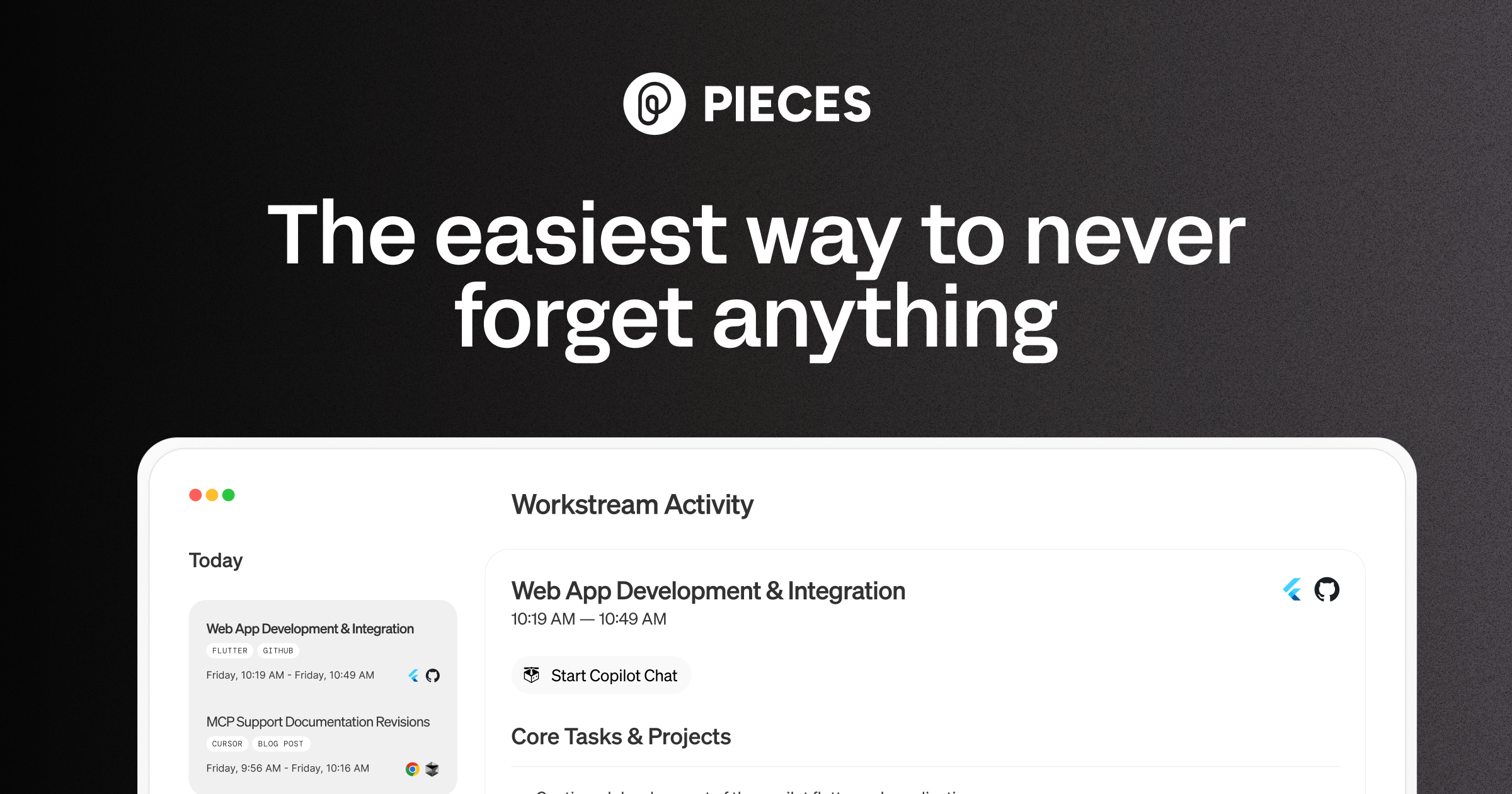
What It Does
Pieces acts as an intelligent hub for developers to store, organize, and retrieve programming assets like code, links, and text. Its on-device AI automatically enriches these assets with context, explanations, and relevant metadata upon capture, making them easily searchable and reusable. The tool integrates directly into IDEs and browsers, allowing developers to interact with their saved 'pieces' without leaving their environment, facilitating rapid code reuse, contextual assistance, and collaborative sharing.
Pricing
Pricing Plans
Access essential features for individual developers to capture, enrich, and reuse code snippets and resources.
- Core productivity features
- Personal use
- Limited AI capabilities
- Basic storage
Unlock advanced AI, greater storage, and team functionalities for professional developers and collaborative environments.
- Advanced AI capabilities
- Enhanced storage
- Team collaboration features
- Priority support
- All Free plan features
Core Value Propositions
Accelerated Development Workflow
Quickly find, reuse, and generate code with AI assistance, drastically reducing time spent on repetitive tasks and searching for solutions.
Enhanced Code Quality & Consistency
Leverage enriched and well-organized code snippets and AI insights to write better, more consistent code across projects and teams.
Superior Privacy & Performance
Benefit from on-device AI processing, ensuring your sensitive code never leaves your machine while providing lightning-fast responses.
Centralized Developer Knowledge
Consolidate all essential code, links, and notes into one intelligent hub, making personal and team knowledge easily accessible and actionable.
Use Cases
Efficient Code Snippet Management
Capture, organize, and enrich useful code snippets from anywhere, making them easily searchable and reusable across projects.
On-Demand Code Explanation
Paste unfamiliar code into Pieces to receive an AI-generated explanation, aiding understanding and faster debugging.
Accelerated Boilerplate Generation
Use the AI copilot to quickly generate common code structures or functions based on context, reducing manual typing.
Team Knowledge Sharing & Onboarding
Create shared repositories of best-practice code and documentation for team members, streamlining collaboration and new hire onboarding.
Contextual Problem Solving
Leverage AI-powered search to find relevant solutions and code examples from your personal or team's knowledge base based on your current coding context.
Personal Code & Resource Library
Build a comprehensive personal library of code, links, and notes that you can access and apply across all your development activities.
Technical Features & Integration
On-Device AI Copilot
Provides real-time, context-aware AI assistance directly on your machine, ensuring privacy and fast responses for code generation, explanation, and debugging.
Universal Capture & Enrichment
Effortlessly save code snippets, links, and text from any source (IDE, browser, clipboard). AI automatically adds metadata, language detection, and contextual details.
Smart Search & Reuse
Quickly find and insert relevant code or information using natural language search and intelligent filtering, significantly speeding up development tasks.
IDE & Browser Integrations
Seamlessly integrates with popular IDEs (VS Code, JetBrains) and browsers (Chrome, Edge), allowing developers to manage and use Pieces without leaving their environment.
Contextual Code Explanation
AI can explain complex code snippets, breaking them down into understandable components and providing insights, aiding learning and debugging.
Team Collaboration & Sharing
Share curated code snippets and knowledge with team members, fostering collective intelligence and ensuring consistent code practices across projects.
Target Audience
Pieces is primarily designed for software developers, engineers, and development teams of all sizes. It caters to individuals seeking to optimize their personal coding workflow and teams aiming to improve knowledge sharing, code consistency, and overall productivity in software development environments.
Frequently Asked Questions
Pieces offers a free plan with limited features. Paid plans are available for additional features and capabilities. Available plans include: Free, Pro.
Pieces acts as an intelligent hub for developers to store, organize, and retrieve programming assets like code, links, and text. Its on-device AI automatically enriches these assets with context, explanations, and relevant metadata upon capture, making them easily searchable and reusable. The tool integrates directly into IDEs and browsers, allowing developers to interact with their saved 'pieces' without leaving their environment, facilitating rapid code reuse, contextual assistance, and collaborative sharing.
Key features of Pieces include: On-Device AI Copilot: Provides real-time, context-aware AI assistance directly on your machine, ensuring privacy and fast responses for code generation, explanation, and debugging.. Universal Capture & Enrichment: Effortlessly save code snippets, links, and text from any source (IDE, browser, clipboard). AI automatically adds metadata, language detection, and contextual details.. Smart Search & Reuse: Quickly find and insert relevant code or information using natural language search and intelligent filtering, significantly speeding up development tasks.. IDE & Browser Integrations: Seamlessly integrates with popular IDEs (VS Code, JetBrains) and browsers (Chrome, Edge), allowing developers to manage and use Pieces without leaving their environment.. Contextual Code Explanation: AI can explain complex code snippets, breaking them down into understandable components and providing insights, aiding learning and debugging.. Team Collaboration & Sharing: Share curated code snippets and knowledge with team members, fostering collective intelligence and ensuring consistent code practices across projects..
Pieces is best suited for Pieces is primarily designed for software developers, engineers, and development teams of all sizes. It caters to individuals seeking to optimize their personal coding workflow and teams aiming to improve knowledge sharing, code consistency, and overall productivity in software development environments..
Quickly find, reuse, and generate code with AI assistance, drastically reducing time spent on repetitive tasks and searching for solutions.
Leverage enriched and well-organized code snippets and AI insights to write better, more consistent code across projects and teams.
Benefit from on-device AI processing, ensuring your sensitive code never leaves your machine while providing lightning-fast responses.
Consolidate all essential code, links, and notes into one intelligent hub, making personal and team knowledge easily accessible and actionable.
Capture, organize, and enrich useful code snippets from anywhere, making them easily searchable and reusable across projects.
Paste unfamiliar code into Pieces to receive an AI-generated explanation, aiding understanding and faster debugging.
Use the AI copilot to quickly generate common code structures or functions based on context, reducing manual typing.
Create shared repositories of best-practice code and documentation for team members, streamlining collaboration and new hire onboarding.
Leverage AI-powered search to find relevant solutions and code examples from your personal or team's knowledge base based on your current coding context.
Build a comprehensive personal library of code, links, and notes that you can access and apply across all your development activities.




Get new AI tools weekly
Join readers discovering the best AI tools every week.