
Open Interpreter
Last updated:
Open Interpreter is an open-source, universal interface that empowers large language models (LLMs) to execute code directly on your local machine. It allows LLMs to perform complex tasks by generating and running Python, JavaScript, and shell commands, effectively giving them control over your computer's files, applications, and processes. This tool bridges the gap between natural language commands and system-level actions, making advanced automation and data interaction accessible via conversational AI.
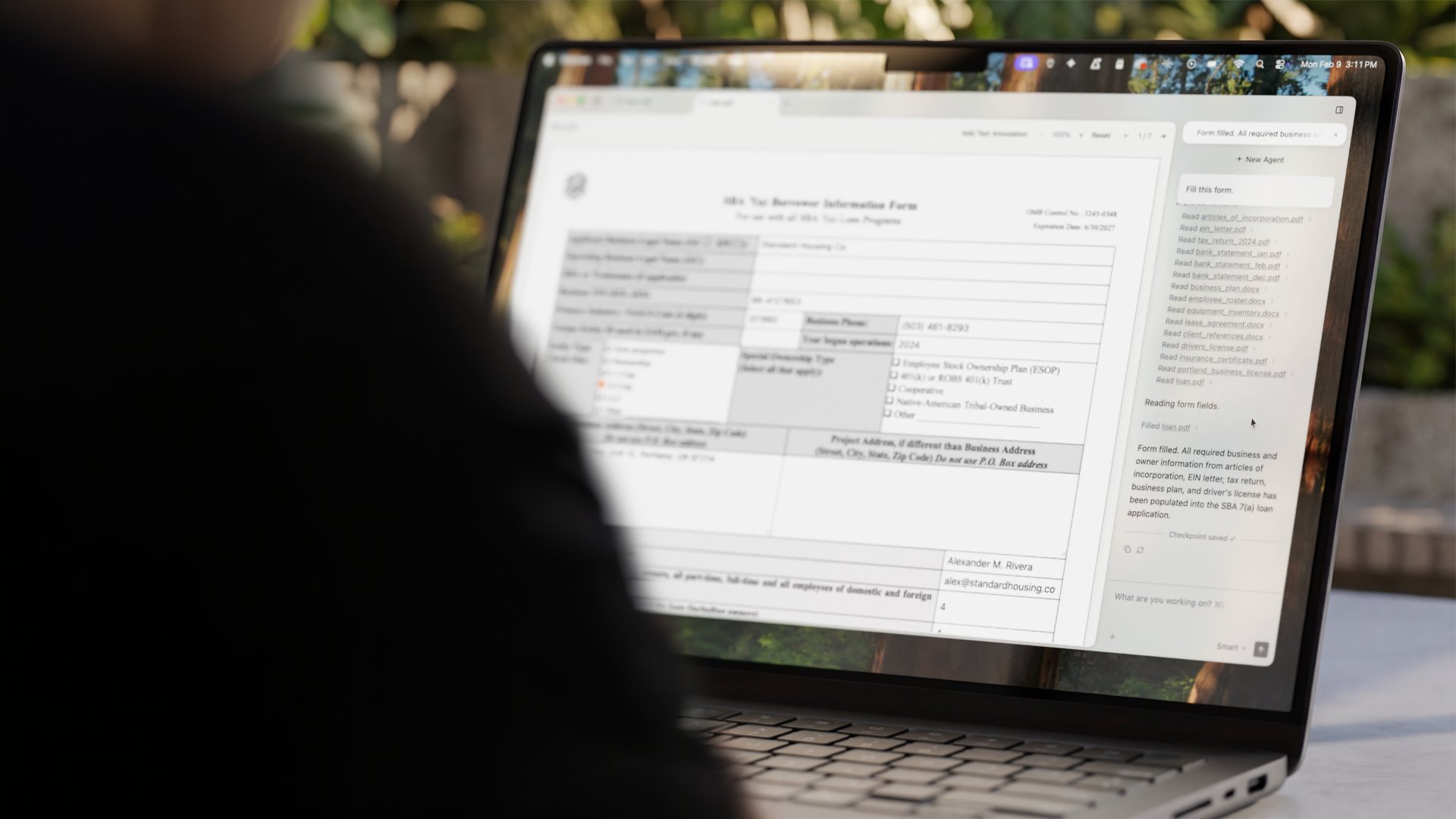
What It Does
Open Interpreter enables LLMs to function as a sophisticated code interpreter, allowing them to write and execute code in various languages (Python, JavaScript, Shell) within a secure, local environment. It receives natural language prompts, translates them into executable code, and then runs that code on your computer, returning the output to the LLM for further processing or action. This creates an iterative loop where the LLM can plan, execute, and refine tasks based on real-time system feedback.
Pricing
Pricing Plans
The core Open Interpreter library is free and open-source, allowing full functionality without any cost.
- Full access to all features
- Community support
- Local code execution
- Compatibility with various LLMs
- Interactive and auto-run modes
Core Value Propositions
Enhanced LLM Capabilities
Extends LLM utility beyond conversation, enabling real-world action and system control for practical applications.
Seamless Task Automation
Automate complex, multi-step workflows across your operating system, files, and applications with natural language commands.
Powerful Data Interaction
Perform sophisticated data analysis, manipulation, and visualization directly on local datasets using conversational prompts.
Flexible & Private Computing
Run tasks securely on your local machine with choice over various LLMs, including privacy-focused local models.
Use Cases
Automate System Tasks
Instruct the LLM to manage files, install software, configure settings, or run shell scripts on your operating system.
Advanced Data Analysis
Upload a CSV or Excel file and ask the LLM to clean, analyze, visualize, and summarize the data using Python libraries.
Code Development Assistant
Have the LLM write code snippets, debug errors, test functions, and manage project dependencies directly in your IDE.
Web Research & Extraction
Task the LLM to browse specific websites, extract information, process it, and compile findings into a document.
Workflow Orchestration
Create complex multi-step workflows, such as fetching data from an API, processing it, and then generating a report, all automated by the LLM.
Interactive Learning & Tutoring
Use the interpreter to explain coding concepts, demonstrate solutions, and help debug student code in real-time.
Technical Features & Integration
Universal Code Execution
Enables LLMs to execute Python, JavaScript, and shell commands directly on your system, allowing for broad task capabilities.
LLM Agnostic
Compatible with various LLMs, including OpenAI models (GPT-4o, GPT-4), local models (Llama 3, Mistral), and Google models, via LiteLLM integration.
Interactive & Auto-Run Modes
Offers an interactive mode for user code approval and an auto-run mode for fully automated, hands-off task execution.
Local Environment Control
Allows LLMs to interact with your local file system, installed applications, and even browse the web from your machine.
Open-Source & Extensible
Being open-source, it provides transparency, encourages community contributions, and allows for custom integrations and modifications.
Command-Line & Python API
Can be used via a simple command-line interface for quick tasks or integrated as a Python library for more complex applications.
Target Audience
This tool is ideal for developers, data scientists, researchers, and power users seeking to automate complex workflows or perform advanced data analysis with natural language. Anyone looking to extend the capabilities of LLMs beyond text generation to direct system interaction and task automation will find significant value.
Frequently Asked Questions
Yes, Open Interpreter is completely free to use. Available plans include: Open Source.
Open Interpreter enables LLMs to function as a sophisticated code interpreter, allowing them to write and execute code in various languages (Python, JavaScript, Shell) within a secure, local environment. It receives natural language prompts, translates them into executable code, and then runs that code on your computer, returning the output to the LLM for further processing or action. This creates an iterative loop where the LLM can plan, execute, and refine tasks based on real-time system feedback.
Key features of Open Interpreter include: Universal Code Execution: Enables LLMs to execute Python, JavaScript, and shell commands directly on your system, allowing for broad task capabilities.. LLM Agnostic: Compatible with various LLMs, including OpenAI models (GPT-4o, GPT-4), local models (Llama 3, Mistral), and Google models, via LiteLLM integration.. Interactive & Auto-Run Modes: Offers an interactive mode for user code approval and an auto-run mode for fully automated, hands-off task execution.. Local Environment Control: Allows LLMs to interact with your local file system, installed applications, and even browse the web from your machine.. Open-Source & Extensible: Being open-source, it provides transparency, encourages community contributions, and allows for custom integrations and modifications.. Command-Line & Python API: Can be used via a simple command-line interface for quick tasks or integrated as a Python library for more complex applications..
Open Interpreter is best suited for This tool is ideal for developers, data scientists, researchers, and power users seeking to automate complex workflows or perform advanced data analysis with natural language. Anyone looking to extend the capabilities of LLMs beyond text generation to direct system interaction and task automation will find significant value..
Extends LLM utility beyond conversation, enabling real-world action and system control for practical applications.
Automate complex, multi-step workflows across your operating system, files, and applications with natural language commands.
Perform sophisticated data analysis, manipulation, and visualization directly on local datasets using conversational prompts.
Run tasks securely on your local machine with choice over various LLMs, including privacy-focused local models.
Instruct the LLM to manage files, install software, configure settings, or run shell scripts on your operating system.
Upload a CSV or Excel file and ask the LLM to clean, analyze, visualize, and summarize the data using Python libraries.
Have the LLM write code snippets, debug errors, test functions, and manage project dependencies directly in your IDE.
Task the LLM to browse specific websites, extract information, process it, and compile findings into a document.
Create complex multi-step workflows, such as fetching data from an API, processing it, and then generating a report, all automated by the LLM.
Use the interpreter to explain coding concepts, demonstrate solutions, and help debug student code in real-time.



Get new AI tools weekly
Join readers discovering the best AI tools every week.