

Maccopilot
Last updated:
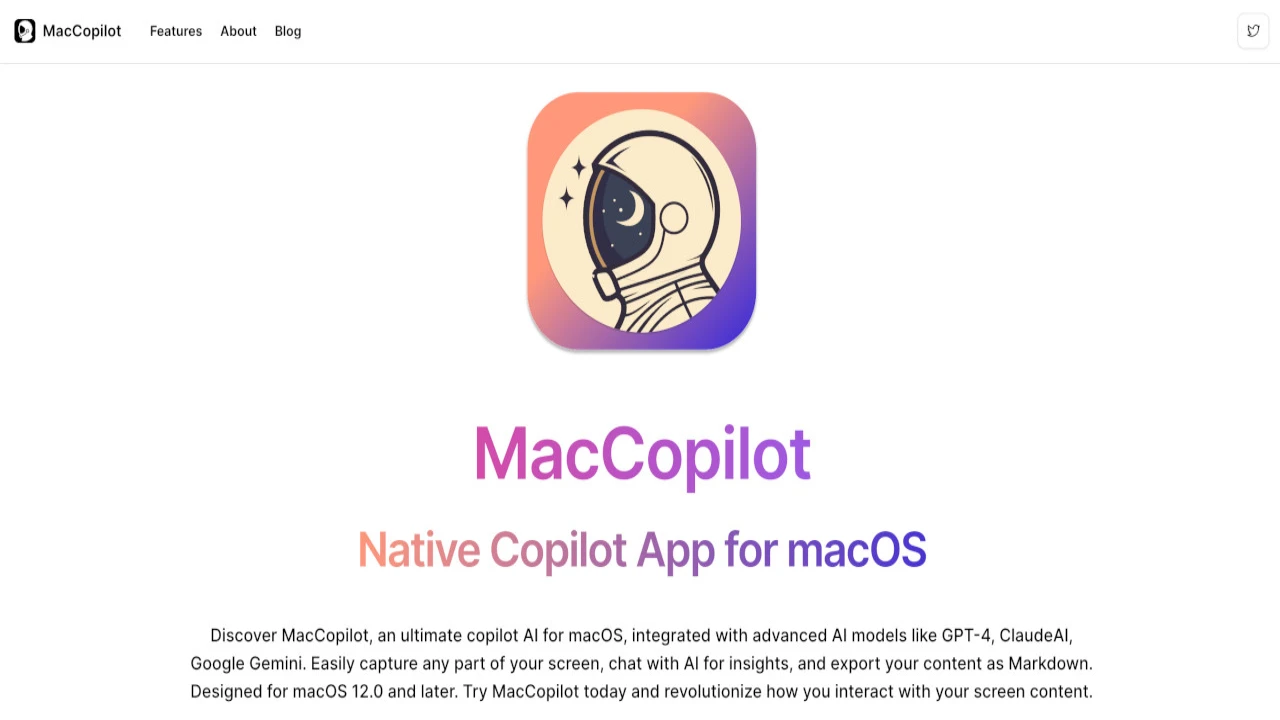
Maccopilot is a native macOS copilot application designed to integrate advanced AI capabilities directly into the desktop workflow. It provides contextual AI assistance, allowing users to interact with on-screen content for tasks such as text generation, summarization, image creation, and code development. By leveraging popular AI models via the user's own API keys, Maccopilot enhances productivity across virtually any application on a Mac.
What It Does
The tool functions as an on-demand AI assistant activated by a global hotkey, capturing screen content for contextual understanding. Users can then prompt various AI models (like GPT-4o, Claude 3, DALL-E 3, Stable Diffusion XL, using their own API keys) to generate text, summarize documents, create images, or assist with code. This seamless integration allows for AI-powered tasks without switching applications, directly interacting with the user's current desktop view.
Pricing
Pricing Plans
One-time purchase for a single Mac, providing all core features and minor updates.
- All features
- 1 Mac
- Unlimited Usage
- Free Minor Updates
- Free Support
One-time purchase for use on up to two Macs, including all features and minor updates.
- All features
- 2 Macs
- Unlimited Usage
- Free Minor Updates
- Free Support
One-time purchase for use on up to five Macs, offering all features and minor updates.
- All features
- 5 Macs
- Unlimited Usage
- Free Minor Updates
- Free Support
Core Value Propositions
Desktop-Native AI Integration
Seamlessly embeds AI capabilities directly into the macOS environment, eliminating the need to switch apps for AI assistance and boosting efficiency.
Contextual Assistance Across Apps
Understands and interacts with content on your screen from any application, providing highly relevant and on-demand AI support.
Model Flexibility & Enhanced Privacy
Users bring their own API keys for advanced AI models, ensuring control over data and usage, combined with local processing for privacy.
Multi-Modal Productivity Hub
Consolidates text generation, summarization, image creation, and code assistance into one accessible desktop tool, streamlining diverse tasks.
Use Cases
Drafting & Revising Content
Quickly generate, summarize, or rephrase text for emails, documents, or social media posts directly from your current application.
On-Demand Code Assistance
Get code generation, explanation, or debugging suggestions directly within your IDE or text editor based on selected code snippets.
Instant Image Creation
Generate visual assets, icons, or conceptual images using DALL-E 3 or Stable Diffusion XL based on on-screen descriptions or ideas.
Contextual Information Extraction
Summarize long articles, research papers, or meeting notes visible on your screen with a simple hotkey command.
Automating Repetitive Tasks
Create and deploy custom prompts for recurring text or code generation needs, saving time on repetitive inputs.
Learning & Research Support
Ask questions, get explanations, or translate text related to complex topics shown on your screen for enhanced understanding.
Technical Features & Integration
Native macOS Integration
Designed specifically for macOS, ensuring fast performance, responsiveness, and a seamless user experience optimized for the Apple ecosystem.
Contextual Screen Understanding
Intelligently captures and understands content visible on the screen, providing relevant AI assistance based on the current application or document.
Bring Your Own AI Model Keys
Users connect their own API keys for leading models like GPT-4o, Claude 3, DALL-E 3, and Stable Diffusion XL, offering control over model choice and usage.
Custom Prompt Library
Create, save, and organize personalized AI prompts for frequently used tasks, streamlining workflows and ensuring consistent outputs.
Multi-modal AI Capabilities
Combines text generation, summarization, and image creation functionalities within a single interface, catering to diverse productivity needs.
Seamless Hotkey Access
Activate the AI copilot instantly with a customizable global hotkey, allowing for on-demand assistance without interrupting your workflow.
Privacy-focused Local Processing
Emphasizes user privacy by processing screen content locally on the device, ensuring no sensitive data is collected or stored by Maccopilot.
Target Audience
This tool is ideal for macOS users, including developers, writers, content creators, and general knowledge workers, who seek to integrate powerful AI assistance directly into their daily desktop workflows. It particularly benefits those who value privacy, demand contextual AI interactions across various applications, and prefer to manage their own AI model API access.
Frequently Asked Questions
Maccopilot is a paid tool. Available plans include: Standard License, Pro License, Ultimate License.
The tool functions as an on-demand AI assistant activated by a global hotkey, capturing screen content for contextual understanding. Users can then prompt various AI models (like GPT-4o, Claude 3, DALL-E 3, Stable Diffusion XL, using their own API keys) to generate text, summarize documents, create images, or assist with code. This seamless integration allows for AI-powered tasks without switching applications, directly interacting with the user's current desktop view.
Key features of Maccopilot include: Native macOS Integration: Designed specifically for macOS, ensuring fast performance, responsiveness, and a seamless user experience optimized for the Apple ecosystem.. Contextual Screen Understanding: Intelligently captures and understands content visible on the screen, providing relevant AI assistance based on the current application or document.. Bring Your Own AI Model Keys: Users connect their own API keys for leading models like GPT-4o, Claude 3, DALL-E 3, and Stable Diffusion XL, offering control over model choice and usage.. Custom Prompt Library: Create, save, and organize personalized AI prompts for frequently used tasks, streamlining workflows and ensuring consistent outputs.. Multi-modal AI Capabilities: Combines text generation, summarization, and image creation functionalities within a single interface, catering to diverse productivity needs.. Seamless Hotkey Access: Activate the AI copilot instantly with a customizable global hotkey, allowing for on-demand assistance without interrupting your workflow.. Privacy-focused Local Processing: Emphasizes user privacy by processing screen content locally on the device, ensuring no sensitive data is collected or stored by Maccopilot..
Maccopilot is best suited for This tool is ideal for macOS users, including developers, writers, content creators, and general knowledge workers, who seek to integrate powerful AI assistance directly into their daily desktop workflows. It particularly benefits those who value privacy, demand contextual AI interactions across various applications, and prefer to manage their own AI model API access..
Seamlessly embeds AI capabilities directly into the macOS environment, eliminating the need to switch apps for AI assistance and boosting efficiency.
Understands and interacts with content on your screen from any application, providing highly relevant and on-demand AI support.
Users bring their own API keys for advanced AI models, ensuring control over data and usage, combined with local processing for privacy.
Consolidates text generation, summarization, image creation, and code assistance into one accessible desktop tool, streamlining diverse tasks.
Quickly generate, summarize, or rephrase text for emails, documents, or social media posts directly from your current application.
Get code generation, explanation, or debugging suggestions directly within your IDE or text editor based on selected code snippets.
Generate visual assets, icons, or conceptual images using DALL-E 3 or Stable Diffusion XL based on on-screen descriptions or ideas.
Summarize long articles, research papers, or meeting notes visible on your screen with a simple hotkey command.
Create and deploy custom prompts for recurring text or code generation needs, saving time on repetitive inputs.
Ask questions, get explanations, or translate text related to complex topics shown on your screen for enhanced understanding.





Get new AI tools weekly
Join readers discovering the best AI tools every week.