
Kome AI
Last updated:
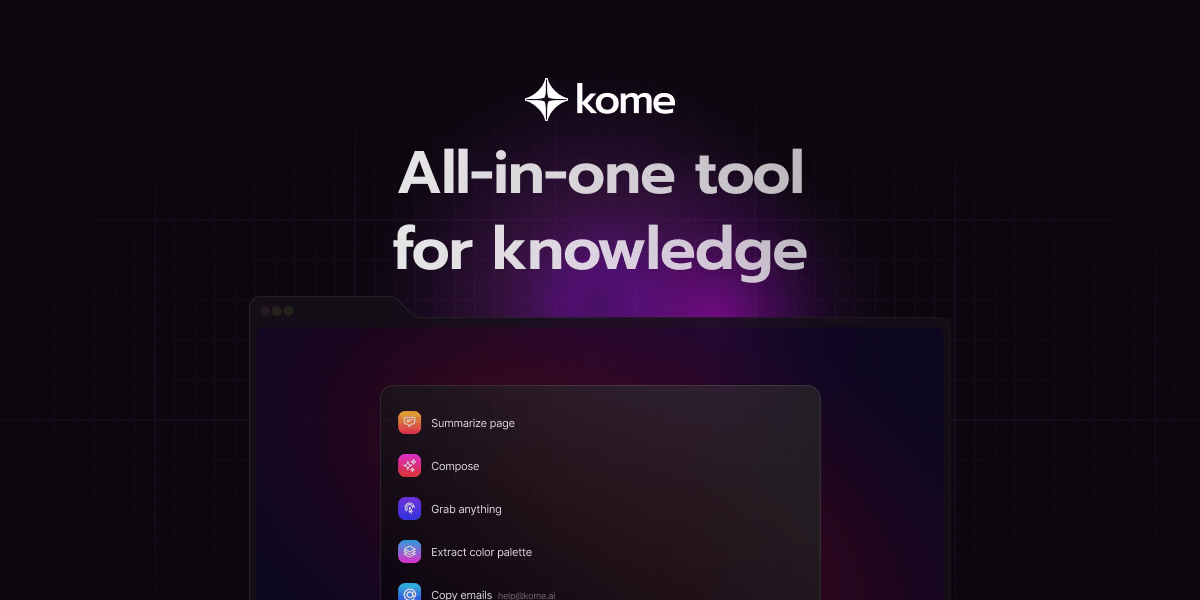
Kome AI is a versatile browser extension designed to integrate advanced AI capabilities directly into your daily web browsing experience. It acts as an all-in-one AI assistant, significantly enhancing productivity by offering tools for intelligent content summarization, efficient information bookmarking, and sophisticated text generation and refinement. Ideal for professionals, students, and researchers, Kome AI streamlines critical tasks like reading, research, and writing, making complex information more accessible and actionable right from your browser.
What It Does
Kome AI operates as a browser extension, embedding a suite of AI tools into your web environment. It allows users to interact with multiple AI models, summarize web pages, PDFs, and YouTube videos, generate and refine text, and intelligently bookmark information. This integration enables users to perform complex AI tasks without leaving their current browsing window, optimizing workflow efficiency.
Pricing
Pricing Plans
Limited access to Kome AI's core features for light use.
- 500 words/month
- 5 bookmarks
- 2 AI workflows
- Basic AI models
Full access to all features, advanced AI models, and priority support for power users (billed annually at $8/month).
- Unlimited words
- Unlimited bookmarks
- Unlimited AI workflows
- Priority support
- Advanced AI models
Tailored solutions for teams and organizations with specific needs and higher usage requirements.
- Custom features
- Dedicated support
- Scalable usage
Core Value Propositions
Unified AI Access
Access multiple advanced AI models and tools from one central browser extension, eliminating the need for separate applications.
Boosted Productivity
Automate and streamline routine tasks like summarization, text generation, and content organization, saving significant time and effort.
Enhanced Content Comprehension
Quickly understand complex articles, documents, and videos through AI-powered summarization, improving learning and research efficiency.
Streamlined Research Workflow
Effortlessly capture, organize, and extract insights from web content using smart bookmarking and OCR, making research more efficient and effective.
Use Cases
Summarize Research Papers
Quickly get the main points from long academic articles or reports to determine relevance and save reading time.
Draft Marketing Content
Generate initial drafts for social media captions, email newsletters, or blog post sections using AI writing assistance.
Organize Research Notes
Use smart bookmarking to save web pages, PDFs, and videos, with AI automatically categorizing and extracting key information for later review.
Understand Complex Web Pages
Instantly summarize news articles, technical documentation, or industry reports to quickly grasp their core message.
Extract Text from Images
Utilize the screenshot and OCR feature to capture and convert text from non-selectable images or scanned documents into editable format.
Refine Written Communication
Improve the clarity, grammar, and tone of emails, messages, or documents using the AI writing assistant's refinement and paraphrasing tools.
Technical Features & Integration
Multi-Model AI Chat
Access and interact with leading AI models like GPT-4, Claude, and Gemini directly within your browser, enabling diverse query handling and content creation.
Content Summarization
Quickly generate concise summaries of web pages, PDF documents, and YouTube videos, helping users to grasp key information efficiently.
AI Writing Assistant
Generate, refine, paraphrase, translate, and perform grammar checks on text, streamlining writing tasks and improving content quality.
Smart Bookmarking & Insights
Save web content intelligently with AI organization, allowing for easy retrieval and automated extraction of key insights from bookmarked pages.
Screenshot & OCR
Capture screenshots and extract text from images using Optical Character Recognition, facilitating data collection from non-selectable content.
Custom AI Workflows
Create and automate personalized AI-driven workflows to execute routine tasks, enhancing efficiency across various online activities.
Target Audience
Kome AI is primarily designed for knowledge workers, students, researchers, content creators, and business professionals who spend significant time online. It's ideal for anyone looking to enhance their productivity, streamline information consumption, and accelerate writing and research tasks directly within their web browser.
Frequently Asked Questions
Kome AI offers a free plan with limited features. Paid plans are available for additional features and capabilities. Available plans include: Free, Pro, Enterprise.
Kome AI operates as a browser extension, embedding a suite of AI tools into your web environment. It allows users to interact with multiple AI models, summarize web pages, PDFs, and YouTube videos, generate and refine text, and intelligently bookmark information. This integration enables users to perform complex AI tasks without leaving their current browsing window, optimizing workflow efficiency.
Key features of Kome AI include: Multi-Model AI Chat: Access and interact with leading AI models like GPT-4, Claude, and Gemini directly within your browser, enabling diverse query handling and content creation.. Content Summarization: Quickly generate concise summaries of web pages, PDF documents, and YouTube videos, helping users to grasp key information efficiently.. AI Writing Assistant: Generate, refine, paraphrase, translate, and perform grammar checks on text, streamlining writing tasks and improving content quality.. Smart Bookmarking & Insights: Save web content intelligently with AI organization, allowing for easy retrieval and automated extraction of key insights from bookmarked pages.. Screenshot & OCR: Capture screenshots and extract text from images using Optical Character Recognition, facilitating data collection from non-selectable content.. Custom AI Workflows: Create and automate personalized AI-driven workflows to execute routine tasks, enhancing efficiency across various online activities..
Kome AI is best suited for Kome AI is primarily designed for knowledge workers, students, researchers, content creators, and business professionals who spend significant time online. It's ideal for anyone looking to enhance their productivity, streamline information consumption, and accelerate writing and research tasks directly within their web browser..
Access multiple advanced AI models and tools from one central browser extension, eliminating the need for separate applications.
Automate and streamline routine tasks like summarization, text generation, and content organization, saving significant time and effort.
Quickly understand complex articles, documents, and videos through AI-powered summarization, improving learning and research efficiency.
Effortlessly capture, organize, and extract insights from web content using smart bookmarking and OCR, making research more efficient and effective.
Quickly get the main points from long academic articles or reports to determine relevance and save reading time.
Generate initial drafts for social media captions, email newsletters, or blog post sections using AI writing assistance.
Use smart bookmarking to save web pages, PDFs, and videos, with AI automatically categorizing and extracting key information for later review.
Instantly summarize news articles, technical documentation, or industry reports to quickly grasp their core message.
Utilize the screenshot and OCR feature to capture and convert text from non-selectable images or scanned documents into editable format.
Improve the clarity, grammar, and tone of emails, messages, or documents using the AI writing assistant's refinement and paraphrasing tools.






Get new AI tools weekly
Join readers discovering the best AI tools every week.