

Expense Sorted
Last updated:
Expense Sorted is an AI-powered financial management tool designed to automate and streamline expense categorization, primarily integrating with Google Sheets. It intelligently organizes transactions from connected bank accounts or CSV imports, learning user preferences to apply accurate categories. This tool significantly reduces the manual effort involved in financial tracking, making it invaluable for individuals, freelancers, and small businesses seeking clarity and efficiency in their expense management. By transforming raw transaction data into neatly categorized information, Expense Sorted empowers users to maintain organized financial records for budgeting, tax preparation, and overall financial health.
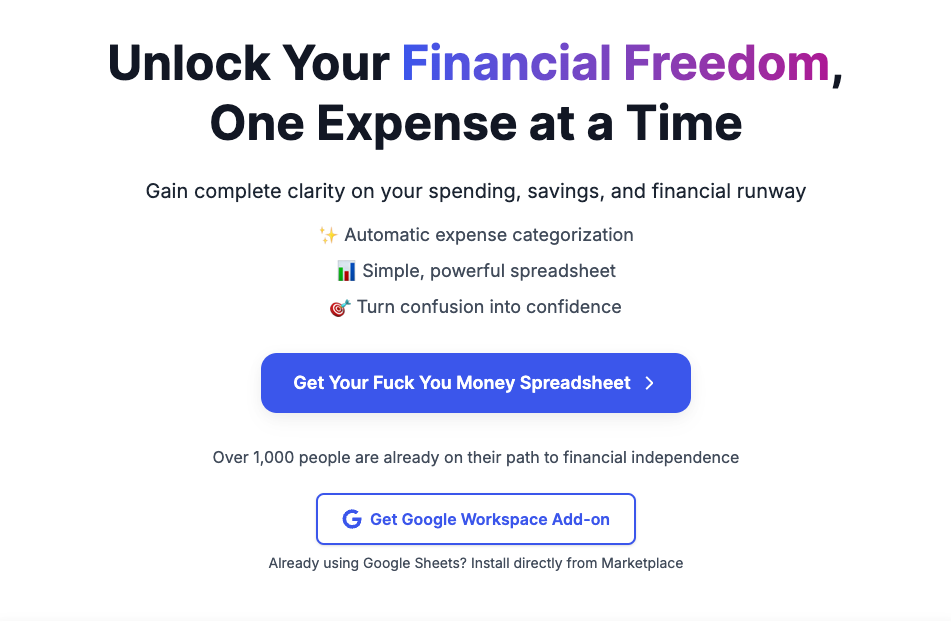
What It Does
Expense Sorted connects securely to users' bank and credit card accounts via financial data aggregators like Plaid and TrueLayer, or accepts manual CSV uploads. Its AI engine then analyzes transaction descriptions, amounts, and historical data to automatically assign relevant categories. Users can define custom categories and rules, which the AI learns from, ensuring increasingly accurate and personalized expense organization before exporting the categorized data directly to Google Sheets for further analysis.
Pricing
Pricing Plans
A free plan suitable for light users to try out the core features of automated expense categorization.
- Up to 50 transactions/month
- 1 connected account
- Limited custom rules
- Google Sheets export
Designed for individuals and freelancers needing comprehensive expense tracking with unlimited features and priority support.
- Unlimited transactions
- Unlimited connected accounts
- Unlimited custom rules
- Google Sheets export
- Multi-currency support
- +1 more
A plan tailored for small businesses and teams requiring collaborative expense management and advanced support.
- All Pro features
- Multi-user access
- Dedicated support
- Team management tools
Core Value Propositions
Significant Time Savings
Automates the categorization of transactions, freeing up hours previously spent on manual data entry and sorting for users.
Enhanced Accuracy & Consistency
AI-driven categorization and custom rules ensure expenses are consistently and correctly classified, reducing errors in financial records.
Simplified Financial Tracking
Provides an easy-to-use system for organizing all financial transactions, making budgeting and financial oversight more accessible.
Centralized Data in Google Sheets
Consolidates diverse transaction data into a single, organized Google Sheet, simplifying reporting, analysis, and tax preparation.
Use Cases
Personal Budgeting & Tracking
Automatically categorize all personal spending to accurately track budgets, identify spending patterns, and manage household finances more effectively.
Freelancer Expense Management
Streamline the categorization of business-related expenses, ensuring accurate records for tax deductions and simplifying financial reporting to clients.
Small Business Bookkeeping
Automate the organization of operational expenses for small businesses, facilitating easier financial oversight, P&L statements, and tax preparation.
Tax Preparation Assistance
Generate neatly categorized expense reports in Google Sheets, significantly simplifying the process of preparing documents for tax filing.
Project Expense Monitoring
Track and categorize expenses related to specific projects, providing clear insights into costs and aiding in project profitability analysis.
Technical Features & Integration
AI-Powered Categorization
Automatically sorts transactions into categories using artificial intelligence, learning from your past classifications and smart suggestions to improve accuracy over time.
Bank & Card Integrations
Connects securely to thousands of banks and credit card providers across the US, Canada, UK, and EU, pulling transaction data automatically.
Custom Rules Engine
Allows users to create specific rules for categorizing transactions based on keywords, amounts, or merchants, ensuring consistent and precise organization.
Google Sheets Export
Seamlessly exports all categorized transaction data directly into Google Sheets, providing a flexible and familiar platform for further analysis, budgeting, or reporting.
Multi-Currency Support
Handles transactions in various currencies, making it suitable for users with international finances or travel expenses.
Manual CSV Import
Provides the flexibility to upload transaction data via CSV files, accommodating banks not directly supported or specific data sets.
Smart Suggestions
Offers intelligent recommendations for uncategorized transactions, helping users quickly classify new or unusual expenses.
Target Audience
Expense Sorted is ideal for individuals, freelancers, and small business owners who use Google Sheets for their financial tracking and seek to minimize manual data entry. It's particularly beneficial for those overwhelmed by transaction volume, needing precise expense categorization for budgeting, tax purposes, or project cost management without complex accounting software.
Frequently Asked Questions
Expense Sorted offers a free plan with limited features. Paid plans are available for additional features and capabilities. Available plans include: Free, Pro, Business.
Expense Sorted connects securely to users' bank and credit card accounts via financial data aggregators like Plaid and TrueLayer, or accepts manual CSV uploads. Its AI engine then analyzes transaction descriptions, amounts, and historical data to automatically assign relevant categories. Users can define custom categories and rules, which the AI learns from, ensuring increasingly accurate and personalized expense organization before exporting the categorized data directly to Google Sheets for further analysis.
Key features of Expense Sorted include: AI-Powered Categorization: Automatically sorts transactions into categories using artificial intelligence, learning from your past classifications and smart suggestions to improve accuracy over time.. Bank & Card Integrations: Connects securely to thousands of banks and credit card providers across the US, Canada, UK, and EU, pulling transaction data automatically.. Custom Rules Engine: Allows users to create specific rules for categorizing transactions based on keywords, amounts, or merchants, ensuring consistent and precise organization.. Google Sheets Export: Seamlessly exports all categorized transaction data directly into Google Sheets, providing a flexible and familiar platform for further analysis, budgeting, or reporting.. Multi-Currency Support: Handles transactions in various currencies, making it suitable for users with international finances or travel expenses.. Manual CSV Import: Provides the flexibility to upload transaction data via CSV files, accommodating banks not directly supported or specific data sets.. Smart Suggestions: Offers intelligent recommendations for uncategorized transactions, helping users quickly classify new or unusual expenses..
Expense Sorted is best suited for Expense Sorted is ideal for individuals, freelancers, and small business owners who use Google Sheets for their financial tracking and seek to minimize manual data entry. It's particularly beneficial for those overwhelmed by transaction volume, needing precise expense categorization for budgeting, tax purposes, or project cost management without complex accounting software..
Automates the categorization of transactions, freeing up hours previously spent on manual data entry and sorting for users.
AI-driven categorization and custom rules ensure expenses are consistently and correctly classified, reducing errors in financial records.
Provides an easy-to-use system for organizing all financial transactions, making budgeting and financial oversight more accessible.
Consolidates diverse transaction data into a single, organized Google Sheet, simplifying reporting, analysis, and tax preparation.
Automatically categorize all personal spending to accurately track budgets, identify spending patterns, and manage household finances more effectively.
Streamline the categorization of business-related expenses, ensuring accurate records for tax deductions and simplifying financial reporting to clients.
Automate the organization of operational expenses for small businesses, facilitating easier financial oversight, P&L statements, and tax preparation.
Generate neatly categorized expense reports in Google Sheets, significantly simplifying the process of preparing documents for tax filing.
Track and categorize expenses related to specific projects, providing clear insights into costs and aiding in project profitability analysis.




Get new AI tools weekly
Join readers discovering the best AI tools every week.