

Excelmatic
Last updated:
Excelmatic is an AI-powered platform designed to democratize data analysis and visualization, making it accessible to business professionals without requiring expertise in complex formulas or data science. By leveraging a natural language chat interface, users can upload their Excel or CSV data and instantly receive actionable insights, summaries, and visual reports. This tool transforms raw data into understandable intelligence, empowering users to make data-driven decisions swiftly and efficiently, bridging the gap between raw data and strategic insights for a wide range of business functions.
What It Does
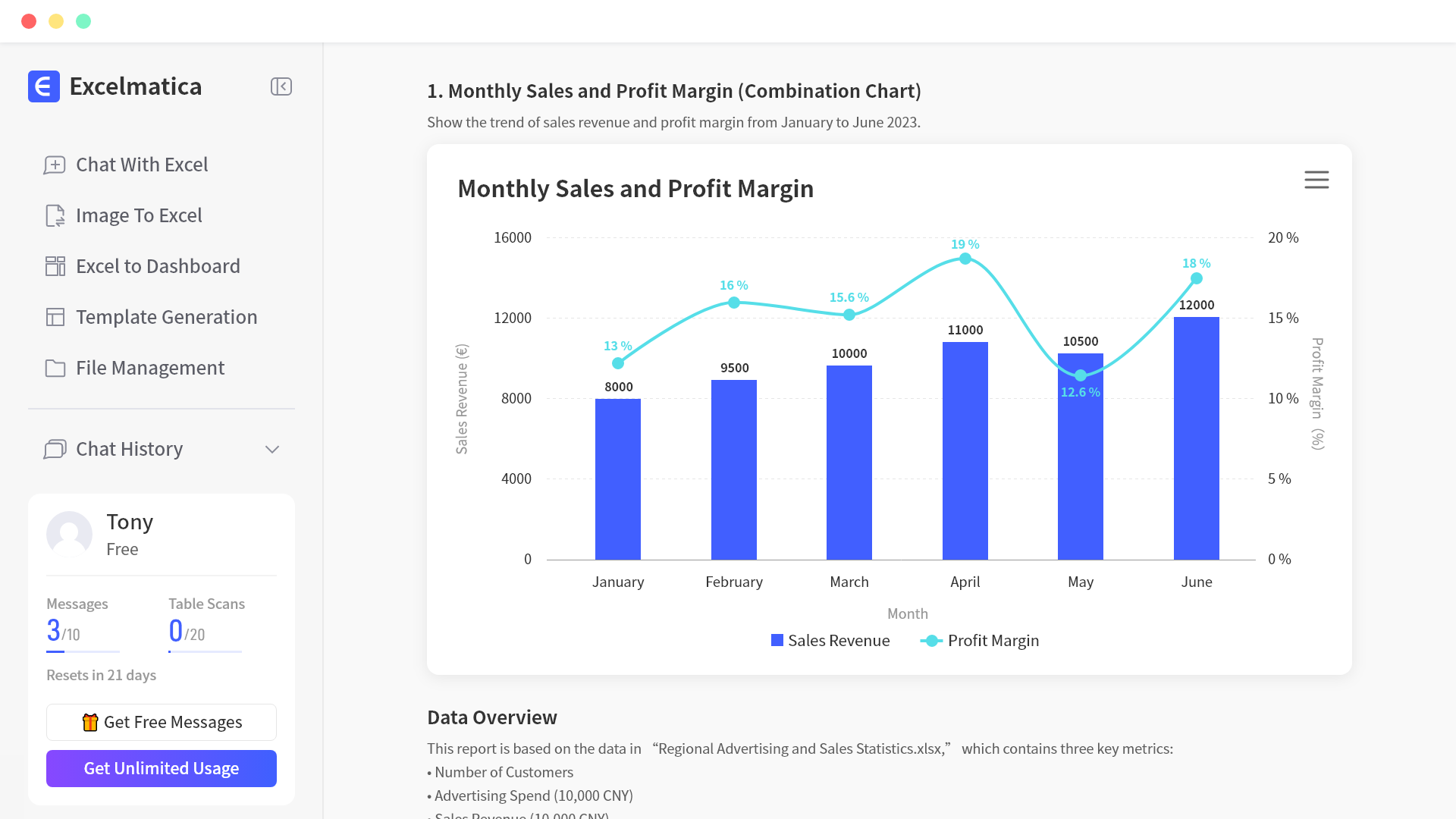
The tool functions by allowing users to upload their Excel or CSV datasets directly onto the platform. Through an intuitive chat interface, users can then ask questions about their data in plain English, receiving instant answers, automatically generated charts, and concise summaries. Excelmatic processes these queries using AI to analyze the data, extract key trends, and present findings in an easily digestible format, eliminating the need for manual formula writing or complex data manipulation.
Pricing
Pricing Plans
Ideal for individuals to explore basic data analysis capabilities and experience the tool's core functionality.
- 5 uploads/month
- 2,500 rows/upload
- 50 queries/upload
- Basic insights
Designed for power users and small teams needing higher limits and more comprehensive analysis features.
- 50 uploads/month
- 100,000 rows/upload
- 200 queries/upload
- PDF export
- Advanced insights
Tailored for larger teams and organizations requiring extensive usage, collaborative features, and dedicated support.
- 200 uploads/month
- 500,000 rows/upload
- 500 queries/upload
- PDF export
- Team Access
- +1 more
Core Value Propositions
Democratizes Data Analysis
Makes advanced analytical capabilities available to non-technical users, fostering a data-driven culture throughout the organization without specialized training.
Instant Actionable Insights
Provides immediate answers and visualizations to data questions, enabling rapid decision-making and quicker responses to market changes or internal challenges.
No-Code Visualization
Generates professional charts and reports automatically, eliminating the need for manual chart creation or design skills, saving significant time and effort.
Enhanced Data Privacy
Guarantees that sensitive business data is processed securely and not stored, addressing critical concerns around data governance and confidentiality.
Use Cases
Sales Performance Review
Analyze sales figures to identify best-selling products, top-performing sales regions, or seasonal trends quickly and efficiently. This helps in strategic planning and resource allocation.
Marketing Campaign Optimization
Evaluate the effectiveness of different marketing campaigns by analyzing customer engagement, conversion rates, and ROI. This enables data-driven adjustments for better results.
Financial Statement Analysis
Summarize complex financial data from balance sheets or income statements to identify key financial health indicators and trends. This assists in financial forecasting and reporting.
HR Talent Analytics
Gain insights into employee data such as hiring trends, retention rates, or compensation structures to inform HR strategies. This supports better workforce management and talent development.
Customer Feedback Analysis
Extract sentiment and common themes from customer survey responses or feedback forms to understand customer satisfaction and areas for improvement. This drives product and service enhancements.
Technical Features & Integration
Natural Language Query
Interact with your data using everyday language, asking questions and receiving insights without needing to write code or complex formulas. This simplifies the analytical process for all users.
Automated Data Summarization
Quickly grasp the essence of your datasets with AI-generated summaries that highlight key trends, patterns, and anomalies. This saves time in initial data exploration.
Dynamic Chart Generation
Visualize your data effortlessly as Excelmatic automatically creates relevant and insightful charts based on your queries. This transforms raw numbers into compelling visual stories.
Secure Data Handling
Ensures user data privacy by not storing uploaded files after analysis is complete. This provides peace of mind for sensitive business information.
Excel & CSV Compatibility
Supports the most common spreadsheet formats, allowing seamless integration with existing business data. Users can easily upload their current data files for analysis.
Target Audience
Excelmatic is primarily designed for business professionals across various departments, including sales, marketing, finance, and human resources, who regularly work with data but may lack advanced analytical skills. It's ideal for managers, analysts, and small business owners seeking quick, actionable insights from their spreadsheets without the need for data scientists or complex software.
Frequently Asked Questions
Excelmatic offers a free plan with limited features. Paid plans are available for additional features and capabilities. Available plans include: Free, Pro, Business.
The tool functions by allowing users to upload their Excel or CSV datasets directly onto the platform. Through an intuitive chat interface, users can then ask questions about their data in plain English, receiving instant answers, automatically generated charts, and concise summaries. Excelmatic processes these queries using AI to analyze the data, extract key trends, and present findings in an easily digestible format, eliminating the need for manual formula writing or complex data manipulation.
Key features of Excelmatic include: Natural Language Query: Interact with your data using everyday language, asking questions and receiving insights without needing to write code or complex formulas. This simplifies the analytical process for all users.. Automated Data Summarization: Quickly grasp the essence of your datasets with AI-generated summaries that highlight key trends, patterns, and anomalies. This saves time in initial data exploration.. Dynamic Chart Generation: Visualize your data effortlessly as Excelmatic automatically creates relevant and insightful charts based on your queries. This transforms raw numbers into compelling visual stories.. Secure Data Handling: Ensures user data privacy by not storing uploaded files after analysis is complete. This provides peace of mind for sensitive business information.. Excel & CSV Compatibility: Supports the most common spreadsheet formats, allowing seamless integration with existing business data. Users can easily upload their current data files for analysis..
Excelmatic is best suited for Excelmatic is primarily designed for business professionals across various departments, including sales, marketing, finance, and human resources, who regularly work with data but may lack advanced analytical skills. It's ideal for managers, analysts, and small business owners seeking quick, actionable insights from their spreadsheets without the need for data scientists or complex software..
Makes advanced analytical capabilities available to non-technical users, fostering a data-driven culture throughout the organization without specialized training.
Provides immediate answers and visualizations to data questions, enabling rapid decision-making and quicker responses to market changes or internal challenges.
Generates professional charts and reports automatically, eliminating the need for manual chart creation or design skills, saving significant time and effort.
Guarantees that sensitive business data is processed securely and not stored, addressing critical concerns around data governance and confidentiality.
Analyze sales figures to identify best-selling products, top-performing sales regions, or seasonal trends quickly and efficiently. This helps in strategic planning and resource allocation.
Evaluate the effectiveness of different marketing campaigns by analyzing customer engagement, conversion rates, and ROI. This enables data-driven adjustments for better results.
Summarize complex financial data from balance sheets or income statements to identify key financial health indicators and trends. This assists in financial forecasting and reporting.
Gain insights into employee data such as hiring trends, retention rates, or compensation structures to inform HR strategies. This supports better workforce management and talent development.
Extract sentiment and common themes from customer survey responses or feedback forms to understand customer satisfaction and areas for improvement. This drives product and service enhancements.




Get new AI tools weekly
Join readers discovering the best AI tools every week.