

Excelmaster AI
Last updated:
Excelmaster AI is an advanced AI-powered assistant designed to significantly enhance productivity for Microsoft Excel users. It streamlines complex tasks by enabling natural language interaction to generate accurate Excel formulas, create sophisticated VBA scripts, and automate various data management processes. This tool caters to a wide range of users, from data analysts to business professionals, by simplifying traditionally challenging Excel operations and providing robust error-fixing and explanation capabilities, thereby transforming how users interact with their spreadsheets.
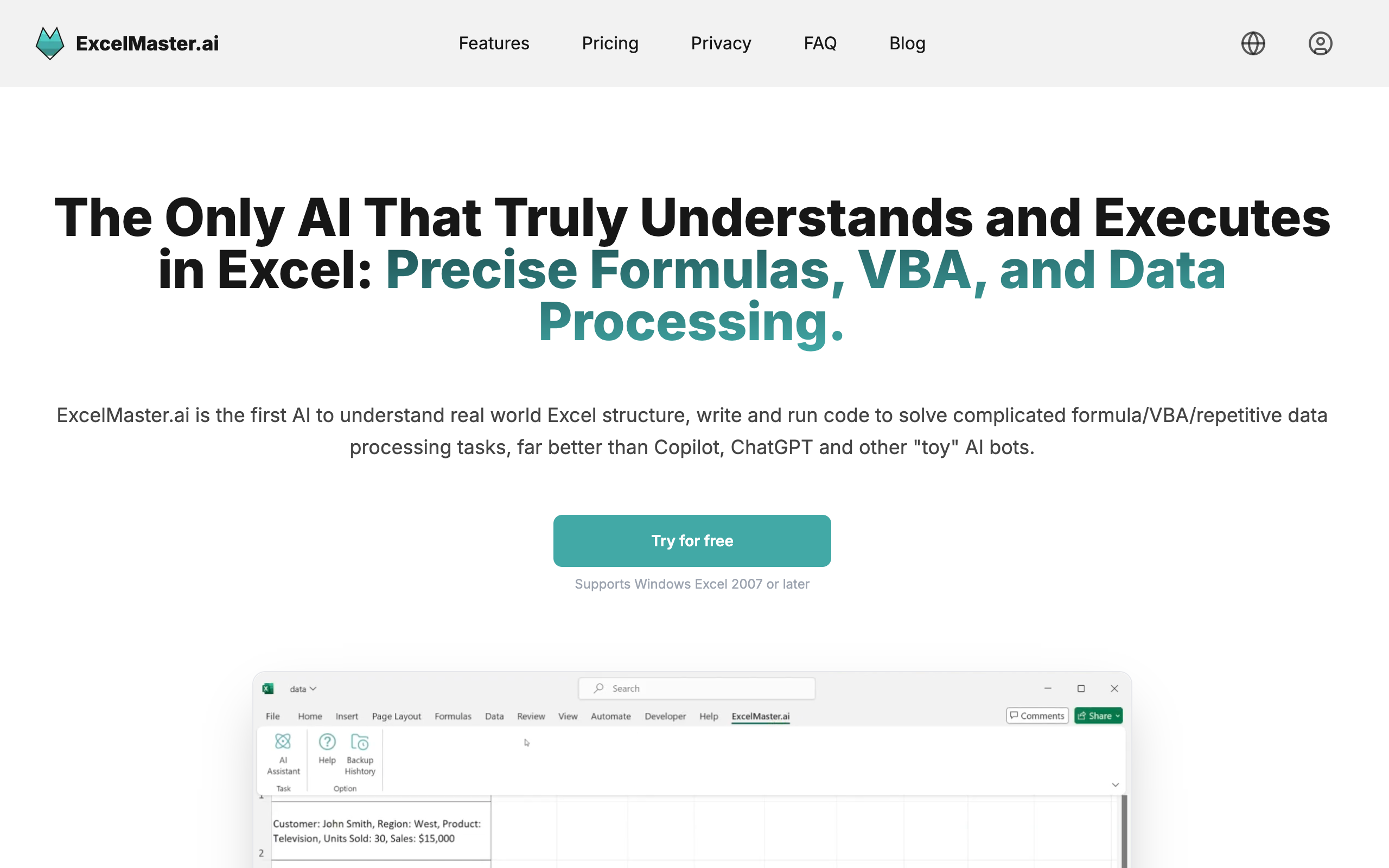
What It Does
Excelmaster AI translates natural language prompts into functional Excel formulas and VBA code, directly within Microsoft Excel as an add-in. It also offers features to explain and debug existing formulas and VBA scripts, making complex spreadsheet tasks more accessible and understandable. This integration empowers users to automate repetitive actions and manage data more efficiently without requiring deep coding knowledge.
Pricing
Pricing Plans
Limited access (5 questions) for generating formulas and VBA code.
- 5 questions
Unlimited access to core AI features for comprehensive Excel assistance.
- Unlimited questions
- Advanced features
All Pro features plus priority support and enhanced capabilities.
- Unlimited questions
- Advanced features
- Priority support
Key Features
The tool's core capabilities revolve around intelligent code and formula generation, explanation, and debugging, all accessible through natural language. Users can effortlessly create complex Excel formulas and VBA macros from simple text descriptions, significantly reducing manual effort and potential errors. Furthermore, it provides clear, AI-generated explanations for existing code and formulas, aiding comprehension, and offers robust error detection and correction functionalities for both formulas and VBA scripts, ensuring data integrity and operational efficiency within Excel.
Target Audience
This tool is ideal for anyone who regularly uses Microsoft Excel, including data analysts, financial professionals, business users, and students seeking to enhance their spreadsheet proficiency. It particularly benefits individuals looking to automate repetitive tasks, simplify complex data operations, or quickly learn and debug Excel formulas and VBA without extensive coding expertise.
Value Proposition
Excelmaster AI significantly democratizes advanced Excel capabilities by translating natural language into functional code and formulas, eliminating the steep learning curve associated with VBA and complex functions. It solves the common problems of time-consuming manual formula creation, debugging errors, and the inability to automate tasks without programming knowledge, ultimately boosting productivity and accuracy for all Excel users.
Use Cases
Quickly generating complex Excel formulas, writing custom VBA macros, automating data cleaning and formatting, creating dynamic reports, and streamlining repetitive spreadsheet operations.
Frequently Asked Questions
Excelmaster AI offers a free plan with limited features. Paid plans are available for additional features and capabilities. Available plans include: Free Trial, Pro, Premium.
Excelmaster AI translates natural language prompts into functional Excel formulas and VBA code, directly within Microsoft Excel as an add-in. It also offers features to explain and debug existing formulas and VBA scripts, making complex spreadsheet tasks more accessible and understandable. This integration empowers users to automate repetitive actions and manage data more efficiently without requiring deep coding knowledge.
Excelmaster AI is best suited for This tool is ideal for anyone who regularly uses Microsoft Excel, including data analysts, financial professionals, business users, and students seeking to enhance their spreadsheet proficiency. It particularly benefits individuals looking to automate repetitive tasks, simplify complex data operations, or quickly learn and debug Excel formulas and VBA without extensive coding expertise..


.png)


Get new AI tools weekly
Join readers discovering the best AI tools every week.