

Colormagic
Last updated:
Colormagic is an AI-powered tool designed to streamline the creation of harmonious color palettes for various design projects. It allows users to generate unique color combinations from text descriptions, uploaded images, or by exploring an extensive library, simplifying the often time-consuming color selection process. This tool is invaluable for designers, developers, and creatives seeking to enhance visual appeal and ensure color accessibility across web, print, and digital media. By leveraging artificial intelligence, Colormagic helps overcome creative blocks and ensures consistency in branding and visual communication.
What It Does
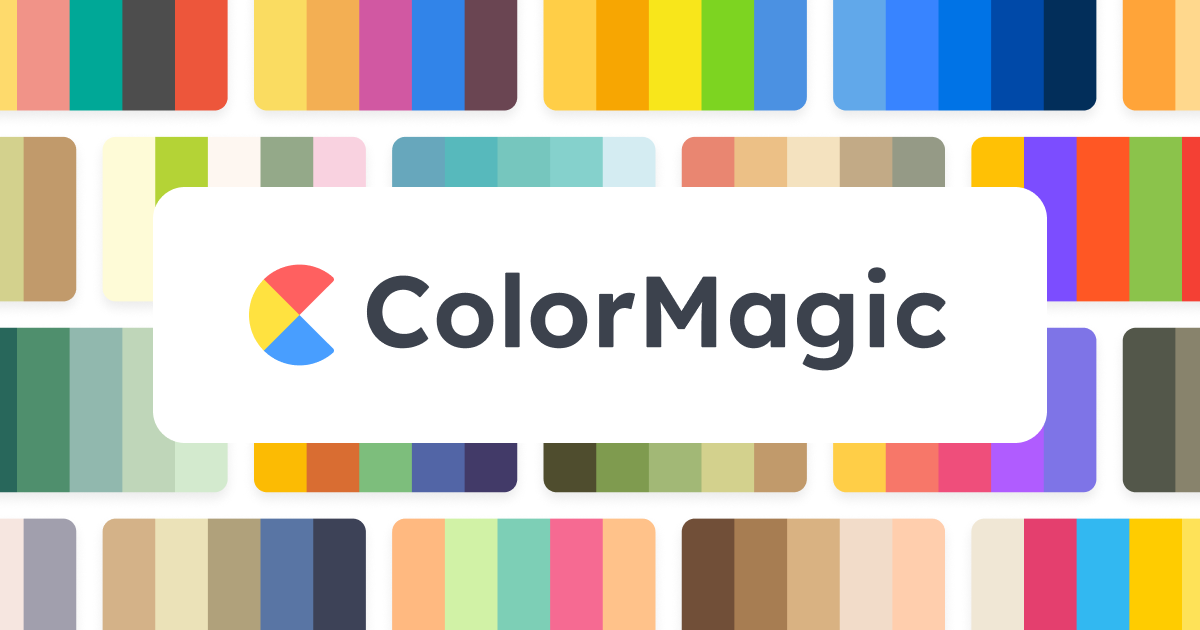
Colormagic leverages artificial intelligence to generate bespoke color palettes based on user inputs. Users can input textual prompts describing a desired mood or theme, upload an image to extract its dominant colors, or paste CSS/SCSS code for color analysis. The tool then presents a curated selection of harmonious palettes, complete with various export formats and an essential accessibility checker for contrast ratios.
Pricing
Pricing Plans
Basic access to AI color palette generation.
- Limited palettes
- Basic controls
- Ads
Full features for professional designers, billed monthly.
- Unlimited palettes
- Color from images
- Advanced controls
- Save collections
- No ads
Full features for professional designers, billed annually with savings.
- Unlimited palettes
- Color from images
- Advanced controls
- Save collections
- No ads
Key Features
Colormagic offers powerful AI-driven generation from diverse inputs, robust color extraction capabilities, and essential tools for designers. It includes features like palette saving, multiple export formats, and a critical accessibility checker to ensure compliance with WCAG guidelines. The platform also provides an intuitive interface for exploring and managing color schemes effectively, along with integration options for popular design software.
Target Audience
Colormagic is ideal for graphic designers, web developers, UI/UX designers, marketing professionals, content creators, and artists. It caters to anyone who needs to quickly and efficiently generate aesthetically pleasing and accessible color schemes for branding, websites, applications, illustrations, or digital content.
Value Proposition
Colormagic significantly accelerates the color selection process by offering AI-powered generation and extraction, eliminating guesswork and creative blocks. It ensures color harmony and accessibility from the outset, providing diverse, ready-to-use palettes that save valuable design time. This tool solves the challenge of finding unique, effective color combinations quickly and reliably, enhancing overall project efficiency and visual quality.
Use Cases
Branding, website/app UI design, marketing materials, illustrations, digital art, presentations, and any project requiring cohesive and attractive color schemes.
Frequently Asked Questions
Colormagic offers a free plan with limited features. Paid plans are available for additional features and capabilities. Available plans include: Free, Pro Monthly, Pro Yearly.
Colormagic leverages artificial intelligence to generate bespoke color palettes based on user inputs. Users can input textual prompts describing a desired mood or theme, upload an image to extract its dominant colors, or paste CSS/SCSS code for color analysis. The tool then presents a curated selection of harmonious palettes, complete with various export formats and an essential accessibility checker for contrast ratios.
Colormagic is best suited for Colormagic is ideal for graphic designers, web developers, UI/UX designers, marketing professionals, content creators, and artists. It caters to anyone who needs to quickly and efficiently generate aesthetically pleasing and accessible color schemes for branding, websites, applications, illustrations, or digital content..






Get new AI tools weekly
Join readers discovering the best AI tools every week.