
Chat With PDF
Last updated:
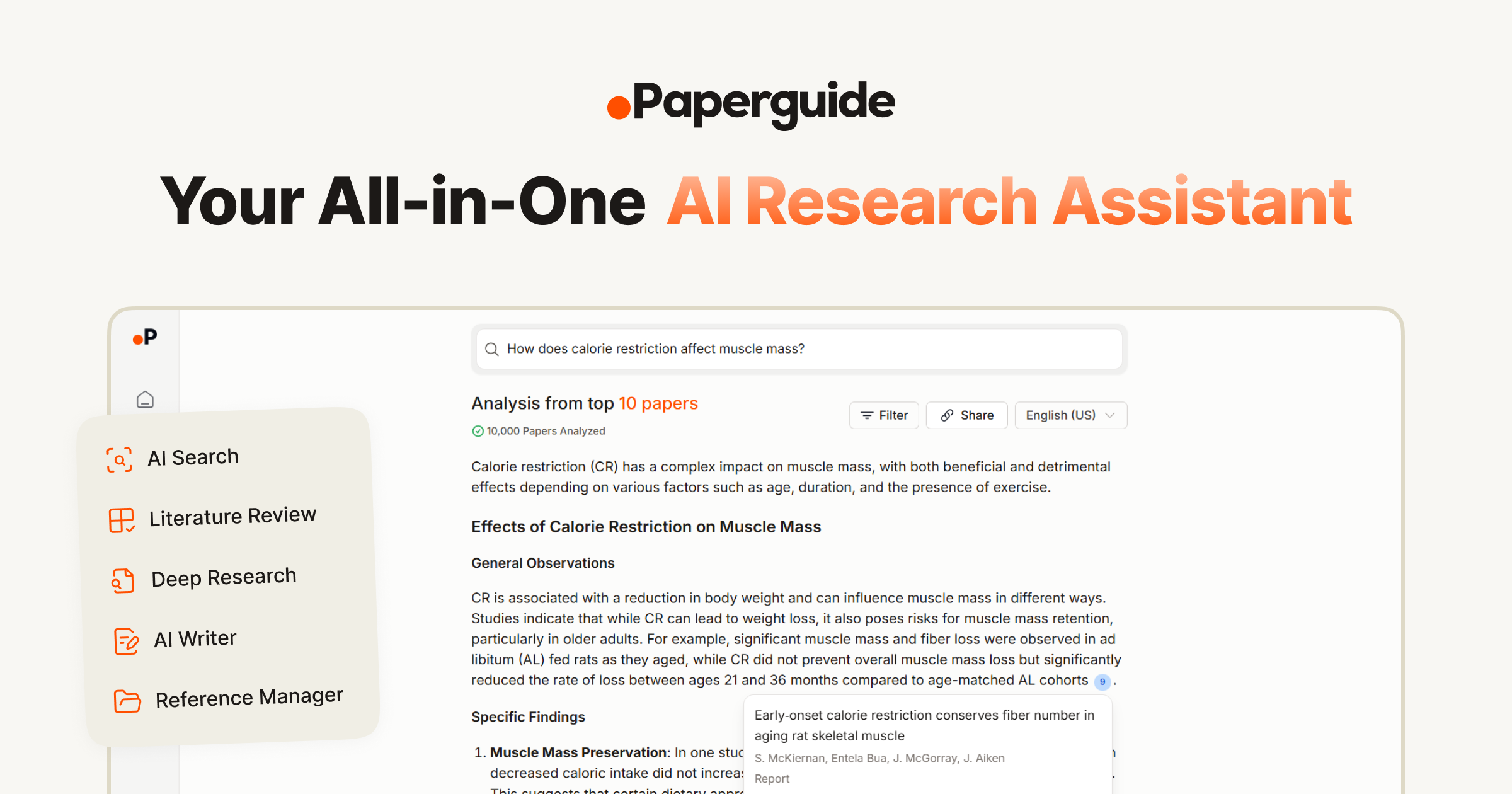
Chat With PDF is an AI-powered research platform designed to revolutionize how users interact with documents. It enables direct conversational querying of PDFs and a wide array of other file types, offering capabilities to summarize, rewrite, translate, and extract specific information. This tool significantly streamlines document analysis and comprehension for students, researchers, and professionals alike, transforming static documents into interactive knowledge bases.
What It Does
The tool allows users to upload various document types, including PDFs, DOCX, TXT, and even images of scanned documents. Once uploaded, an AI chatbot interface becomes available, enabling users to ask questions, request summaries, rephrase content, translate sections into other languages, or pinpoint specific data points. It processes the document's content to provide accurate and contextually relevant responses.
Pricing
Pricing Plans
Basic access for light users to experience the core features of the platform.
- 2 PDFs/day
- 120 pages/PDF
- 50MB/PDF
- 30 questions/day
Designed for individual power users needing extensive document interaction and analysis capabilities.
- Unlimited PDFs
- 2000 pages/PDF
- 100MB/PDF
- Unlimited questions
A comprehensive plan for teams and businesses requiring high volume processing and collaborative features.
- Unlimited PDFs
- 3000 pages/PDF
- 150MB/PDF
- Unlimited questions
- Priority support
- +1 more
Core Value Propositions
Rapid Document Comprehension
Quickly understand complex documents through AI-powered summarization and conversational queries, saving valuable time and effort.
Break Language Barriers
Effortlessly translate content into multiple languages, enabling global research and communication without manual translation services.
Efficient Information Extraction
Pinpoint and retrieve precise information from any document with natural language questions, eliminating tedious manual searching.
Diverse Document Compatibility
Interact with a wide range of file types, including scanned PDFs, ensuring all your documents are accessible and searchable.
Use Cases
Academic Research & Study
Students and researchers can upload lecture notes, textbooks, or scientific articles to quickly summarize, find specific information, or clarify concepts for assignments.
Legal Document Review
Lawyers and paralegals can analyze lengthy contracts, case files, or discovery documents to rapidly extract clauses, dates, or relevant precedents.
Financial Report Analysis
Business professionals can upload financial statements or market research reports to summarize key findings, identify trends, or extract specific figures for decision-making.
Technical Manual Comprehension
Engineers or technicians can query complex technical manuals or user guides to quickly find troubleshooting steps or specific operating instructions.
Multi-Language Content Processing
Users can translate documents from foreign languages or rewrite content for different linguistic audiences, facilitating international collaboration and learning.
Accessibility for Scanned Documents
Process and interact with information from scanned books, historical documents, or image-based files that would otherwise be non-searchable, thanks to OCR capabilities.
Technical Features & Integration
AI Chat Interface
Engage in natural language conversations with any uploaded document to quickly find answers or explore content. This conversational approach makes complex documents more accessible.
Multi-Format Document Support
Process not just PDFs, but also DOCX, TXT, EPUB, CSV, PPTX, JPG, PNG, GIF, and TIFF files. This broad compatibility covers a wide range of academic and professional documents.
Advanced Summarization
Generate concise summaries of lengthy documents or specific sections to grasp key points rapidly. This saves significant time for researchers and busy professionals.
Content Rewriting & Paraphrasing
Rephrase sentences or paragraphs directly within the tool, aiding in content creation, academic writing, or avoiding plagiarism. It helps in adapting information for different contexts.
Multi-Language Translation
Translate document content into various languages, breaking down language barriers for global research and communication. This feature is invaluable for international collaboration.
Precise Information Extraction
Quickly pinpoint and extract specific data, facts, or figures from documents using natural language queries. This eliminates manual searching through dense texts.
Scanned PDF & Image Processing
Utilize OCR capabilities to analyze and interact with content from scanned PDFs and image files. This extends the tool's utility to non-text-searchable documents.
Target Audience
This tool is ideal for students and academics conducting research, professionals in legal, finance, and business sectors reviewing contracts or reports, and anyone needing to quickly comprehend and extract information from large volumes of documents. Its versatility benefits individuals seeking to enhance productivity and understanding across diverse textual materials.
Frequently Asked Questions
Chat With PDF offers a free plan with limited features. Paid plans are available for additional features and capabilities. Available plans include: Free, Pro, Business.
The tool allows users to upload various document types, including PDFs, DOCX, TXT, and even images of scanned documents. Once uploaded, an AI chatbot interface becomes available, enabling users to ask questions, request summaries, rephrase content, translate sections into other languages, or pinpoint specific data points. It processes the document's content to provide accurate and contextually relevant responses.
Key features of Chat With PDF include: AI Chat Interface: Engage in natural language conversations with any uploaded document to quickly find answers or explore content. This conversational approach makes complex documents more accessible.. Multi-Format Document Support: Process not just PDFs, but also DOCX, TXT, EPUB, CSV, PPTX, JPG, PNG, GIF, and TIFF files. This broad compatibility covers a wide range of academic and professional documents.. Advanced Summarization: Generate concise summaries of lengthy documents or specific sections to grasp key points rapidly. This saves significant time for researchers and busy professionals.. Content Rewriting & Paraphrasing: Rephrase sentences or paragraphs directly within the tool, aiding in content creation, academic writing, or avoiding plagiarism. It helps in adapting information for different contexts.. Multi-Language Translation: Translate document content into various languages, breaking down language barriers for global research and communication. This feature is invaluable for international collaboration.. Precise Information Extraction: Quickly pinpoint and extract specific data, facts, or figures from documents using natural language queries. This eliminates manual searching through dense texts.. Scanned PDF & Image Processing: Utilize OCR capabilities to analyze and interact with content from scanned PDFs and image files. This extends the tool's utility to non-text-searchable documents..
Chat With PDF is best suited for This tool is ideal for students and academics conducting research, professionals in legal, finance, and business sectors reviewing contracts or reports, and anyone needing to quickly comprehend and extract information from large volumes of documents. Its versatility benefits individuals seeking to enhance productivity and understanding across diverse textual materials..
Quickly understand complex documents through AI-powered summarization and conversational queries, saving valuable time and effort.
Effortlessly translate content into multiple languages, enabling global research and communication without manual translation services.
Pinpoint and retrieve precise information from any document with natural language questions, eliminating tedious manual searching.
Interact with a wide range of file types, including scanned PDFs, ensuring all your documents are accessible and searchable.
Students and researchers can upload lecture notes, textbooks, or scientific articles to quickly summarize, find specific information, or clarify concepts for assignments.
Lawyers and paralegals can analyze lengthy contracts, case files, or discovery documents to rapidly extract clauses, dates, or relevant precedents.
Business professionals can upload financial statements or market research reports to summarize key findings, identify trends, or extract specific figures for decision-making.
Engineers or technicians can query complex technical manuals or user guides to quickly find troubleshooting steps or specific operating instructions.
Users can translate documents from foreign languages or rewrite content for different linguistic audiences, facilitating international collaboration and learning.
Process and interact with information from scanned books, historical documents, or image-based files that would otherwise be non-searchable, thanks to OCR capabilities.





Get new AI tools weekly
Join readers discovering the best AI tools every week.