

Bricks
Last updated:
Bricks transforms traditional spreadsheets into dynamic, intelligent workflows by embedding advanced AI models and external APIs directly into cells. It empowers users to automate complex data tasks, generate various content types, and connect with external services without ever leaving their familiar spreadsheet environment. This innovative tool is designed for business professionals, data analysts, and marketers seeking to enhance productivity, streamline operations, and leverage AI capabilities for data processing, content creation, and real-time data integration, bridging the gap between raw data, AI intelligence, and actionable insights.
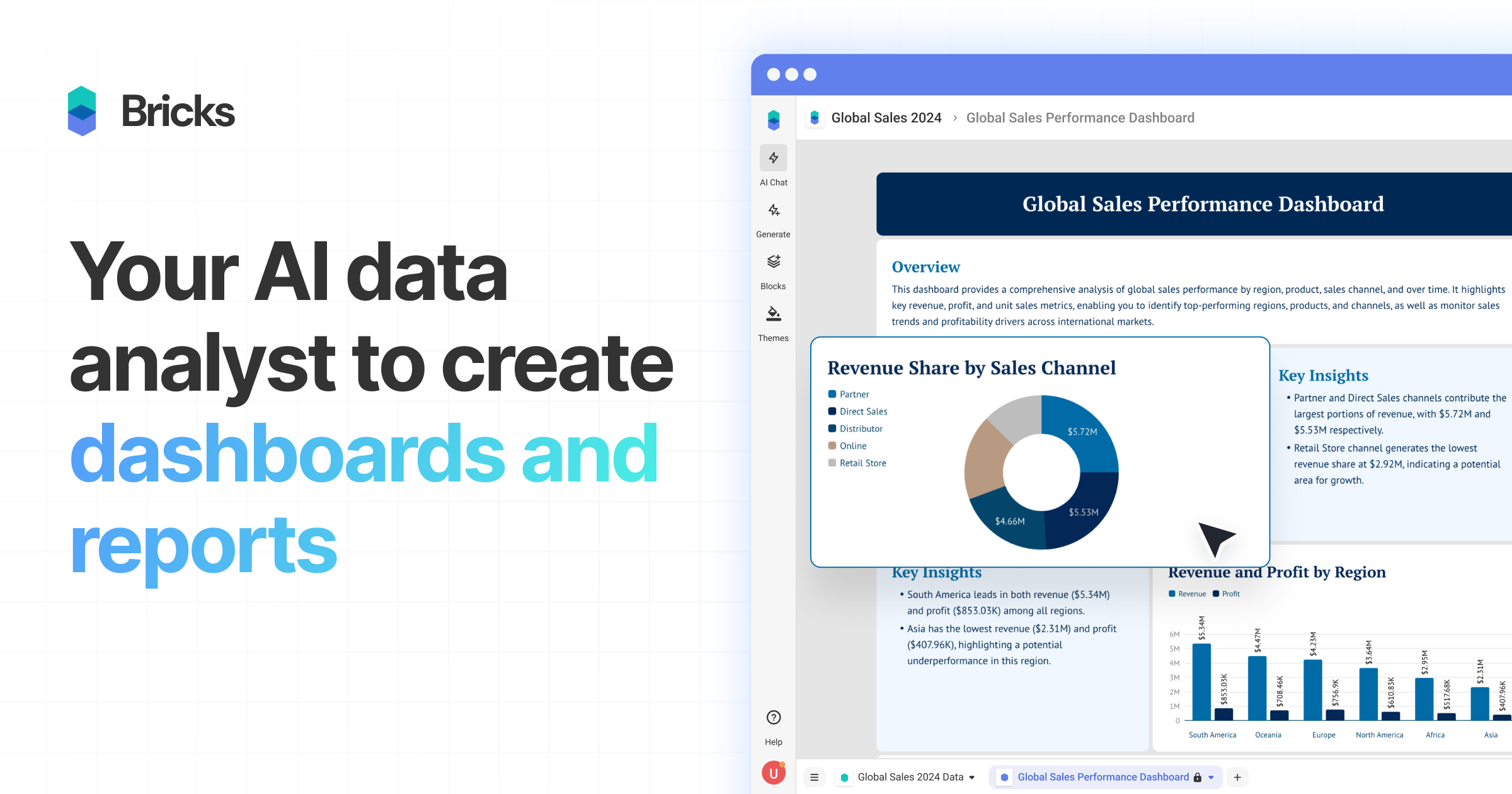
What It Does
Bricks integrates leading AI models like GPT, Claude, and DALL-E, along with any REST API, directly into spreadsheet cells via custom functions like `BRICKS.AI()` and `BRICKS.API()`. This allows users to perform tasks such as generating text, summarizing content, translating languages, classifying data, and fetching or sending data to external applications. It essentially turns a spreadsheet into a powerful, automated hub for data manipulation, content generation, and system integration.
Pricing
Pricing Plans
A free plan to get started with basic AI and API integrations in your spreadsheets.
- 200 credits/month
- 1 user
- Community support
- Basic AI models
Designed for individual professionals needing more extensive AI and API capabilities.
- 10,000 credits/month
- 1 user
- Priority support
- Custom functions
- Premium AI models
- +1 more
For small teams looking to automate and scale their data-driven workflows with comprehensive features.
- 50,000 credits/month
- 5 users
- Custom functions
- Premium AI models
- Custom integrations
- +1 more
Tailored solutions for large organizations with specific needs for scale, security, and dedicated resources.
- Custom credits
- Unlimited users
- Dedicated infrastructure
- SLA and security
- Onboarding & training
Core Value Propositions
Automate Complex Spreadsheet Tasks
Eliminate manual data entry, cleaning, and processing by embedding AI and API calls directly into your cells, saving significant time and reducing errors.
Integrate AI & APIs Seamlessly
Bring the power of leading AI models and external business applications directly into your workflow without leaving your spreadsheet, enhancing data intelligence and connectivity.
Boost Productivity & Efficiency
Streamline operations and accelerate content creation, data analysis, and reporting, allowing teams to focus on strategic tasks rather than repetitive data manipulation.
Empower Non-Technical Users
Democratize advanced automation and AI capabilities, enabling business users to build sophisticated workflows without requiring coding expertise.
Use Cases
Generate Marketing Content
Automatically create variations of ad copy, social media posts, and product descriptions based on existing data or prompts.
Automate Lead Qualification
Use AI to analyze lead data, classify prospects, and enrich CRM information by pulling data from external APIs.
Sentiment Analysis of Reviews
Process customer reviews or feedback at scale, extracting sentiment and key themes directly within your spreadsheet for quick insights.
Real-time Data Reporting
Pull live data from financial services, analytics platforms, or social media APIs into your spreadsheet for dynamic dashboards and reports.
Data Cleaning and Classification
Automatically clean messy datasets, extract specific entities, or classify text data into categories, improving data quality for analysis.
Personalized Email Outreach
Generate personalized email subject lines and body content for sales or marketing campaigns based on recipient data in your sheet.
Technical Features & Integration
AI Models in Cells
Access powerful AI models (GPT, Claude, Gemini) directly from spreadsheet cells using `BRICKS.AI()` for tasks like text generation, summarization, and classification, enhancing data intelligence.
API Integration
Connect to any REST API (e.g., Stripe, HubSpot, Google Analytics) within cells using `BRICKS.API()`, enabling real-time data retrieval and interaction with external services.
Content Generation
Generate various content types, including marketing copy, product descriptions, social media posts, and email drafts, directly from your data using AI prompts.
Data Automation & Enrichment
Automate data cleaning, classification, extraction of entities, and enrichment of datasets, significantly reducing manual effort and improving data quality.
Custom AI Functions
Define and save your own custom AI functions, tailoring the tool to specific, repeatable tasks and workflows unique to your business needs.
Image Generation
Utilize integrated DALL-E capabilities to generate images directly within your spreadsheet, useful for content creation and visual asset management.
No-Code Workflow Builder
Empower users without programming skills to build complex automated workflows and integrations, making advanced functionalities accessible to a broader audience.
Pre-built Templates
Leverage a library of ready-to-use templates for common tasks like lead qualification, content planning, and sentiment analysis to get started quickly.
Target Audience
Bricks is ideal for data analysts, marketing professionals, sales teams, operations managers, and small business owners who heavily rely on spreadsheets. It targets anyone looking to automate repetitive data tasks, integrate external services, or leverage AI for content creation and data processing within a familiar spreadsheet interface.
Frequently Asked Questions
Bricks offers a free plan with limited features. Paid plans are available for additional features and capabilities. Available plans include: Free, Pro, Business, Enterprise.
Bricks integrates leading AI models like GPT, Claude, and DALL-E, along with any REST API, directly into spreadsheet cells via custom functions like `BRICKS.AI()` and `BRICKS.API()`. This allows users to perform tasks such as generating text, summarizing content, translating languages, classifying data, and fetching or sending data to external applications. It essentially turns a spreadsheet into a powerful, automated hub for data manipulation, content generation, and system integration.
Key features of Bricks include: AI Models in Cells: Access powerful AI models (GPT, Claude, Gemini) directly from spreadsheet cells using `BRICKS.AI()` for tasks like text generation, summarization, and classification, enhancing data intelligence.. API Integration: Connect to any REST API (e.g., Stripe, HubSpot, Google Analytics) within cells using `BRICKS.API()`, enabling real-time data retrieval and interaction with external services.. Content Generation: Generate various content types, including marketing copy, product descriptions, social media posts, and email drafts, directly from your data using AI prompts.. Data Automation & Enrichment: Automate data cleaning, classification, extraction of entities, and enrichment of datasets, significantly reducing manual effort and improving data quality.. Custom AI Functions: Define and save your own custom AI functions, tailoring the tool to specific, repeatable tasks and workflows unique to your business needs.. Image Generation: Utilize integrated DALL-E capabilities to generate images directly within your spreadsheet, useful for content creation and visual asset management.. No-Code Workflow Builder: Empower users without programming skills to build complex automated workflows and integrations, making advanced functionalities accessible to a broader audience.. Pre-built Templates: Leverage a library of ready-to-use templates for common tasks like lead qualification, content planning, and sentiment analysis to get started quickly..
Bricks is best suited for Bricks is ideal for data analysts, marketing professionals, sales teams, operations managers, and small business owners who heavily rely on spreadsheets. It targets anyone looking to automate repetitive data tasks, integrate external services, or leverage AI for content creation and data processing within a familiar spreadsheet interface..
Eliminate manual data entry, cleaning, and processing by embedding AI and API calls directly into your cells, saving significant time and reducing errors.
Bring the power of leading AI models and external business applications directly into your workflow without leaving your spreadsheet, enhancing data intelligence and connectivity.
Streamline operations and accelerate content creation, data analysis, and reporting, allowing teams to focus on strategic tasks rather than repetitive data manipulation.
Democratize advanced automation and AI capabilities, enabling business users to build sophisticated workflows without requiring coding expertise.
Automatically create variations of ad copy, social media posts, and product descriptions based on existing data or prompts.
Use AI to analyze lead data, classify prospects, and enrich CRM information by pulling data from external APIs.
Process customer reviews or feedback at scale, extracting sentiment and key themes directly within your spreadsheet for quick insights.
Pull live data from financial services, analytics platforms, or social media APIs into your spreadsheet for dynamic dashboards and reports.
Automatically clean messy datasets, extract specific entities, or classify text data into categories, improving data quality for analysis.
Generate personalized email subject lines and body content for sales or marketing campaigns based on recipient data in your sheet.






Get new AI tools weekly
Join readers discovering the best AI tools every week.