
Aiarty Image Matting
Last updated:
Aiarty Image Matting is a free, AI-powered online tool specializing in highly precise image background removal. It leverages advanced artificial intelligence to accurately separate subjects from their backgrounds, even with intricate details like wispy hair, fine fur, or transparent elements. This tool streamlines workflows by offering professional-grade cutouts with a single click, making it an invaluable asset for designers, photographers, e-commerce businesses, and anyone needing efficient, high-quality image manipulation without complex software.
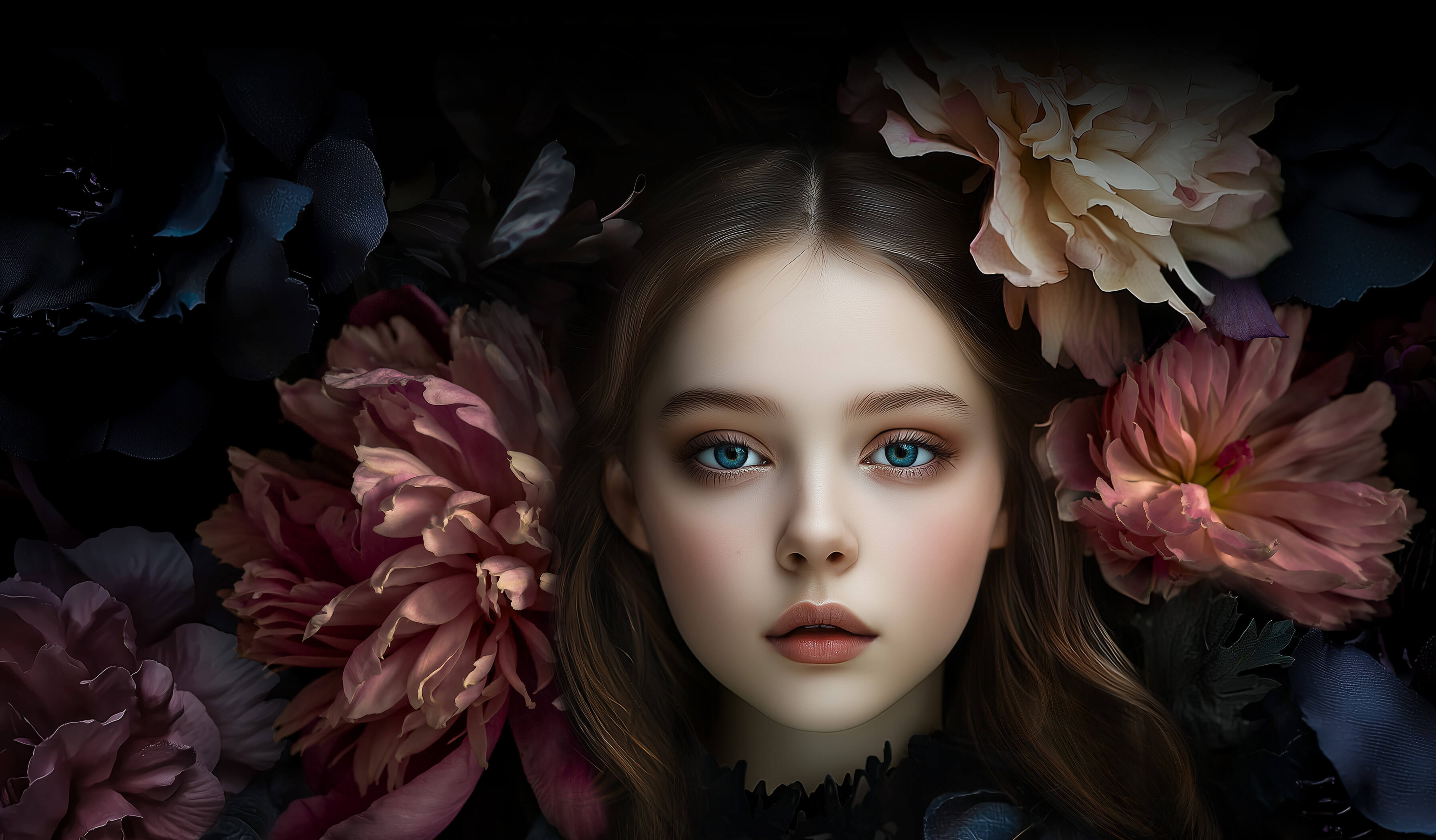
What It Does
The tool processes uploaded images by employing sophisticated AI algorithms to identify and isolate the main subject from its background. It automatically detects edges and nuances, performing 'matting' to create a clean, crisp cutout. Users simply upload an image, and the AI handles the complex task of precise background removal, delivering a high-quality transparent PNG or other specified format.
Pricing
Pricing Plans
Enjoy unlimited access to all features for precise image background removal without any cost or sign-up.
- AI-powered background removal
- Handles complex details (hair, fur, transparent objects)
- One-click operation
- Batch processing
- High-quality output
- +2 more
Core Value Propositions
Unmatched Precision for Intricate Details
Solves the common problem of fuzzy edges around hair or transparent objects, delivering clean, professional cutouts that are difficult to achieve manually.
Significant Time and Cost Savings
Eliminates the need for expensive software licenses or time-consuming manual editing, accelerating workflows for individuals and businesses.
Accessibility and Ease of Use
Provides a powerful, professional-grade tool that is free, online, and requires no technical expertise, making it available to a broad user base.
Boosted Productivity with Batch Processing
Allows users to process multiple images at once, drastically improving efficiency for projects involving large numbers of product photos or portraits.
Use Cases
E-commerce Product Photography
Quickly remove backgrounds from product photos to create clean, consistent listings for online stores like Shopify or Amazon.
Portrait and Headshot Enhancement
Isolate subjects from portraits to change backgrounds, create professional headshots, or integrate into composite images.
Graphic Design Asset Creation
Generate cutout elements for posters, flyers, web banners, and other marketing materials without manual masking.
Social Media Content Creation
Prepare engaging visuals for platforms like Instagram or Facebook by removing distracting backgrounds from photos.
Real Estate Image Editing
Highlight properties or architectural details by removing irrelevant background elements from exterior and interior photos.
Creative Art and Compositing
Extract specific objects or people from images to be used in digital art, collages, or complex photo manipulations.
Technical Features & Integration
AI-Powered Precision Matting
Utilizes advanced AI to accurately distinguish subjects from backgrounds, ensuring clean and precise cutouts even for complex elements.
Complex Edge Handling
Excels at processing difficult details such as hair, fur, and transparent objects, delivering natural-looking and high-quality results.
One-Click Background Removal
Simplifies the process to a single click, automatically generating a professional-grade cutout without manual selection or refinement.
Batch Processing Capability
Allows users to upload and process multiple images simultaneously, significantly enhancing productivity for large volumes of work.
High-Quality Output
Generates cutouts with sharp edges and smooth transitions, suitable for professional use in various design and marketing applications.
Supports Multiple Formats
Accepts and outputs images in popular formats like JPG, PNG, BMP, and GIF, ensuring broad compatibility with different workflows.
No Registration or Download
Offers instant access and usage directly through a web browser, eliminating barriers like account creation or software installation.
Completely Free to Use
Provides all its powerful features without any cost, making professional background removal accessible to everyone.
Target Audience
This tool is ideal for graphic designers, photographers, e-commerce managers, marketing professionals, and social media content creators. Anyone who frequently needs to isolate subjects from images for product listings, ad campaigns, profile pictures, or creative projects will find it highly beneficial.
Frequently Asked Questions
Yes, Aiarty Image Matting is completely free to use. Available plans include: Free.
The tool processes uploaded images by employing sophisticated AI algorithms to identify and isolate the main subject from its background. It automatically detects edges and nuances, performing 'matting' to create a clean, crisp cutout. Users simply upload an image, and the AI handles the complex task of precise background removal, delivering a high-quality transparent PNG or other specified format.
Key features of Aiarty Image Matting include: AI-Powered Precision Matting: Utilizes advanced AI to accurately distinguish subjects from backgrounds, ensuring clean and precise cutouts even for complex elements.. Complex Edge Handling: Excels at processing difficult details such as hair, fur, and transparent objects, delivering natural-looking and high-quality results.. One-Click Background Removal: Simplifies the process to a single click, automatically generating a professional-grade cutout without manual selection or refinement.. Batch Processing Capability: Allows users to upload and process multiple images simultaneously, significantly enhancing productivity for large volumes of work.. High-Quality Output: Generates cutouts with sharp edges and smooth transitions, suitable for professional use in various design and marketing applications.. Supports Multiple Formats: Accepts and outputs images in popular formats like JPG, PNG, BMP, and GIF, ensuring broad compatibility with different workflows.. No Registration or Download: Offers instant access and usage directly through a web browser, eliminating barriers like account creation or software installation.. Completely Free to Use: Provides all its powerful features without any cost, making professional background removal accessible to everyone..
Aiarty Image Matting is best suited for This tool is ideal for graphic designers, photographers, e-commerce managers, marketing professionals, and social media content creators. Anyone who frequently needs to isolate subjects from images for product listings, ad campaigns, profile pictures, or creative projects will find it highly beneficial..
Solves the common problem of fuzzy edges around hair or transparent objects, delivering clean, professional cutouts that are difficult to achieve manually.
Eliminates the need for expensive software licenses or time-consuming manual editing, accelerating workflows for individuals and businesses.
Provides a powerful, professional-grade tool that is free, online, and requires no technical expertise, making it available to a broad user base.
Allows users to process multiple images at once, drastically improving efficiency for projects involving large numbers of product photos or portraits.
Quickly remove backgrounds from product photos to create clean, consistent listings for online stores like Shopify or Amazon.
Isolate subjects from portraits to change backgrounds, create professional headshots, or integrate into composite images.
Generate cutout elements for posters, flyers, web banners, and other marketing materials without manual masking.
Prepare engaging visuals for platforms like Instagram or Facebook by removing distracting backgrounds from photos.
Highlight properties or architectural details by removing irrelevant background elements from exterior and interior photos.
Extract specific objects or people from images to be used in digital art, collages, or complex photo manipulations.




Get new AI tools weekly
Join readers discovering the best AI tools every week.