
Gptkids AI Tutor vs Vsub

Vsub wins in 1 out of 4 categories.
Rating
Neither tool has been rated yet.
Popularity
Vsub is more popular with 35 views.
Pricing
Both tools have freemium pricing.
Community Reviews
Both tools have a similar number of reviews.
| Criteria | Gptkids AI Tutor | Vsub |
|---|---|---|
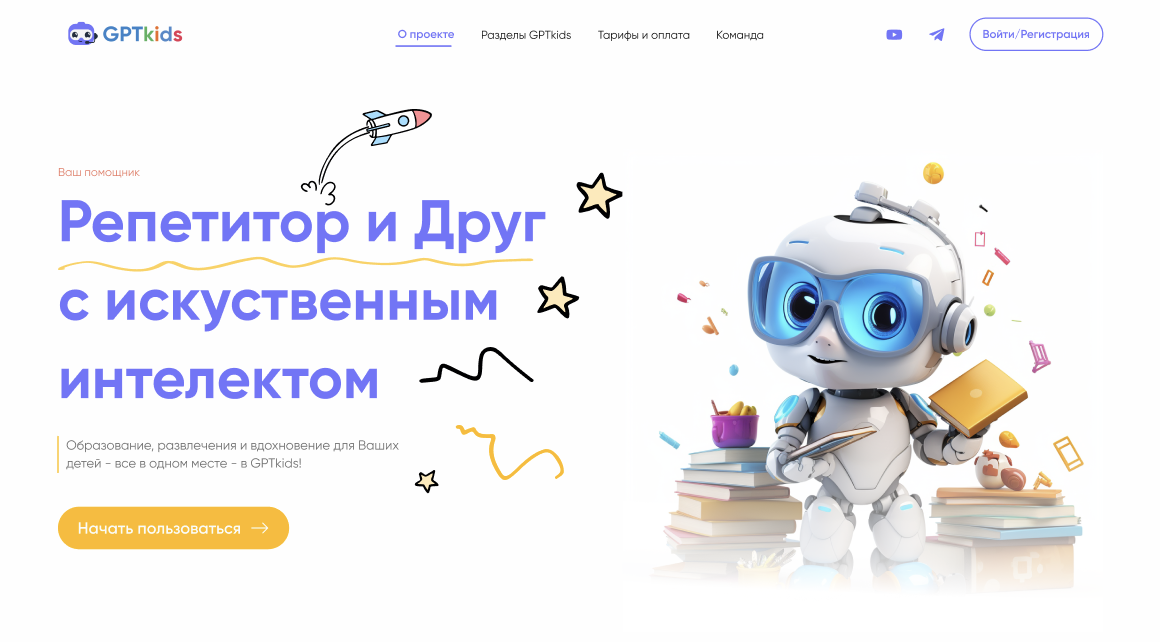
| Description | Gptkids AI Tutor is an AI-powered educational and creative platform specifically designed for schoolchildren and their parents. It functions as a personalized AI tutor, offering comprehensive assistance with homework across various subjects, stimulating creativity through writing prompts, and making the learning process both engaging and effective. The tool aims to support academic development while providing a fun and interactive educational experience, available 24/7. | Vsub is an AI-powered platform designed to streamline the creation of engaging faceless videos, enabling users to produce high-quality content without needing to appear on camera. It automates the entire video generation process, from scriptwriting and natural-sounding voiceovers to the selection of relevant visuals and footage. This tool is ideal for content creators, marketers, and businesses seeking efficient, scalable, and professional video production, significantly reducing the time and resources typically required for video editing. |
| What It Does | Gptkids AI Tutor leverages artificial intelligence to provide personalized learning support. It helps children understand complex topics, complete homework assignments, and develop creative writing skills by generating stories, poems, and essays. The platform offers an interactive environment where students can ask questions and receive clear, simplified explanations, fostering independent learning and academic growth. | Vsub takes a text input, topic, or article and leverages AI to generate a complete video. It automatically crafts a compelling script, creates realistic voiceovers in multiple languages, and sources appropriate stock footage and images. Users can then customize the generated video with music, subtitles, and branding before exporting it for various platforms. |
| Pricing Type | freemium | freemium |
| Pricing Model | freemium | freemium |
| Pricing Plans | Free: Free, Basic: 199, Advanced: 499 | Free Trial: Free, Starter: 19, Pro: 49 |
| Rating | N/A | N/A |
| Reviews | N/A | N/A |
| Views | 28 | 35 |
| Verified | No | No |
| Key Features | Personalized Homework Help, Creative Writing Prompts, Simplified Subject Explanations, Interactive Q&A Learning, Parental Control & Safety | AI Script Generation, AI Voiceover Generation, Automated Visual Selection, Integrated Video Editor, Multi-Platform Export |
| Value Propositions | Personalized Academic Support, Enhanced Creative Development, Engaging & Effective Learning | Rapid Video Production, No On-Camera Appearance Needed, Cost-Effective Content Creation |
| Use Cases | Homework Completion Assistance, Creative Writing & Storytelling, Exam Preparation & Revision, Subject Exploration & Deepening, Parental Learning Support | Social Media Content Creation, Blog Post to Video Conversion, Product Explainer Videos, Educational & Training Modules, Affiliate Marketing Videos |
| Target Audience | This tool is primarily designed for schoolchildren from elementary to middle school age who need academic assistance and creative outlets. It also caters to parents seeking an effective, engaging, and safe AI tutor to support their children's learning and development at home. | Vsub primarily targets content creators, social media managers, digital marketers, and small to medium-sized businesses looking to produce high volumes of video content efficiently. It's particularly beneficial for those who prefer not to appear on camera or lack the resources for complex video production and editing. |
| Categories | Text & Writing, Text Generation, Learning, Tutoring | Text Generation, Audio Generation, Video Generation, Automation |
| Tags | ai tutor, educational ai, homework helper, kids learning, creative writing, student aid, parental control, k-12 education, ai for children, personalized learning | ai video generator, faceless videos, content creation, scriptwriting ai, ai voiceover, stock footage, video automation, social media video, marketing video, text to video |
| GitHub Stars | N/A | N/A |
| Last Updated | N/A | N/A |
| Website | gptkids.ru | vsub.io |
| GitHub | N/A | N/A |
Who is Gptkids AI Tutor best for?
This tool is primarily designed for schoolchildren from elementary to middle school age who need academic assistance and creative outlets. It also caters to parents seeking an effective, engaging, and safe AI tutor to support their children's learning and development at home.
Who is Vsub best for?
Vsub primarily targets content creators, social media managers, digital marketers, and small to medium-sized businesses looking to produce high volumes of video content efficiently. It's particularly beneficial for those who prefer not to appear on camera or lack the resources for complex video production and editing.



