
Genji vs Slacksift
Both tools are evenly matched across our comparison criteria.
Rating
Neither tool has been rated yet.
Popularity
Both tools have similar popularity.
Pricing
Both tools have freemium pricing.
Community Reviews
Both tools have a similar number of reviews.
| Criteria | Genji | Slacksift |
|---|---|---|
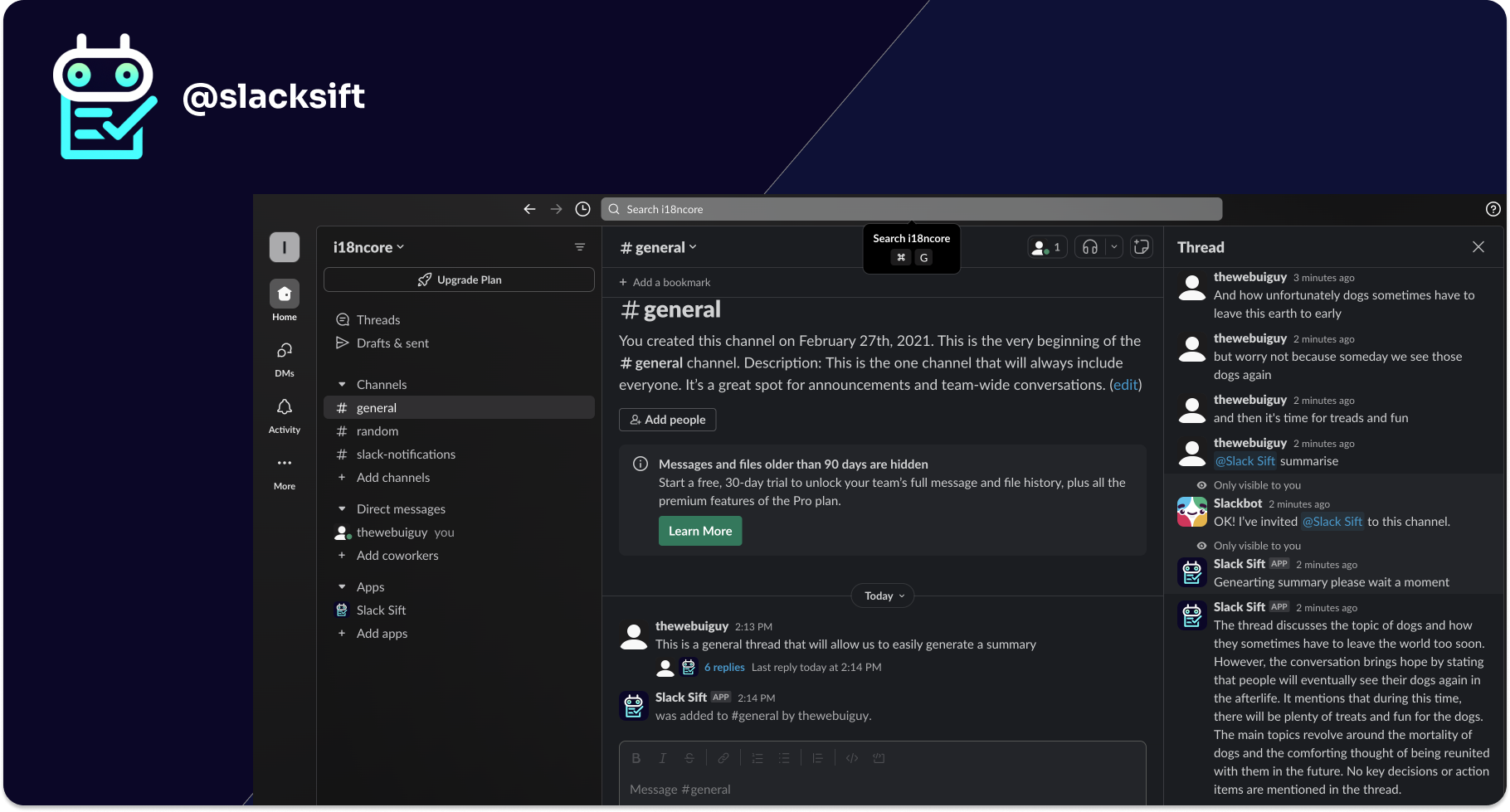
| Description | Genji is an advanced AI browser assistant designed to seamlessly integrate into the user's Chrome workflow, automating repetitive online tasks, summarizing web content, and generating text directly within any webpage. It distinguishes itself by intelligently learning user actions and preferences, enabling personalized automation that adapts to individual workflows. This capability helps users save significant time and effort by streamlining routine browser-based activities, making digital work more efficient and productive. | Slacksift is an AI-powered tool designed to streamline communication within Slack by providing instant summaries and analysis of conversations. It helps users quickly grasp the essence of lengthy threads, identify key information, and extract action items, significantly reducing information overload and improving overall team productivity. By integrating directly into Slack, it offers a seamless experience for individuals and teams looking to optimize their communication workflow and ensure no critical details are missed amidst the daily deluge of messages. |
| What It Does | Genji operates as a Chrome extension, observing user interactions to understand and learn repetitive patterns for various online tasks. Users can then prompt Genji to automate these actions, such as filling forms, extracting specific data, or generating context-aware responses and summaries. By working directly within the browser, it eliminates the need for constant copy-pasting and switching between applications, embedding AI assistance into everyday browsing. | Slacksift utilizes advanced AI to process Slack threads, channels, and direct messages, generating concise summaries. Users can request summaries via slash commands or context menus, and even pose custom questions to extract specific information or action items from conversations. This functionality allows for rapid comprehension and efficient information retrieval from complex and ongoing discussions. |
| Pricing Type | freemium | freemium |
| Pricing Model | freemium | freemium |
| Pricing Plans | Free: Free, Pro: 19, Pro (Monthly): 29 | Free: Free, Pro: 10, Team: 20 |
| Rating | N/A | N/A |
| Reviews | N/A | N/A |
| Views | 27 | 27 |
| Verified | No | No |
| Key Features | Context-Aware AI, Personalized Automation Learning, In-Browser Text Generation, Web Content Summarization, Automated Form Filling | AI-Powered Summaries, Custom Prompts & Q&A, Direct Slack Integration, Support for All Conversation Types, Action Item Extraction |
| Value Propositions | Boost Productivity & Efficiency, Personalized AI Assistant, Seamless In-Browser Experience | Reduce Information Overload, Save Time & Boost Productivity, Never Miss Key Details |
| Use Cases | Customer Support Responses, Sales Email Personalization, Marketing Content Generation, Research & Article Summarization, Automated Data Entry | Onboarding New Team Members, Catching Up After Absence, Project Status Updates, Meeting Preparation, Information Retrieval for Decisions |
| Target Audience | This tool is ideal for professionals across various sectors, including customer support, sales, marketing, and research, who spend significant time on repetitive browser-based tasks. It also benefits content creators, researchers, and anyone looking to enhance their digital productivity by automating routine online activities and leveraging AI for content creation and summarization. | Slacksift is ideal for teams, project managers, busy executives, and anyone who struggles with information overload in Slack. It particularly benefits remote and hybrid teams needing to quickly catch up on asynchronous conversations, ensuring everyone stays informed without sifting through endless messages. |
| Categories | Text Generation, Text Summarization, Business & Productivity, Automation | Text & Writing, Text Summarization, Business & Productivity, Automation |
| Tags | browser assistant, automation, text generation, summarization, productivity, chrome extension, ai assistant, workflow automation, content creation, data extraction | slack, ai summarization, productivity, communication tool, team collaboration, information retrieval, conversation analysis, ai assistant, workflow automation, knowledge management |
| GitHub Stars | N/A | N/A |
| Last Updated | N/A | N/A |
| Website | www.genji.app | www.slacksift.com |
| GitHub | N/A | N/A |
Who is Genji best for?
This tool is ideal for professionals across various sectors, including customer support, sales, marketing, and research, who spend significant time on repetitive browser-based tasks. It also benefits content creators, researchers, and anyone looking to enhance their digital productivity by automating routine online activities and leveraging AI for content creation and summarization.
Who is Slacksift best for?
Slacksift is ideal for teams, project managers, busy executives, and anyone who struggles with information overload in Slack. It particularly benefits remote and hybrid teams needing to quickly catch up on asynchronous conversations, ensuring everyone stays informed without sifting through endless messages.




