
Code Screenshot vs Liner AI
Liner AI wins in 1 out of 4 categories.
Rating
Not yet rated
Not yet rated
Neither tool has been rated yet.
Popularity
58 views
61 views
Liner AI is more popular with 61 views.
Pricing
Free
Free
Both tools have free pricing.
Community Reviews
0 reviews
0 reviews
Both tools have a similar number of reviews.
| Criteria | Code Screenshot | Liner AI |
|---|---|---|
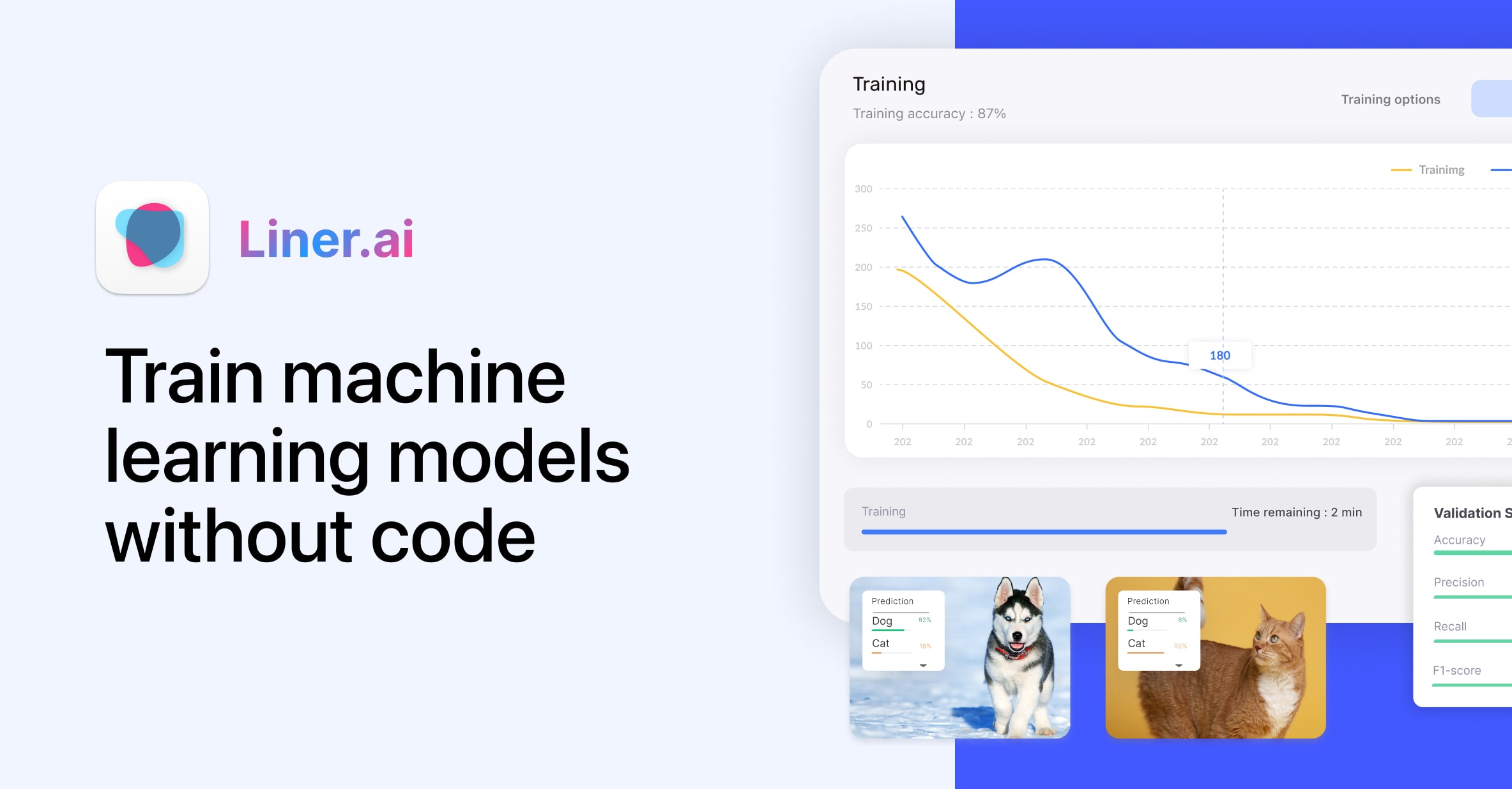
| Description | Secure, client-side tool for creating aesthetically pleasing screenshots of code snippets with various customization options for easy sharing and documentation. | Liner AI is an innovative, free, no-code platform empowering individuals and teams to build, train, and deploy machine learning models with remarkable ease. It demystifies complex AI development by providing an intuitive visual interface, enabling users to transform raw data into predictive insights without writing a single line of code. From data preparation to model deployment as scalable APIs, Liner AI offers a comprehensive, end-to-end solution for democratizing advanced AI, making it accessible to business analysts, domain experts, and citizen data scientists alike. The platform stands out by offering robust MLOps capabilities in a user-friendly environment, fostering rapid iteration and deployment of AI-powered applications. |
| What It Does | Generates highly customizable, professional-looking image files (PNG, JPG, SVG) from user-provided code, focusing on simplicity and privacy. | Liner AI streamlines the entire machine learning lifecycle through its no-code interface. Users can upload and prepare their data, visually construct and train various ML models like classification and regression, and then evaluate their performance with clear metrics. Finally, the platform facilitates one-click deployment of these trained models as secure, scalable REST APIs, ready for integration into any application or system. |
| Pricing Type | free | free |
| Pricing Model | free | free |
| Pricing Plans | Free: Free | Free: Free |
| Rating | N/A | N/A |
| Reviews | N/A | N/A |
| Views | 58 | 61 |
| Verified | No | No |
| Key Features | N/A | N/A |
| Value Propositions | N/A | N/A |
| Use Cases | N/A | N/A |
| Target Audience | Software developers, programmers, technical bloggers, educators, and anyone needing to visually present code in a clear and attractive manner. | Data scientists, ML engineers, business analysts, researchers, and developers looking to quickly build and deploy ML solutions without deep coding expertise. |
| Categories | Design, Code & Development | Code & Development, Data Analysis, Automation, Data Processing |
| Tags | N/A | N/A |
| GitHub Stars | N/A | N/A |
| Last Updated | N/A | N/A |
| Website | vkrsi.com | liner.ai |
| GitHub | N/A | N/A |
Who is Code Screenshot best for?
Software developers, programmers, technical bloggers, educators, and anyone needing to visually present code in a clear and attractive manner.
Who is Liner AI best for?
Data scientists, ML engineers, business analysts, researchers, and developers looking to quickly build and deploy ML solutions without deep coding expertise.
Frequently Asked Questions
Neither tool has been rated yet. The best choice depends on your specific needs and use case.
Yes, Code Screenshot is free to use.
Yes, Liner AI is free to use.
The main differences include pricing (free vs free), user ratings (not yet rated vs not yet rated), and community engagement (0 vs 0 reviews). Compare features above for a detailed breakdown.
Code Screenshot is best for Software developers, programmers, technical bloggers, educators, and anyone needing to visually present code in a clear and attractive manner.. Liner AI is best for Data scientists, ML engineers, business analysts, researchers, and developers looking to quickly build and deploy ML solutions without deep coding expertise..


