
Call An AI vs Subeasy AI
Call An AI wins in 1 out of 4 categories.
Rating
Neither tool has been rated yet.
Popularity
Call An AI is more popular with 60 views.
Pricing
Both tools have freemium pricing.
Community Reviews
Both tools have a similar number of reviews.
| Criteria | Call An AI | Subeasy AI |
|---|---|---|
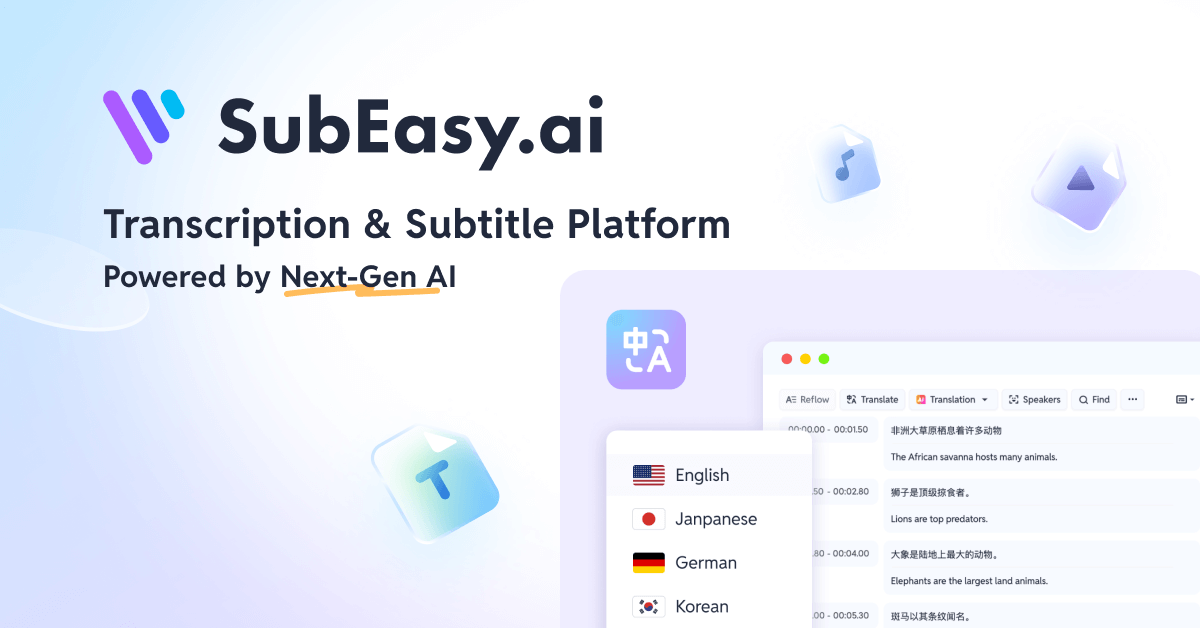
| Description | Call An AI is an innovative platform that provides real-time voice interaction with a selection of leading AI models, including ChatGPT, Claude, and Llama, directly through a simple phone call. It removes the friction of apps or complex setups, offering users immediate, hands-free assistance for a wide range of tasks. This tool is designed for anyone seeking quick information, enhanced productivity, or conversational AI support, making advanced AI accessible anytime, anywhere via a standard telephone. | Subeasy AI is an advanced AI-powered platform specializing in high-accuracy transcription and translation services for audio and video content. It supports over 100 languages, enabling users to convert spoken words into text and translate them, significantly enhancing communication, content accessibility, and global reach. The tool is designed for efficiency, offering features like speaker diarization, timestamping, and an intuitive online editor to streamline the workflow for various professional and personal applications. |
| What It Does | The platform allows users to dial a designated phone number, select their preferred AI model, and then communicate their queries verbally. Call An AI handles the intricate process of converting speech to text for AI processing and then converting the AI's text response back into natural-sounding speech. This enables a seamless, bidirectional voice conversation, with the added benefit of the AI remembering past interactions for contextual continuity. | Subeasy AI takes audio or video files and processes them using advanced artificial intelligence to generate accurate text transcripts. Beyond transcription, it offers robust translation capabilities, converting the transcribed text into more than 100 languages. Users can then review, edit, and export these transcripts and subtitles in various formats, making content accessible and understandable across different linguistic and auditory needs. |
| Pricing Type | freemium | freemium |
| Pricing Model | freemium | freemium |
| Pricing Plans | Free Trial: Free, Pay As You Go: 0.10, Monthly Plan: 9.99 | Free Trial: Free, Pay As You Go: 0.10, Pro Plan (Monthly): 19.99 |
| Rating | N/A | N/A |
| Reviews | N/A | N/A |
| Views | 60 | 43 |
| Verified | No | No |
| Key Features | N/A | N/A |
| Value Propositions | N/A | N/A |
| Use Cases | N/A | N/A |
| Target Audience | This tool is perfectly suited for busy professionals, students, and individuals who require immediate, hands-free access to AI for information, brainstorming, or productivity tasks. It particularly benefits those in situations where typing or interacting with a screen is impractical, such as while driving, cooking, or performing manual labor, as well as anyone preferring voice-first interfaces. | This tool is ideal for content creators (YouTubers, podcasters), businesses needing to transcribe meetings or webinars, educators preparing accessible course materials, and media professionals requiring accurate subtitles for global distribution. It also serves researchers conducting qualitative studies and anyone focused on enhancing content accessibility and multilingual communication. |
| Categories | Text & Writing, Text Generation, Text Summarization, Text Translation, Text Editing, Audio Generation, Business & Productivity, Video & Audio, Transcription, Education & Research, Email Writer | Text Translation, Transcription |
| Tags | N/A | N/A |
| GitHub Stars | N/A | N/A |
| Last Updated | N/A | N/A |
| Website | callanai.com | www.subeasy.ai |
| GitHub | N/A | N/A |
Who is Call An AI best for?
This tool is perfectly suited for busy professionals, students, and individuals who require immediate, hands-free access to AI for information, brainstorming, or productivity tasks. It particularly benefits those in situations where typing or interacting with a screen is impractical, such as while driving, cooking, or performing manual labor, as well as anyone preferring voice-first interfaces.
Who is Subeasy AI best for?
This tool is ideal for content creators (YouTubers, podcasters), businesses needing to transcribe meetings or webinars, educators preparing accessible course materials, and media professionals requiring accurate subtitles for global distribution. It also serves researchers conducting qualitative studies and anyone focused on enhancing content accessibility and multilingual communication.



